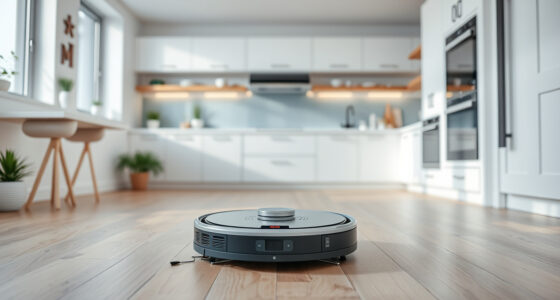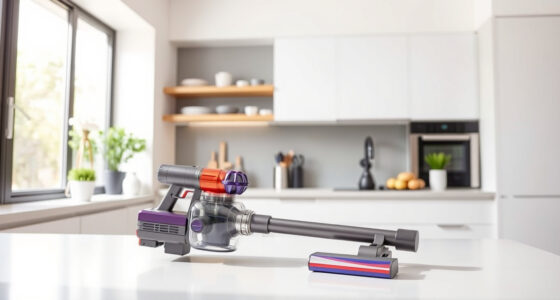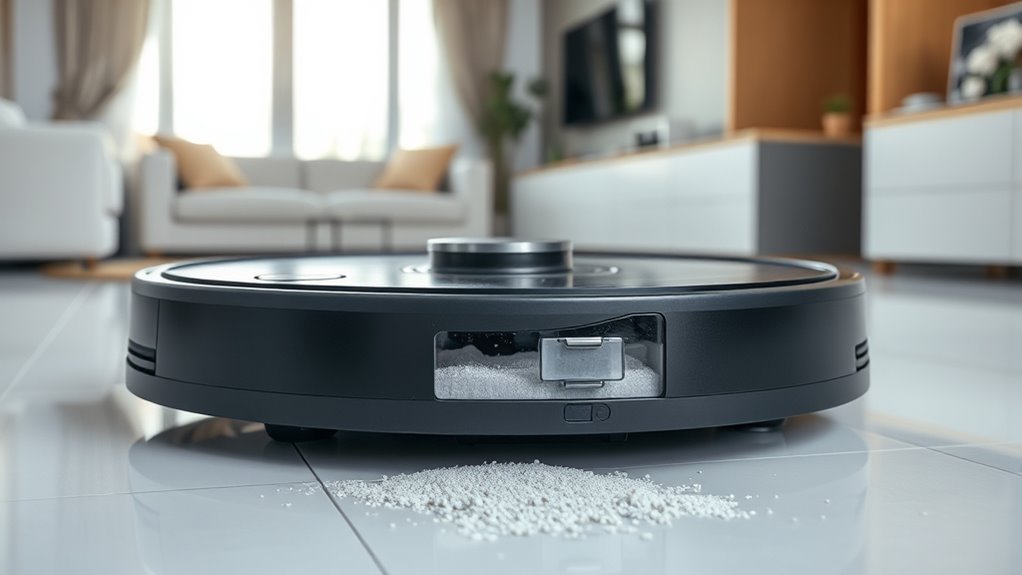

For ideal performance, empty your dustbin after each cleaning session when it’s about 75% full. This prevents weight and airflow issues that can weaken suction. Additionally, clean your sensors weekly or whenever your vacuum bumps into objects or misses spots. Use a soft cloth or brush to avoid damage. Keeping up with these simple steps helps guarantee your device runs smoothly and efficiently—stay tuned to learn more about maintaining your vacuum’s best condition.
Key Takeaways
- Check the dustbin after each cleaning session and empty it when it’s about 75% full.
- Clean sensors weekly or more often if the vacuum misbehaves or bumps into objects.
- Use a soft, dry cloth or gentle brush to remove dust and debris from sensors.
- Regular maintenance prevents suction loss, overheating, and navigation errors.
- Consistent upkeep extends the vacuum’s lifespan and ensures optimal cleaning performance.
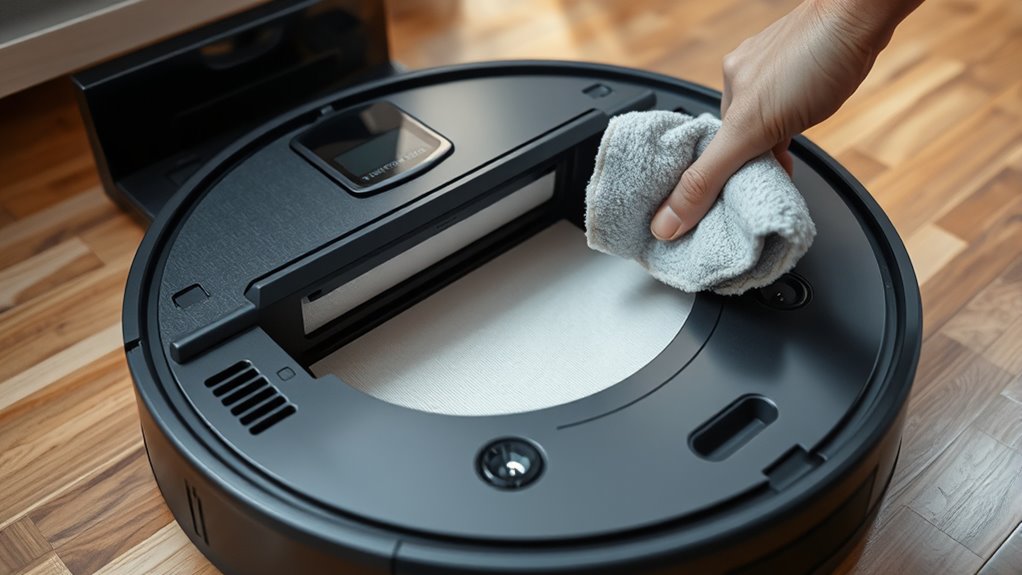
Regularly emptying your vacuum’s dustbin and cleaning its sensors are vital for ideal performance. When you neglect dustbin maintenance, your vacuum can become less efficient, struggle to pick up debris, or even malfunction. A full dustbin weighs down the vacuum and reduces airflow, making it harder for the device to operate smoothly. To keep your vacuum working at its best, you should check the dustbin frequently, ideally after each cleaning session or when it reaches about 75% capacity. Emptying it regularly prevents blockages and maintains suction power, ensuring your vacuum cleans thoroughly every time.
In addition to dustbin maintenance, sensor cleaning frequency plays a key role in maintaining peak operation. Modern vacuums rely heavily on sensors to navigate your home, avoid obstacles, and prevent falls. Dust and debris can accumulate on these sensors, impairing their ability to detect obstacles correctly. You should inspect and clean your sensors at least once a week, especially if you notice your vacuum bumping into objects or missing spots. Use a soft, dry cloth or a gentle brush to remove dust and dirt from the sensors. Avoid using harsh chemicals or water, as moisture can damage sensitive components. Consistent sensor cleaning keeps your vacuum’s navigation accurate, reducing the chances of missed areas or collisions.
Keeping up with regular dustbin maintenance and sensor cleaning creates a cycle of peak performance. If you ignore dustbin maintenance, your vacuum’s suction drops, and it may overheat or shut down prematurely. Similarly, neglecting sensor cleaning can cause your device to behave erratically, missing debris or getting stuck. Developing a routine—checking the dustbin after each use and cleaning sensors weekly—helps you prevent these issues. Remember, the more often you attend to these tasks, the less likely you are to experience problems. This proactive approach also extends the lifespan of your vacuum by reducing strain on its motor and sensors.

Shark Clean & Empty Cordless Stick Vacuum | Auto-Empty System | Lightweight Cleaner with HEPA Filter | Exclusive Motorized Hand Tool for Pet Hair | Carpets & Hard Floors | 40-Min Runtime | BU3523
- Auto-Empty System: Automatically empties into 1.3L base
- Lightweight Design: 30% lighter than Shark Vertex Pro
- Pet Hair Removal: Motorized hand tool for pet hair
As an affiliate, we earn on qualifying purchases.
As an affiliate, we earn on qualifying purchases.
Frequently Asked Questions
Can Overfilling the Dustbin Damage My Vacuum Cleaner?
Yes, overfilling your vacuum’s dustbin can damage it. When the dustbin exceeds its capacity, debris may clog the filters or strain the motor, leading to reduced performance. Additionally, overfilled dustbins can affect sensor longevity, causing sensors to misread or malfunction. To keep your vacuum running efficiently and protect its components, empty the dustbin regularly and avoid letting it fill beyond the recommended capacity.
Should Sensors Be Cleaned After Every Cleaning Session?
Cleaning your sensors after every session is like giving your vacuum a shot of adrenaline—keeps it performing at peak. You should clean sensors regularly to maintain proper sensor calibration and prevent dust from clogging vital parts. If the dustbin nears capacity, empty it promptly. This prevents overfilling, which can damage your vacuum. Regularly cleaning sensors guarantees your device runs smoothly, and keeps dust and debris from sneaking past the sensors and causing issues.
What Types of Cleaning Agents Are Safe for Sensors?
You should use gentle, non-abrasive cleaning agents for sensor safety. Avoid harsh chemicals like alcohol-based cleaners or solvents, as they can damage sensitive components. Instead, opt for a soft cloth dampened with water or a mild, electronics-safe cleaning solution. Always guarantee your device is powered off before cleaning, and never spray cleaning agents directly onto sensors. This approach helps maintain sensor accuracy and prolongs their lifespan.
How Can I Tell if Sensors Are Malfunctioning?
You can tell if sensors are malfunctioning if your device’s performance declines or if it struggles with navigation. Check for irregular sensor calibration results or inconsistent obstacle detection. Also, monitor the dustbin capacity indicator; a full dustbin can cause sensors to misread or malfunction. Regularly cleaning sensors and ensuring proper calibration helps maintain accuracy and prevents false readings, keeping your device running smoothly.
Does the Frequency of Cleaning Vary With Different Flooring Types?
Yes, the cleaning schedule varies with flooring sensitivity. If you have high-pile carpets or delicate surfaces, you should clean the sensors more frequently to prevent dust buildup that could cause malfunctions. For hard, durable floors, a less frequent schedule works fine. Adjust your cleaning routine based on your flooring type to guarantee peak sensor performance and avoid false readings or navigation issues.
Conclusion
So, don’t wait too long to empty your dustbin or clean your sensors. Doing it weekly keeps your device running smoothly and prevents clogs or errors. I know it might seem like a hassle, but regular maintenance saves you time in the long run. Plus, your device will work more efficiently, saving you energy and frustration. Make it a quick weekly habit, and you’ll keep everything in top shape without much effort.