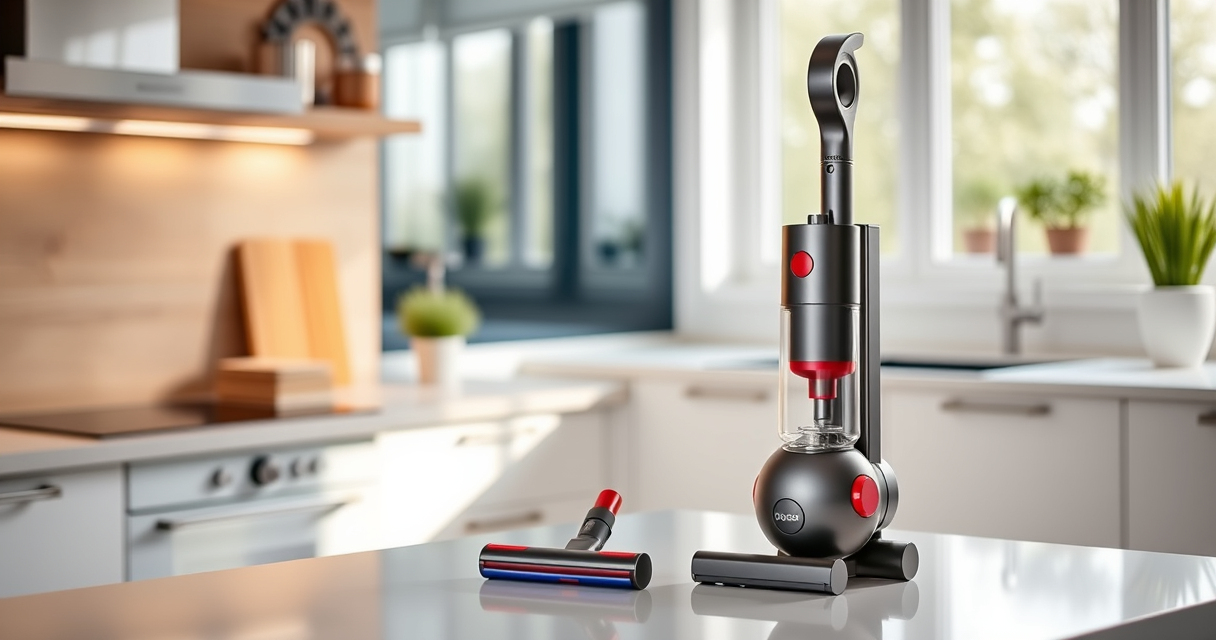
How to Set Up Your Dyson V15 Detect™ Origin Cordless Vacuum

Unboxing and setting up your new Dyson V15 Detect™ Origin Cordless Vacuum is a straightforward process that ensures you get the most out of its powerful features. Proper initial setup not only guarantees effective cleaning but also extends the lifespan of your vacuum. Whether you’re a first-time Dyson user or upgrading from an older model, following these clear, step-by-step instructions will help you get started quickly and safely.

Before beginning, gather the necessary accessories and ensure you have a clean, open space to work in. Familiarize yourself with the components, and remember to follow safety precautions to avoid damage or injury during assembly.

Key Takeaways

Powerful cleaningThe Dyson V15 Detect offers 100% more power with intelligent debris detection.
Long battery lifeUp to 60 minutes of runtime on a full charge for thorough cleaning.
Versatile attachmentsIncludes advanced cleaner heads and crevice tools for varied surfaces.
Smart displayLCD screen shows particles, power mode, and maintenance alerts.
Easy to assembleSimple step-by-step process for connecting parts and accessories.
Dyson V15 Detect™ Origin Cordless Vacuum

Dyson V15 Detect™ Origin Cordless Vacuum

Powerful and intelligent for whole-home deep cleaning. Reveals invisible dust.

As an affiliate, we earn on qualifying purchases.

Unboxing and Preparing Your Dyson V15 Detect™

  1. Carefully open the packaging and remove all components, including the main unit, cleaner heads, crevice tool, charger, and any additional accessories.
  2. Inspect each part for damage or missing items. Refer to the included manual if necessary.
  3. Place the vacuum on a stable surface and ensure the charging dock or outlet is nearby for easy access.
LANMU Crevice Tool Vacuum Attachments Compatible with Dyson V15 V12 V11 V10 V9 V8 V7 Gen5 Outsize Vacuum Cleaner, Narrow Nozzel Replacement Parts for Hard-to-Reach Space

LANMU Crevice Tool Vacuum Attachments Compatible with Dyson V15 V12 V11 V10 V9 V8 V7 Gen5 Outsize Vacuum Cleaner, Narrow Nozzel Replacement Parts for Hard-to-Reach Space

Wide Compatibility: This crevice tool attachment is compatible with V15 V12 V11 V10 V9 V8 V7 Gen5 G5...

As an affiliate, we earn on qualifying purchases.

Charging the Vacuum for First Use

  1. Connect the charger to the charging port at the base of the vacuum or to the charging dock, if included.
  2. Plug the charger into a power outlet. The LCD screen will display a charging icon and battery status.
  3. Allow the vacuum to fully charge, which typically takes around 4.5 hours. A full charge ensures maximum runtime and optimal performance.
  4. While charging, avoid using the vacuum to prevent unnecessary strain on the battery.

Attaching the Appropriate Cleaner Head

Choose the cleaner head best suited for your cleaning needs. The Dyson V15 Detect™ comes with two advanced heads:

  • Fluffy Optic Cleaner Head: Ideal for hard floors, revealing invisible dust and gentle on surfaces.
  • Digital Motorbar Cleaner Head: Deep cleans carpets and de-tangles pet hair with powerful suction.

To attach:

  1. Align the cleaner head with the suction tube until it clicks into place.
  2. Ensure the connection is secure before use.

Powering On and Using Your Dyson

Press the power trigger to turn on the vacuum. The LCD screen will light up, showing real-time data such as debris picked up, battery life, and mode.

Adjust power modes using the button on the handle if needed. The vacuum intelligently adapts power based on debris detected and floor type, but manual mode can be used for specific needs.

Start cleaning by maneuvering the vacuum, using the crevice tool for tight spots or upholstery as needed. The LCD will display remaining run time and maintenance alerts, helping you stay on top of upkeep.

Maintenance and Troubleshooting

Regular maintenance ensures your Dyson V15 Detect™ performs at its best. Clean or replace filters as recommended, and check for blockages or debris in the cleaner heads and wand.

For troubleshooting common issues:

  • If the vacuum loses suction, check the filters and clean them if dirty.
  • If the LCD shows error messages, consult the manual or Dyson support for specific guidance.
  • Ensure all attachments are correctly connected.

For optimal performance, replace filters periodically using compatible replacements such as the 3Pack Pre Filters or V10 filters, depending on your model.

Storing and Final Tips

Store your Dyson V15 Detect™ in a dry, accessible location, preferably on its charging dock for convenience. Regularly check and clean attachments to prevent dust buildup.

For best results, clean the filters every 2-3 months and replace them as needed. Proper care prolongs the vacuum’s lifespan and maintains peak suction power.

Remember, always turn off and disconnect the charger before performing any maintenance or cleaning to ensure safety.

The Products in This Guide

AWARD WINNER
Dyson V15 Detect™ Origin Cordless Vacuum

Dyson V15 Detect™ Origin Cordless Vacuum

  • Weight: 6.8 lbs
  • Battery Life: Up to 60 min
  • Charge Time: Approx. 4.5 hours
TOP ACCESSORY
LANMU Crevice Tool Vacuum Attachments Compatible

LANMU Crevice Tool Vacuum Attachments Compatible

  • Material: Plastic
  • Compatibility: Multiple Dyson cordless models
  • Design: Slim and flexible

Dyson V15 Detect™ Origin Cordless Vacuum

Dyson V15 Detect™ Origin Cordless Vacuum
OUR VERDICT
Powerful, smart, and easy to set up for deep cleaning
VIEW LATEST PRICE

The Dyson V15 Detect™ Origin provides an exceptional cleaning experience with intelligent debris detection, up to 60 minutes of runtime, and easy assembly. Its versatile heads and LCD display make it a top choice for whole-home cleaning.

Pros:

  • Powerful and intelligent cleaning
  • Long battery life of 60 minutes
  • Smart LCD screen with real-time data
  • Includes advanced cleaner heads

Cons:

  • Initial setup requires careful handling
  • Filters need periodic replacement
  • Price may be high for some budgets

Best for: Homeowners seeking deep, versatile cleaning with smart features

Not ideal for: Users preferring corded vacuums or minimal maintenance

Bottom line: A top-tier cordless vacuum combining power, intelligence, and ease of use.

LANMU Crevice Tool Vacuum Attachments Compatible

LANMU Crevice Tool Vacuum Attachments Compatible
OUR VERDICT
Enhance your cleaning with compatible crevice tools
VIEW LATEST PRICE

The LANMU Crevice Tool Vacuum Attachments are compatible with Dyson V15 and other models, offering a narrow nozzle perfect for reaching tight corners and small spaces. Its slim design makes it versatile for home and car cleaning.

Pros:

  • Narrow, flexible design
  • Easy to attach and use
  • Ideal for hard-to-reach spots
  • Compatible with multiple Dyson models

Cons:

  • Not compatible with V6 or canister models
  • May require careful handling for best performance

Best for: Cleaning corners, upholstery, and car interiors

Not ideal for: For general cleaning needs, as it’s specialized for tight spots

Bottom line: A practical addition for detailed cleaning in tight spaces.

Frequently Asked Questions

How do I know when to replace the filters?

The LCD screen will display maintenance alerts when filters need replacing, typically every 2-3 months depending on usage.

Can I wash the filters?

Yes, filters are washable. Rinse them with water, let them air dry completely before reinstalling to maintain optimal performance.

How do I troubleshoot suction issues?

Check and clean the filters, ensure attachments are properly connected, and clear any blockages in the wand or cleaner heads.

Is the vacuum safe to use on hardwood floors?

Absolutely. The Dyson V15 Detect™ is designed to be gentle on hard floors while effectively removing dirt and dust.

How long does the battery last?

On a full charge, the vacuum provides up to 60 minutes of runtime, depending on the power mode and attachments used.

Getting the Most Out of Your Dyson V15 Detect™

With proper setup and regular maintenance, your Dyson V15 Detect™ Origin Cordless Vacuum will deliver powerful, intelligent cleaning for years to come. Taking the time to assemble it correctly, understand its features, and keep filters clean ensures optimal performance and longevity. Whether tackling hard floors, carpets, or tight corners, this vacuum is designed to make your cleaning routines easier and more effective. Happy cleaning!

Affiliate disclosure: As an Amazon Associate we earn from qualifying purchases. Prices and availability are accurate as of the time of publishing.

You May Also Like

Understanding Vacuum Cleaner Filtration Systems: HEPA Vs. Others

The choice between HEPA and standard filters can drastically affect your home’s air quality, but which one truly meets your needs? Discover the answer here.

Bissell SpotClean Pro vs Bissell TurboClean: Full Comparison

Compare the Bissell SpotClean Pro and TurboClean to find the best carpet and pet mess cleaner for your needs. Details on features, pros, cons, and more.

Drying Floors Properly to Prevent Water Damage

Nothing protects your floors better than knowing the proper drying techniques to prevent water damage—discover how to keep your floors safe today.

Bissell vs Tineco: Which Carpet Cleaner Is Right for You?

Compare Bissell’s ProHeat 2X Revolution Pet Turbo with Tineco’s carpet cleaning options to find the best fit for your home. Honest review of features and performance.