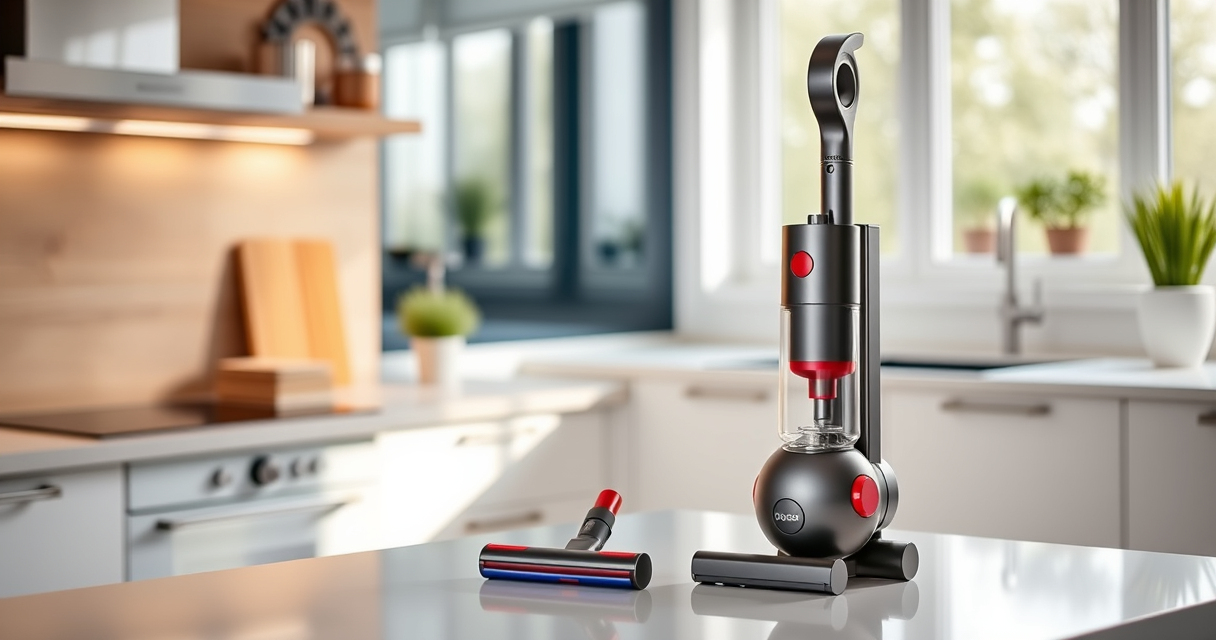
Unboxing and setting up your new Dyson V15 Detect™ Origin Cordless Vacuum is a straightforward process that ensures you get the most out of its powerful features. Proper initial setup not only guarantees effective cleaning but also extends the lifespan of your vacuum. Whether you’re a first-time Dyson user or upgrading from an older model, following these clear, step-by-step instructions will help you get started quickly and safely.

Get cleaning gear delivered free with Prime
- Fast, free delivery on millions of items
- Prime Video, Amazon Music and more included
- Member-only deals all year
Before beginning, gather the necessary accessories and ensure you have a clean, open space to work in. Familiarize yourself with the components, and remember to follow safety precautions to avoid damage or injury during assembly.
Key Takeaways
| Powerful cleaning | The Dyson V15 Detect offers 100% more power with intelligent debris detection. |
| Long battery life | Up to 60 minutes of runtime on a full charge for thorough cleaning. |
| Versatile attachments | Includes advanced cleaner heads and crevice tools for varied surfaces. |
| Smart display | LCD screen shows particles, power mode, and maintenance alerts. |
| Easy to assemble | Simple step-by-step process for connecting parts and accessories. |
Unboxing and Preparing Your Dyson V15 Detect™
- Carefully open the packaging and remove all components, including the main unit, cleaner heads, crevice tool, charger, and any additional accessories.
- Inspect each part for damage or missing items. Refer to the included manual if necessary.
- Place the vacuum on a stable surface and ensure the charging dock or outlet is nearby for easy access.
Charging the Vacuum for First Use
- Connect the charger to the charging port at the base of the vacuum or to the charging dock, if included.
- Plug the charger into a power outlet. The LCD screen will display a charging icon and battery status.
- Allow the vacuum to fully charge, which typically takes around 4.5 hours. A full charge ensures maximum runtime and optimal performance.
- While charging, avoid using the vacuum to prevent unnecessary strain on the battery.
Attaching the Appropriate Cleaner Head
Choose the cleaner head best suited for your cleaning needs. The Dyson V15 Detect™ comes with two advanced heads:
- Fluffy Optic Cleaner Head: Ideal for hard floors, revealing invisible dust and gentle on surfaces.
- Digital Motorbar Cleaner Head: Deep cleans carpets and de-tangles pet hair with powerful suction.
To attach:
- Align the cleaner head with the suction tube until it clicks into place.
- Ensure the connection is secure before use.
Powering On and Using Your Dyson
Press the power trigger to turn on the vacuum. The LCD screen will light up, showing real-time data such as debris picked up, battery life, and mode.
Adjust power modes using the button on the handle if needed. The vacuum intelligently adapts power based on debris detected and floor type, but manual mode can be used for specific needs.
Start cleaning by maneuvering the vacuum, using the crevice tool for tight spots or upholstery as needed. The LCD will display remaining run time and maintenance alerts, helping you stay on top of upkeep.