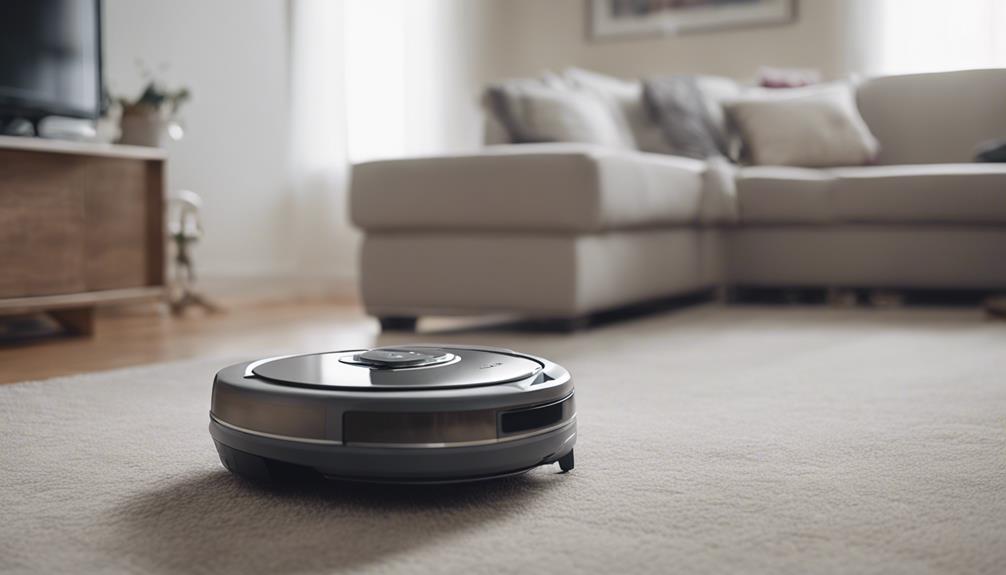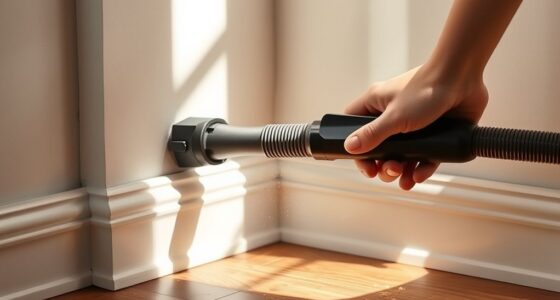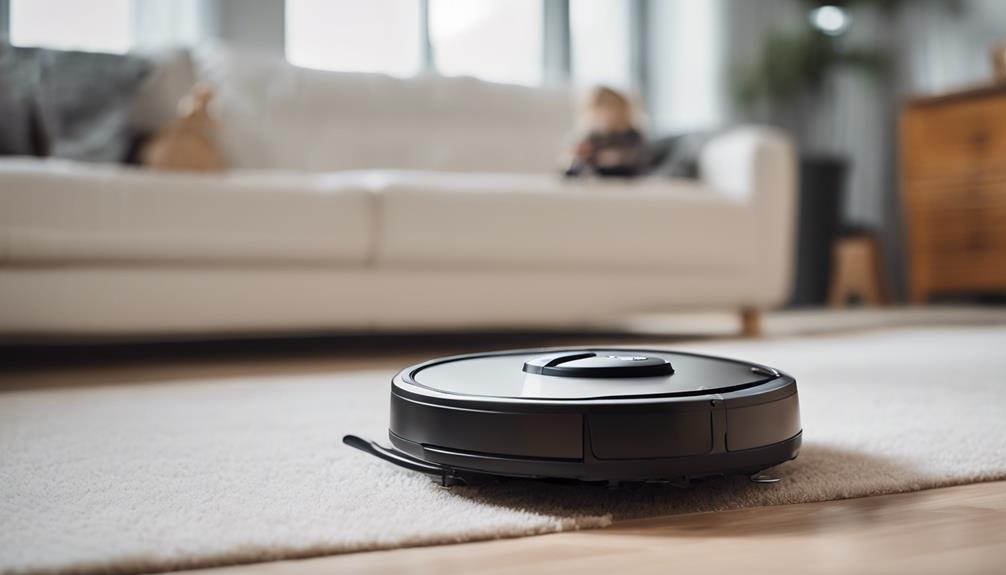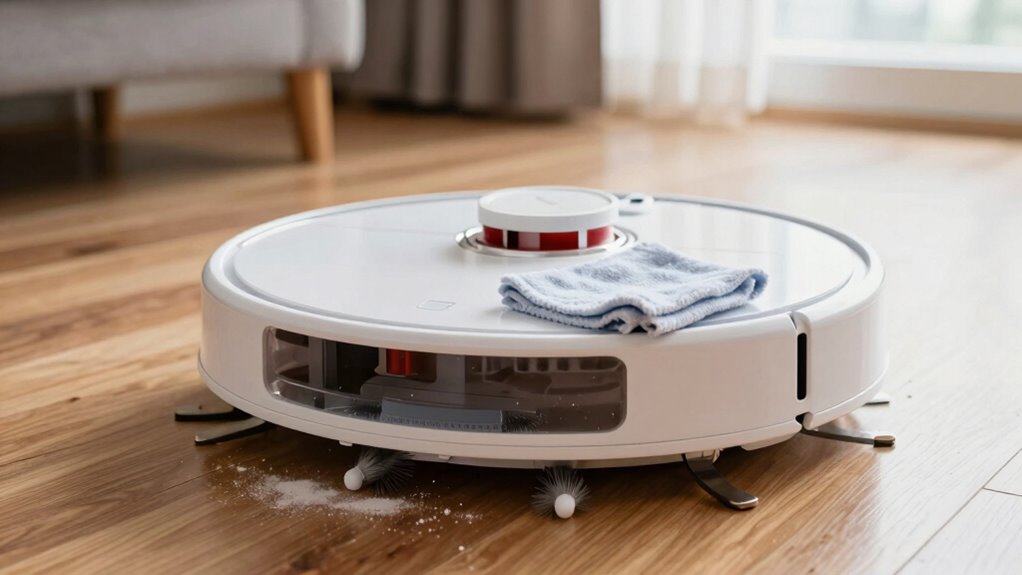
After a dusty week, start by emptying the dustbin and cleaning or replacing filters to guarantee peak suction. Inspect and remove tangled hair from brushes, and clear any obstructions. Wipe the battery contacts and keep the battery charged but not fully drained. Check for firmware updates and run a cleaning cycle to recalibrate the device. For more tips on keeping your vacuum in top shape, you’ll find useful details below.

Get cleaning gear delivered free with Prime
- Fast, free delivery on millions of items
- Prime Video, Amazon Music and more included
- Member-only deals all year
Key Takeaways
- Empty the dustbin and dispose of dust properly, then clean or replace filters if clogged.
- Remove and inspect brushes, clearing tangled hair or debris to restore suction and cleaning efficiency.
- Wipe battery contacts and ensure the battery is stored in a cool, dry place if not used frequently.
- Check for firmware updates and recalibrate the vacuum with a quick cleaning cycle after updating.
- Regularly clean physical parts, filters, and brushes to maintain optimal performance and prolong device lifespan.
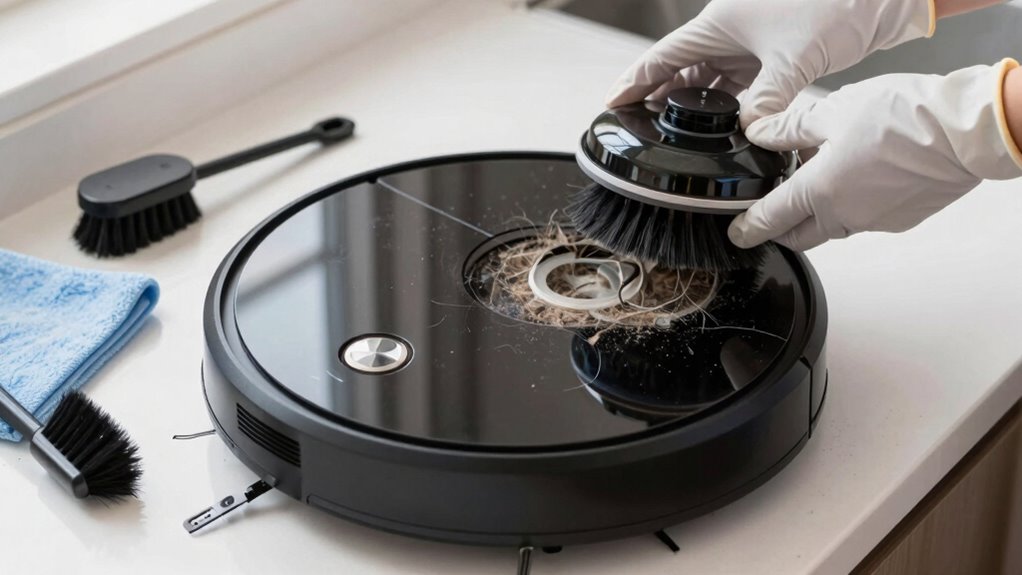
Keeping your robot vacuum in top shape is essential for it to perform at its best, and regular cleaning is the key. After a dusty week, dirt and debris can accumulate in its brushes, filters, and sensors, so giving it a thorough clean is critical. Start by removing the dustbin and emptying it into the trash. Check the filter and clean or replace it if it’s clogged with fine dust. Most filters can be rinsed with water, but make sure they’re completely dry before reinstalling. Next, inspect the brushes—both the main brush and side brushes—and remove tangled hair, string, or dust. Use a small tool or your fingers to clear any obstructions. Cleaning the brushes helps maintain suction power and prevents the vacuum from missing spots. Regularly inspecting and maintaining these parts can significantly extend your vacuum’s lifespan.
Regularly clean filters and brushes to keep your robot vacuum performing at its best.
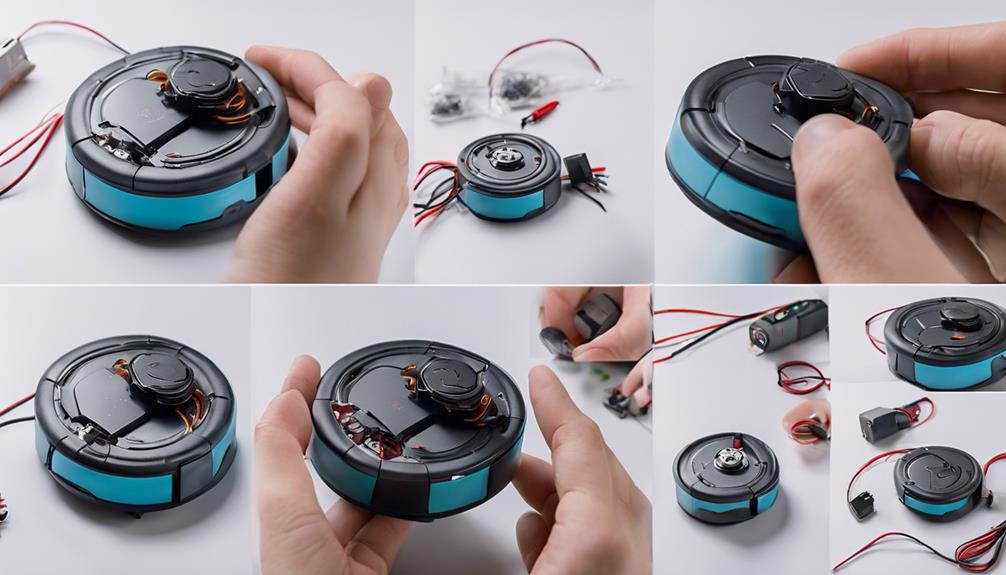
While cleaning the physical parts, don’t forget about the battery. Battery maintenance is essential for longevity and performance. If your model allows, remove the battery and wipe its contacts with a dry cloth to guarantee good connectivity. Keep the battery in a cool, dry place, especially if you’re not planning to use the vacuum for a while. Avoid letting the battery completely drain before recharging, as deep discharges can reduce its lifespan. Regularly charging the vacuum’s battery keeps it healthy and ready to go when you need it. Additionally, monitoring battery health can help prevent unexpected power issues and ensure consistent cleaning performance. Incorporating awareness of battery management can further optimize its lifespan. Regularly inspecting the charging cycle and avoiding overcharging can also help prolong battery life. Knowing how to properly charge and store the battery is key to maintaining optimal performance over time.
In addition to physical maintenance, software updates play an important role in keeping your robot vacuum functioning smoothly. Manufacturers often release firmware updates to fix bugs, improve navigation, and enhance cleaning capabilities. Connect your vacuum to Wi-Fi and check the app or control panel for available updates. Installing the latest software ensures your vacuum benefits from the newest features and improved performance, especially after a dusty week when it might have struggled to navigate or pick up debris effectively. Staying current with software updates can prevent many operational issues and improve overall efficiency. Ensuring your device’s firmware is up-to-date can also help it adapt to new cleaning challenges.
Finally, consider running a quick cleaning cycle after the physical and software updates. This helps the vacuum recalibrate and get used to its refreshed system, ensuring optimal operation. If your vacuum has mapping or scheduling features, review and update them as needed to improve coverage. Maintaining both the hardware, through regular cleaning, and the software, via updates, guarantees your robot vacuum will tackle dust and dirt efficiently, saving you time and effort in the long run. Regular upkeep isn’t just about cleanliness; it’s about prolonging the life of your device and ensuring it performs reliably when you need it most.
As an affiliate, we earn on qualifying purchases.
Frequently Asked Questions
How Often Should I Replace the Robot Vacuum Filters?
You should replace your robot vacuum filters every 2 to 3 months to maintain ideal filter maintenance and cleaning efficiency. If you notice reduced suction or increased dust buildup, it’s time for a replacement sooner. Regularly checking your filter’s condition and following the recommended replacement schedule ensures your vacuum performs well. Keeping up with these steps helps extend your device’s lifespan and keeps your home cleaner.
Can I Wash the Robot Vacuum’s Main Brush?
Yes, you can wash the robot vacuum’s main brush, but only if the manufacturer permits it. For effective main brush maintenance, remove it carefully and use dust removal techniques like brushing away debris or rinsing with water. Make sure you dry the brush thoroughly before reinstalling to prevent damage. Regular cleaning keeps your vacuum running smoothly, especially after a dusty week, and prolongs its lifespan.
What Tools Are Best for Cleaning Tight Vacuum Crevices?
To clean tight vacuum crevices effectively, use a small, soft-bristled brush or a toothbrush to loosen dust and debris. A compressed air canister also works well to blow out stubborn dirt. While doing this, remember to maintain your battery to avoid power issues and dispose of dust properly to keep your vacuum functioning at its best. Regular cleaning of crevices ensures better suction and prolongs your vacuum’s lifespan.
Is It Necessary to Lubricate the Vacuum’s Moving Parts?
Yes, lubrication maintenance is necessary for your robot vacuum’s moving parts, especially after a dusty week. Dust accumulation can cause friction, leading to wear and tear. Regularly applying a small amount of lubricant to hinges, wheels, and brushes helps keep everything running smoothly. Just make certain you use a suitable lubricant and avoid overdoing it. Proper maintenance reduces noise, prevents malfunctions, and extends your vacuum’s lifespan.
How Do I Reset the Robot Vacuum After Cleaning?
To reset your robot vacuum after cleaning, start by turning it off and removing the dust bin for maintenance. Empty the dust bin thoroughly and check for blockages. Then, reset the device by pressing and holding the power button or using the app, if available. Perform a battery calibration by fully charging and discharging it to guarantee ideal performance. This process helps your vacuum clean efficiently and maintains proper dust bin function.
Conclusion
Now that you’ve cleaned your robot vacuum thoroughly, isn’t it satisfying to see it perform like new? Regular maintenance keeps it running efficiently and extends its lifespan. After a dusty week, a quick wipe and filter check are all it takes to keep your home spotless. So, why not make cleaning your robot a quick routine? Your floors—and your robot—will thank you for it, making your cleaning days easier and more effective.
Halloween Picks
halloween
As an affiliate, we earn on qualifying purchases.