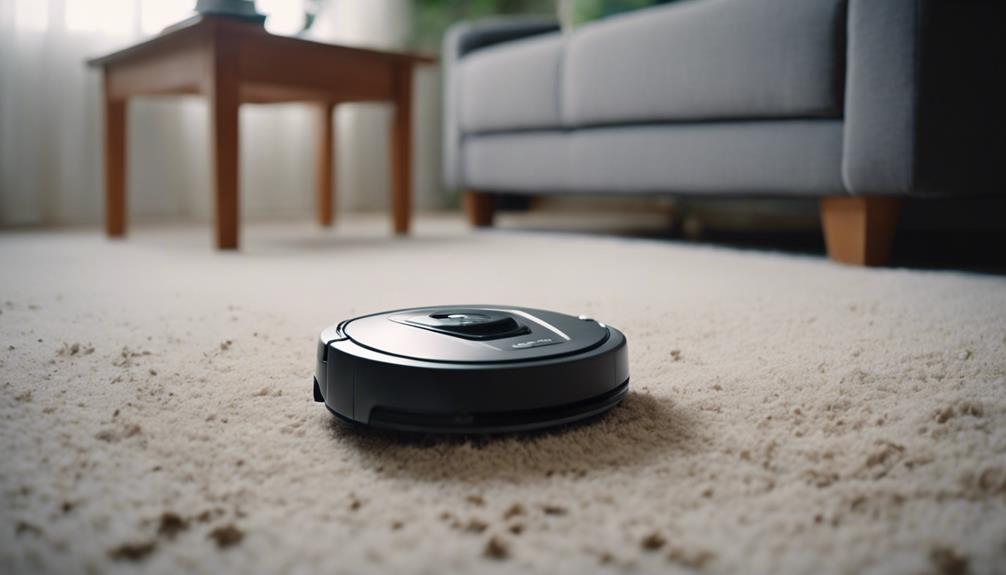
To handle robot vacuum errors without resetting everything, stay calm and assess the situation carefully. Check for obvious issues like dirt on sensors, blocked brushes, or debris on wheels. Verify the battery is healthy, contacts are clean, and sensors are calibrated and unobstructed. Keep software updated to fix bugs. By methodically troubleshooting these common problems, you can often fix issues quickly. If you want to discover more tips, you’ll find valuable advice ahead.

Get cleaning gear delivered free with Prime
- Fast, free delivery on millions of items
- Prime Video, Amazon Music and more included
- Member-only deals all year
Key Takeaways
- Carefully evaluate error messages or codes before taking any action.
- Clean sensors and check for obstructions to ensure proper navigation.
- Inspect and maintain batteries, contacts, and physical components regularly.
- Update firmware and software to fix bugs and improve device stability.
- Use manual recalibration or troubleshooting guides instead of resetting the device entirely.
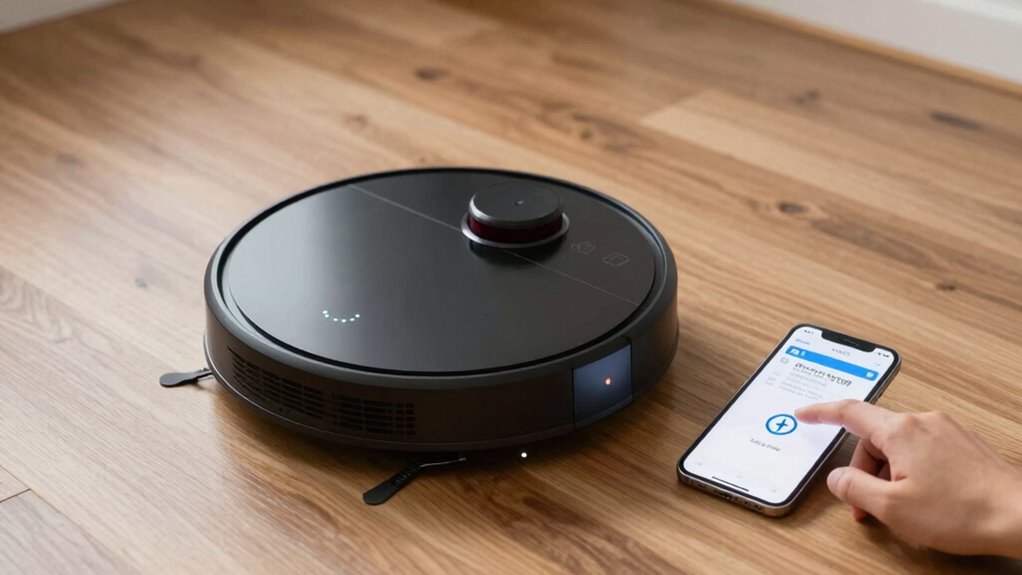
When your robot vacuum encounters an error, remaining composed and approaching the problem systematically is crucial. Instead of panicking or immediately resetting the device, start by assessing the situation carefully. Many errors are caused by simple issues that don’t require a full reset. First, check the battery. Proper battery maintenance is essential for your vacuum’s smooth operation. If the battery is old or not holding a charge, it can cause errors or inconsistent cleaning. Make sure the battery contacts are clean and free of dust or debris. If your vacuum has been running for a long time without recharging, consider replacing the battery to restore optimal performance. Keeping the battery healthy prevents many common errors and prolongs your vacuum’s lifespan.
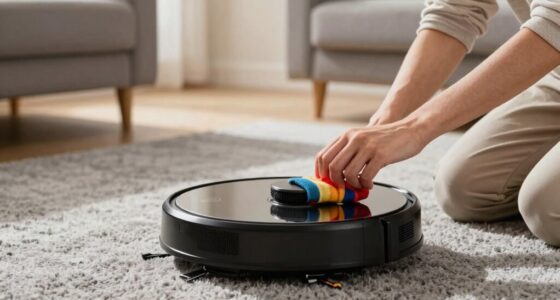
Next, consider sensor calibration. Your robot relies heavily on sensors to navigate and avoid obstacles. If the vacuum is bumping into furniture or missing sections of your floor, it might need recalibration. Many models allow you to recalibrate sensors manually through the app or onboard controls. Follow the manufacturer’s instructions to run a sensor calibration process. This step can resolve issues related to misnavigation or false obstacle detection. Ensuring sensors are clean also helps—dust or hair can obscure them, causing errors. Gently wipe the sensors with a soft, dry cloth to improve their accuracy. Regularly checking and maintaining sensor calibration can help prevent many navigation issues and keep your vacuum operating smoothly. If these steps don’t fix the problem, look into the error codes or alerts your vacuum provides. These codes often point directly to the root cause, whether it’s a charging issue, a blocked path, or a software glitch. Consult your user manual or the manufacturer’s support site for specific guidance based on the error message. Sometimes, a simple cleaning of the brushes or clearing debris from the wheels can solve the issue. Avoid rushing to reset everything immediately; instead, troubleshoot methodically. Proper maintenance of your vacuum components is key to avoiding unnecessary resets, as neglect can lead to more complex problems later on. Additionally, regularly inspecting the vacuum’s software updates can help fix bugs that may cause errors, ensuring optimal performance over time. Staying informed about common error causes can help you quickly identify and resolve issues without resorting to a reset. Being aware of potential hardware issues can also save you time and prevent further damage. Resetting should be a last resort after other solutions have failed, as it can erase saved maps or customized settings.
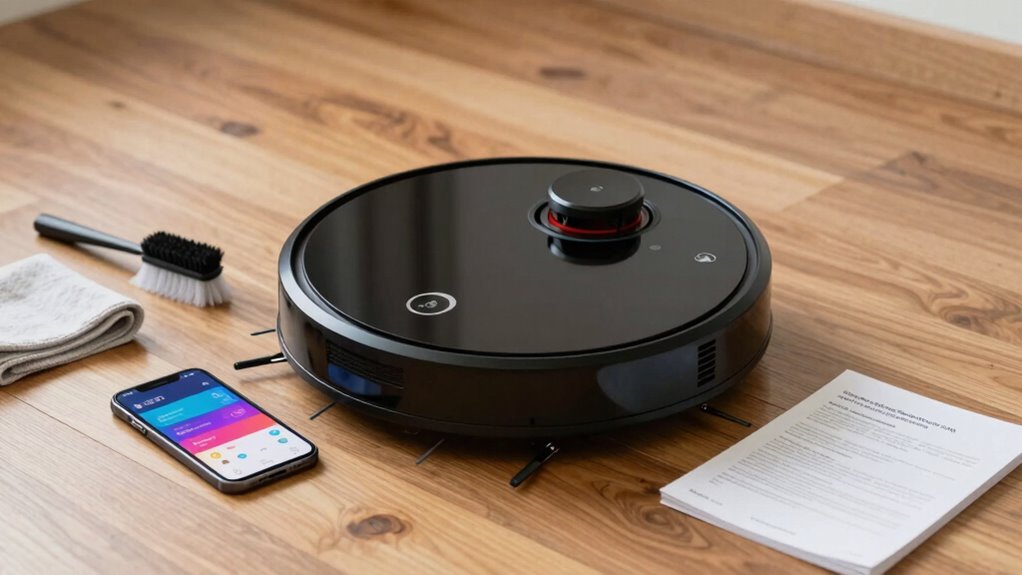
robot vacuum sensor cleaning kit
As an affiliate, we earn on qualifying purchases.
As an affiliate, we earn on qualifying purchases.
Frequently Asked Questions
How Often Should I Update My Robot Vacuum’s Firmware?
You should update your robot vacuum’s firmware whenever updates are available, ideally every few months. Firmware updates fix software bugs, improve performance, and add new features. Regular updates guarantee your vacuum functions smoothly and avoids errors caused by outdated software. Check the app or manufacturer’s website periodically to stay informed about the latest firmware releases. Staying current helps prevent issues and keeps your device running efficiently.
Can I Fix Hardware Issues Myself?
You can often tackle hardware troubleshooting and DIY repairs yourself if you’re comfortable with small fixes. Coincidentally, many common issues like jammed brushes or loose wires can be fixed easily with basic tools. Just guarantee you follow safety precautions, consult the user manual, and identify the problem accurately. If you’re unsure, it’s wise to seek professional help to avoid causing further damage.
What Should I Do if the Error Persists After Troubleshooting?
If the error persists after troubleshooting remedies, you should consult your robot vacuum’s manual or contact customer support for further guidance. Keep track of the error code to help identify potential causes. To prevent future errors, regularly clean sensors and brushes, update firmware, and avoid obstacles. Consistent error prevention measures help maintain your vacuum’s performance, reducing the chances of recurring issues and minimizing the need for resets.
Are There Specific Cleaning Routines to Prevent Errors?
Think of your robot vacuum as a diligent gardener. To keep it thriving, set regular cleaning schedules and follow maintenance tips like clearing brushes and emptying bins. Avoid overloading it with clutter, much like watering plants too much. Consistent routines prevent errors, ensuring smooth operation. By nurturing your vacuum with these practices, you help it stay healthy, reliable, and ready to tackle dirt, much like tending to a flourishing garden.
How Do I Contact Customer Support Effectively?
To contact customer support effectively, start with remote troubleshooting by visiting the manufacturer’s website or app for guides and FAQs. If issues persist, reach out via phone or chat, providing detailed customer feedback about your problem. Be clear about your robot vacuum’s model and error messages. This helps support agents diagnose quickly. Keeping a record of your troubleshooting steps also guarantees a smoother resolution process.
Conclusion
When your robot vacuum throws a fit, don’t panic like a knight facing a dragon. Instead, troubleshoot the error, check for obstructions, and make sure everything’s up to date—no need to reset the whole kingdom (or your device). Remember, patience is your magic spell. With a little effort, you’ll have your trusty cleaner back in action faster than you can say “Eureka!” Keep calm and let your robot do the dirty work.
Halloween Picks
halloween
As an affiliate, we earn on qualifying purchases.