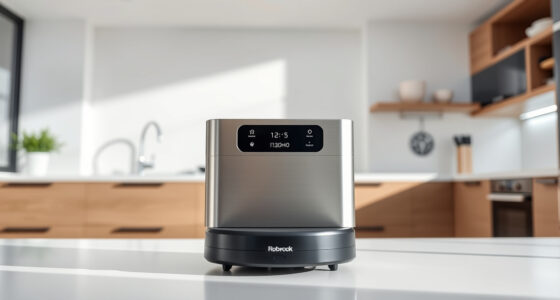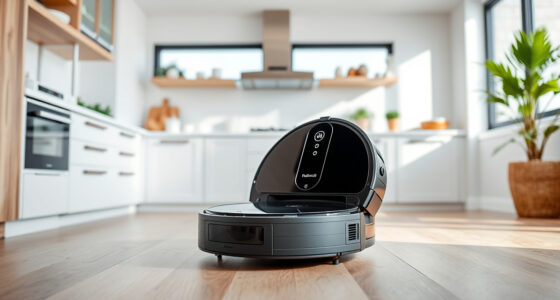
Getting your Roborock Q7 M5+ ready for its first clean is an exciting process that will keep your home spotless with minimal effort. This guide walks you through each step— from unboxing to connecting your device and performing initial tests. Ensuring proper setup will maximize your vacuum’s performance and longevity, so follow these instructions carefully.
Whether you’re a first-time robot vacuum user or upgrading from an older model, this step-by-step guide will help you set up your Roborock Q7 M5+ safely and efficiently. Let’s get started!
Key Takeaways
| Compatibility | Ensure your home Wi-Fi and device are compatible with the Roborock app. |
| Initial Setup | Unbox, assemble, and connect the vacuum to your Wi-Fi network. |
| App Control | Download the Roborock app and link your device for full control. |
| Testing | Perform a test run and adjust settings as needed. |
| Maintenance | Learn routine cleaning and filter replacement for optimal performance. |

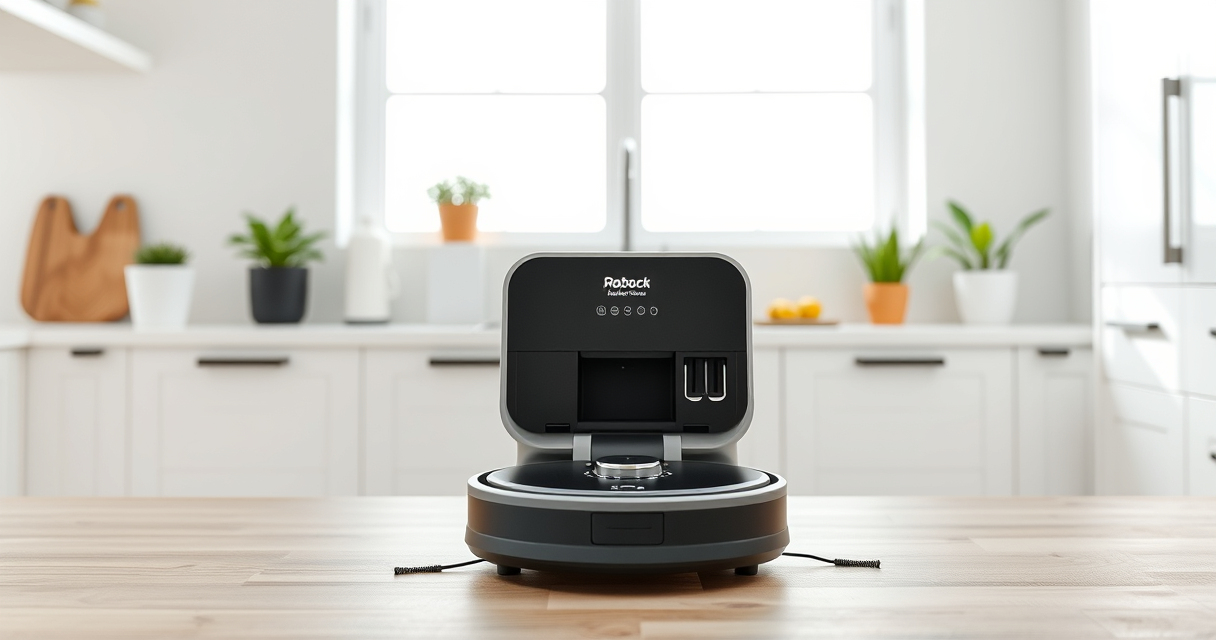
roborock Q7 M5+ Robot Vacuum and Mop, Up to 7-9 Weeks Self-Empty, 10000Pa
- Long-lasting Self-Emptying: Up to 7-9 weeks with 2.7L dust bag
- Powerful Suction: 10000Pa for deep cleaning on all surfaces
- Anti-Tangle Brush System: Dual design resists pet hair wrap
As an affiliate, we earn on qualifying purchases.
Unboxing and Assembling Your Roborock Q7 M5+
- Carefully remove the vacuum and accessories from the packaging. Ensure all parts, including the main unit, power adapter, and accessories, are present.
- Attach the main brush and side brushes if they are not pre-installed. Follow the included instructions for proper attachment to avoid damage.
- Fill the water tank if you plan to use the mop feature. Ensure it is securely attached to prevent leaks during operation.
Powering On and Initial Placement
Place your Roborock Q7 M5+ on a flat, open surface. Plug in the charging dock and ensure it is connected to power. Position the dock against a wall with ample space around it (at least 1.5 feet on each side and 4 feet in front).
Place the vacuum on the dock to charge for at least 4 hours before first use. This ensures a full battery for initial cleaning and helps with calibration.
Connecting to Wi-Fi and Setting Up the App
- Download the Roborock app from the App Store or Google Play.
- Create a Roborock account or log in if you already have one.
- Follow the app instructions to connect your vacuum to your Wi-Fi network. Make sure your phone is on the same network.
- Once connected, name your device and customize basic settings such as cleaning modes and schedules.
Performing the First Cleaning and Calibration
After setup, place your Roborock Q7 M5+ in an open area to start its initial cleaning cycle. Use the app to start a cleaning run. Observe its navigation and operation.
If the vacuum encounters obstacles or misalignments, use the app to adjust its map or create no-go zones. This helps optimize future cleaning sessions.
Routine Maintenance and Troubleshooting
- Regularly empty the 2.7L sealed dust bag, which can last up to 7-9 weeks based on usage.
- Wash or replace filters as recommended, especially if you notice reduced suction or odors.
- Check for firmware updates via the app to keep your vacuum running smoothly.
- If the device isn’t responding or misbehaves, reset it by turning it off, then on again, or consult the troubleshooting section in the app.
The Products in This Guide
roborock Q7 M5+ Robot Vacuum and Mop

The Roborock Q7 M5+ offers robust suction, self-emptying convenience, and advanced navigation. Its 10,000Pa suction power and dual anti-tangle system make it ideal for pet owners and busy households. The app control and efficient dust collection system make maintenance hassle-free.
Pros:
- Powerful 10,000Pa suction for deep cleaning
- Up to 7-9 weeks of self-emptying capacity
- PreciSense LiDAR navigation for precise mapping
- Dual anti-tangle system for pet hair
- App control for scheduling and customization
Cons:
- Higher price point
- Requires Wi-Fi for full functionality
- Initial setup can be complex for some
Best for: Pet owners, busy households, those seeking high-performance cleaning
Not ideal for: Users without Wi-Fi or those preferring manual operation
Bottom line: A powerful, intelligent robot vacuum ideal for pet owners and demanding households.
4 Pack Washable Filter

This 4-pack of washable HEPA filters ensures your Roborock maintains optimal suction and air quality. Easy to install and clean, they are compatible with multiple models including Q7 and Q7+.
Pros:
- Effective filtration for clean air
- Reusable and washable for cost savings
- Compatible with several Roborock models
- Easy to install and replace
Cons:
- Not OEM, so check compatibility
- Need regular washing for best performance
- Limited to specific models
Best for: Maintaining air quality and filter performance
Not ideal for: Users seeking OEM parts or with non-compatible models
Bottom line: A cost-effective, effective filtration upgrade for your Roborock.
Frequently Asked Questions
How do I connect my Roborock Q7 M5+ to Wi-Fi?
Download the Roborock app, create an account, and follow the in-app instructions to connect your device to your home Wi-Fi network. Ensure your phone is on the same network.
How often should I clean or replace filters?
Wash the filters every 1-2 months and replace them every 6-12 months, depending on usage and filter condition to maintain optimal suction and air quality.
Can I use the mop feature on all surfaces?
The mop feature works best on sealed floors such as tiles, hardwood, and stone. Avoid using on uneven or unsealed surfaces to prevent damage or ineffective cleaning.
What should I do if the vacuum gets stuck or won’t start?
Check for obstacles or tangled brushes. Reset the device by turning it off, then on again. Ensure the dust bag and filters are properly installed and the battery is charged.
How do I update the firmware?
Use the Roborock app to check for firmware updates. Follow the prompts to download and install any available updates for improved performance.
Enjoy Effortless Cleaning with Your Roborock Q7 M5+
Setting up your Roborock Q7 M5+ correctly ensures you get the most out of its powerful features and advanced navigation. By following these steps, you’ll enjoy a cleaner home with minimal effort, while maintenance remains straightforward. Proper initial setup and regular upkeep will extend your vacuum’s lifespan and keep your floors spotless for weeks to come.
Affiliate disclosure: As an Amazon Associate we earn from qualifying purchases. Prices and availability are accurate as of the time of publishing.