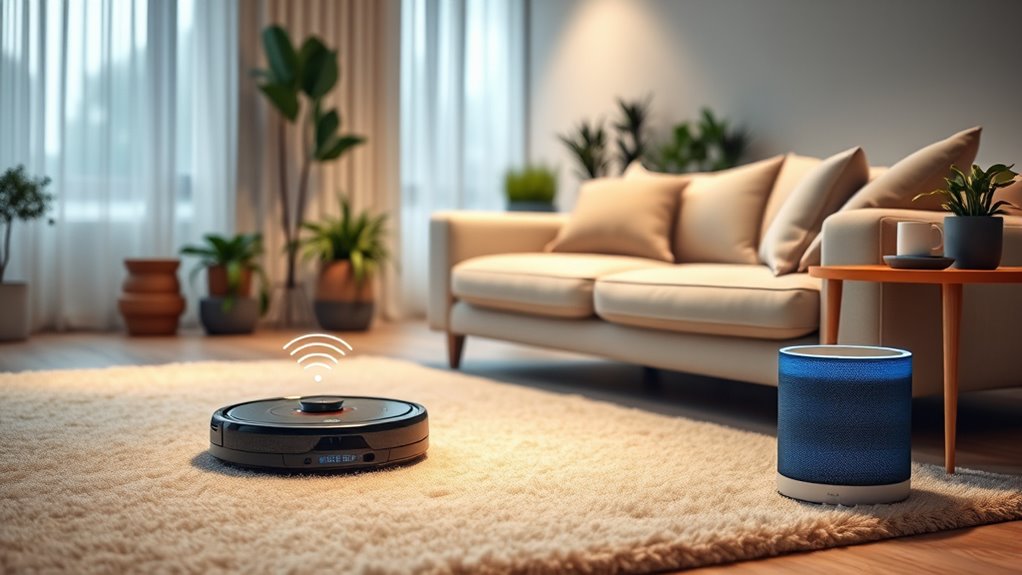

Integrating your robot vacuum with Alexa or Google Assistant allows you to control your cleaner using voice commands effortlessly. You can start, stop, or schedule cleaning sessions without touching your phone or remote. These smart assistants sync with your vacuum’s app, enabling customized routines and real-time updates. By connecting your devices, you create a seamless, hands-free cleaning experience that adapts to your lifestyle—keep exploring to discover more ways to optimize your smart home setup.
Key Takeaways
- Ensure the robot vacuum is compatible with Alexa or Google Assistant before integration.
- Enable voice control by linking the vacuum’s app with your smart home assistant.
- Use voice commands to start, stop, or schedule cleaning sessions seamlessly.
- Customize cleaning routines and preferences through the app to enhance voice command functionality.
- Receive real-time updates and troubleshooting notifications via your smart assistant for better management.

As smart home technology continues to evolve, integrating robot vacuums with smart assistants has become a practical way to streamline your cleaning routine. By connecting your vacuum to voice command integration, you can start, stop, or schedule cleanings effortlessly using simple voice prompts through devices like Alexa or Google Assistant. This hands-free control means you don’t have to juggle your phone or manually operate the app; instead, you can just say, “Hey Alexa, start the vacuum,” or “Hey Google, send the robot to clean the living room.” The seamless voice command integration makes managing your cleaning tasks more intuitive and less time-consuming, fitting smoothly into your daily routines.
Beyond voice commands, app control customization plays a significant role in maximizing your robot vacuum’s potential. Most smart vacuums offer companion apps that allow you to set cleaning schedules, select specific areas for cleaning, and adjust cleaning modes according to your preferences. With app control customization, you can create personalized cleaning routines, like scheduling a quick daily sweep or a deep clean every Saturday afternoon. You can also designate no-go zones or set virtual boundaries, ensuring the vacuum operates precisely where and when you want it to. This level of control gives you confidence that your home stays tidy without constant oversight.
When you link your robot vacuum with your smart assistant, the integration often extends to app control customization. You can synchronize your routines so that your vacuum responds to your voice commands with preset preferences stored in the app. For example, you might have a specific cleaning mode for pet hair or a quieter setting for nighttime cleaning, and you can activate these modes via voice or through app control. The app also provides real-time updates, so you can monitor cleaning progress, receive notifications when the job is done, or troubleshoot issues without needing to be physically near the device. This combination of voice command integration and high contrast ratio in your smart home devices creates a versatile, user-friendly experience that adapts to your lifestyle.
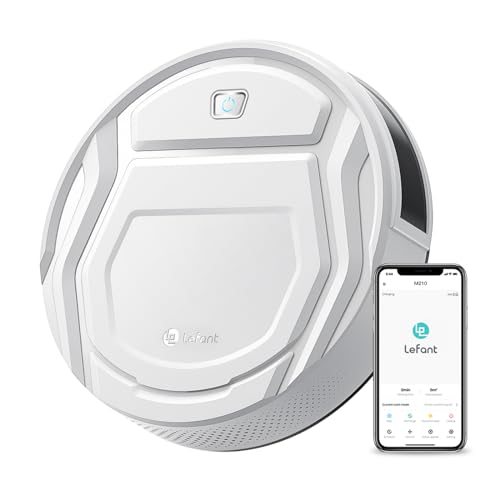
Lefant Robot Vacuum Cleaner, Strong Suction, 120 Mins Runtime, Slim, Low Noise, Automatic Self-Charging, Wi-Fi/App/Alexa Control, Ideal for Pet Hair Hard Floor and Daily Cleaning, M210
This Lefant M210 robotic vacuum cleaner is good for families with pets.
As an affiliate, we earn on qualifying purchases.
As an affiliate, we earn on qualifying purchases.
Frequently Asked Questions
Can I Control Multiple Robot Vacuums With One Smart Assistant?
Yes, you can control multiple robot vacuums with one smart assistant. For multi vacuum coordination, you’ll want to make certain each vacuum is compatible and properly set up within your app. Voice command complexity may increase, but you can usually assign different names to each vacuum for easier control. By doing so, you can effortlessly manage multiple devices, giving commands like “start cleaning the living room” or “pause all vacuums” with simple voice instructions.
How Secure Is My Data When Connecting Robot Vacuums to Smart Assistants?
Your data security depends on the device’s encryption and privacy policies. When you connect your robot vacuum to a smart assistant, it should use data encryption to protect your information during transmission. Always review the privacy policies to understand how your data is stored and shared. Regularly update firmware and settings to enhance security. Be cautious about granting permissions, and choose reputable brands that prioritize user privacy.
Are There Specific Brands Compatible With Both Alexa and Google Assistant?
You’ll find several brands compatible with both Alexa and Google Assistant, such as iRobot, Roborock, and Ecovacs. These brands offer seamless voice command customization, allowing you to control your vacuum easily through either platform. Check each brand’s compatibility details to confirm they support both smart assistants. This way, you get flexible integration, enabling you to manage your cleaning routines effortlessly with your preferred voice commands.
Can I Set Custom Cleaning Schedules Through Voice Commands?
You can definitely set custom cleaning schedules through voice commands, but it’s a bit of a double-edged sword. Most smart vacuums allow you to create custom scheduling via their app, but voice command support varies by brand. With compatible devices, you can say, “Hey Alexa, set the vacuum to clean every Monday at 10 AM,” making your life easier. Just keep in mind some features may require extra setup or app adjustments.
What Troubleshooting Steps if the Robot Vacuum Doesn’T Respond to Commands?
If your robot vacuum doesn’t respond to commands, first check its Wi-Fi connectivity and confirm it’s connected properly. Restart the device and your router if needed. Next, verify if the firmware is up to date, as outdated firmware can cause issues. Re-link the vacuum to your smart assistant, and test commands again. If problems persist, reset the device and reconfigure the connection to restore responsiveness.

XIEBro Robot Vacuum and Mop Combo, 2 in 1 Robotic Vacuums Cleaner with 6500Pa Max Suction, App/Wi-Fi/Voice, Robot Vacuum with Schedule, Self-Charging, Slim, for Pet Hair, Hard Floor, Carpet
🤖🧹【2-in-1 Robot Vacuum & Mop】 The E8S seamlessly combines powerful vacuuming with intelligent mopping. Its 300ml large-capacity dustbin…
As an affiliate, we earn on qualifying purchases.
As an affiliate, we earn on qualifying purchases.
Conclusion
By now, you see how seamlessly integrating your robot vacuum with Alexa or Google can simplify your cleaning routine. With just a voice command, you can start, stop, or schedule cleanings without lifting a finger. Isn’t it time you made your smart home smarter? Embrace this technology and enjoy a cleaner, more convenient living space—because why settle for less when effortless cleaning is just a voice command away?
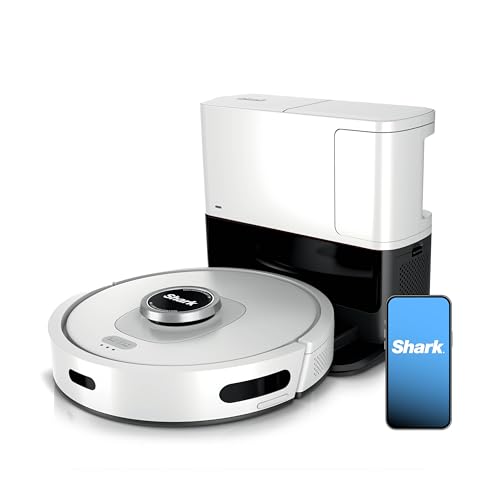
Shark AI Ultra Voice Control Robot Vacuum with Matrix Clean Navigation, Home Mapping, 60-Day Capacity, XL Self-Empty Base for Homes with Pets, Carpet & Hard Floors, Cool Grey, AV2511AE
Incredible Suction Power: Shark’s powerful suction captures dirt, debris, and pet hair across all surfaces—carpets and hard floors…
As an affiliate, we earn on qualifying purchases.
As an affiliate, we earn on qualifying purchases.
XIEBro Robot Vacuum and Mop Combo, 2 in 1 Robotic Vacuums Cleaner with 6500Pa Max Suction, App/Wi-Fi/Voice, Robot Vacuum with Schedule, Self-Charging, Slim, for Pet Hair, Hard Floor, Carpet
🤖🧹【2-in-1 Robot Vacuum & Mop】 The E8S seamlessly combines powerful vacuuming with intelligent mopping. Its 300ml large-capacity dustbin…
As an affiliate, we earn on qualifying purchases.
As an affiliate, we earn on qualifying purchases.