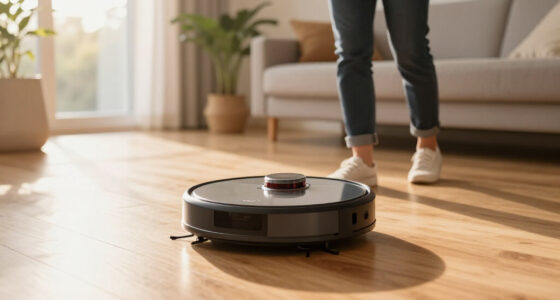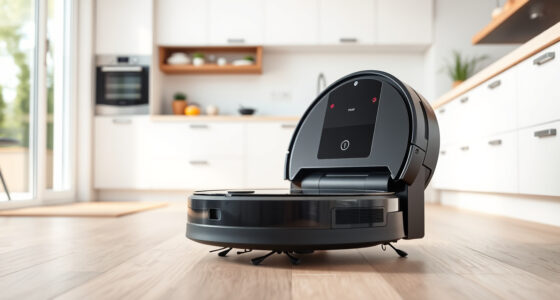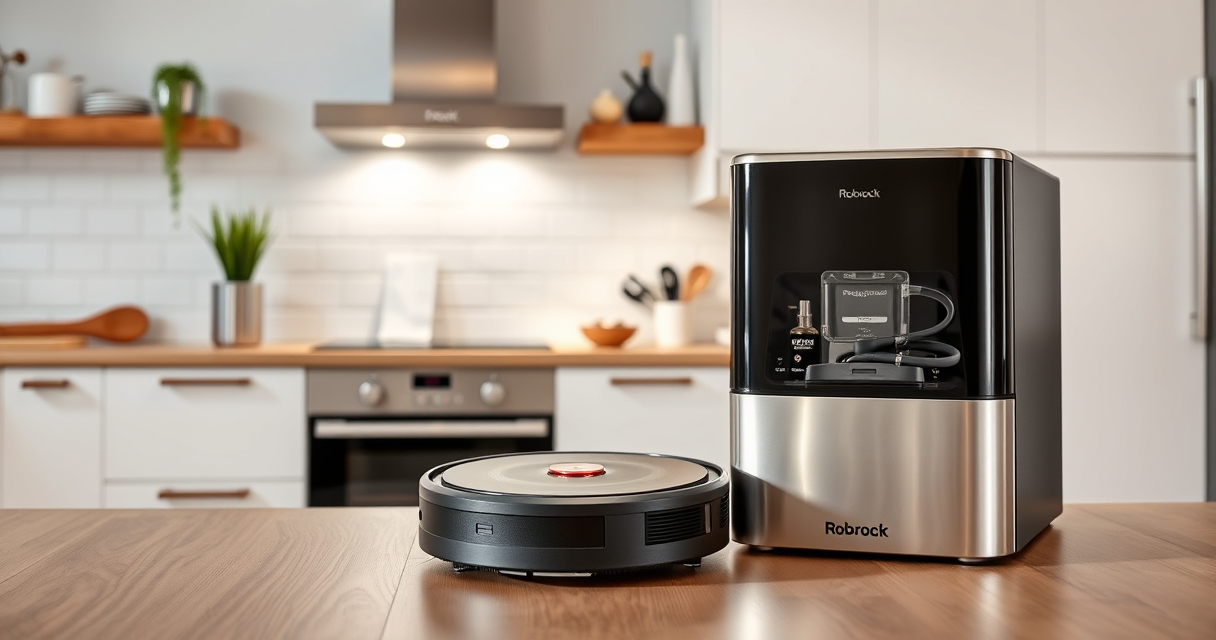
Roborock robot vacuums are a fantastic addition to any home, offering powerful cleaning with minimal effort. Proper maintenance ensures your device remains in peak condition, prolonging its lifespan and ensuring optimal performance. This guide provides practical, step-by-step instructions for maintaining your Roborock Q7 M5+, along with troubleshooting tips to resolve common issues.

Get cleaning gear delivered free with Prime
- Fast, free delivery on millions of items
- Prime Video, Amazon Music and more included
- Member-only deals all year
Whether you’re replacing filters, cleaning brushes, or addressing navigation problems, you’ll find clear guidance to keep your robot vacuum operating smoothly and effectively.
Key Takeaways
| Filter Maintenance | Regularly clean or replace filters for optimal suction. |
| Brush Cleaning | Remove hair and debris from brushes to prevent tangling. |
| Sensor Care | Keep LiDAR sensors and navigation components clean for accurate mapping. |
| Battery & Charging | Ensure charging contacts are clean for reliable power. |
| Troubleshooting | Identify and fix common navigation or suction issues easily. |
Cleaning the Main Brush and Anti-Tangle System
- Power off the robot and remove the main brush cover according to the user manual.
- Carefully remove the main brush and clear away any hair or debris tangled in the bristles.
- Inspect the dual anti-tangle system and remove any hair wrapped around the sidings or the JawScrapers.
- Reinstall the main brush securely, ensuring it spins freely.
Replacing or Cleaning the Filter
- Open the dustbin compartment and remove the dust bag or filter assembly.
- If washable, rinse the filter with water and let it air dry completely before reinserting.
- If replacing, insert the new washable filter (such as the 4 Pack Washable Filter) ensuring a snug fit.
- Close the compartment and run a test cleaning cycle to verify proper operation.
Maintaining Sensors and Navigation Components
- Use a soft, dry cloth or a microfiber cloth to gently wipe the PreciSense LiDAR sensor and navigation sensors.
- Avoid harsh chemicals or excessive moisture to prevent damage.
- Regularly check for dust buildup that can impair navigation accuracy.
Battery and Charging Contacts Care
- Power off the robot and flip it over to access the charging contacts.
- Use a dry cloth or a soft brush to remove dust or debris from the charging points.
- Ensure the charging dock is clean and aligned properly for optimal charging.
Troubleshooting Common Issues
- Suction Loss: Check for blockages in the intake, clean the filter, or replace if necessary.
- Navigation Errors: Wipe sensors and ensure no obstacles block the sensors’ view.
- Charging Problems: Clean contacts and verify the dock connection.
- Unexpected Stops: Check for tangled brushes or debris blocking movement.
The Products in This Guide

roborock Q7 M5+ Robot Vacuum and Mop
- ✔ Battery Life: Long-lasting
- ✔ Filter Type: HEPA washable
- ✔ Compatible Models: Q7, Q7+, Q7 Max

4 Pack Washable Filter
- ✔ Filter Type: HEPA
- ✔ Washable: Yes
- ✔ Quantity: 4 Pack
roborock Q7 M5+ Robot Vacuum and Mop
The Roborock Q7 M5+ offers powerful cleaning with features like 10000Pa suction and a self-emptying dustbin. Regular maintenance enhances its performance and longevity.
Pros:
- Powerful suction
- Long-lasting self-emptying
- Dual anti-tangle system
- Precise navigation
Cons:
- Requires regular filter cleaning
- Can be complex to disassemble for beginners
Best for: Pet owners and busy households seeking reliable cleaning
Not ideal for: Users unfamiliar with robotic vacuum maintenance
Bottom line: Consistent maintenance keeps your Roborock performing at its best.
4 Pack Washable Filter
This 4-pack of washable HEPA filters offers an economical way to maintain your Roborock Q7 series, ensuring clean air and consistent suction.
Pros:
- Cost-effective
- Easy to install
- Replaces OEM filters
- Maintains suction efficiency
Cons:
- Must be cleaned regularly
- Not OEM but compatible
Best for: Frequent filter changers and allergy sufferers
Not ideal for: Users preferring OEM parts exclusively
Bottom line: A reliable, affordable option to keep your vacuum in top shape.
Frequently Asked Questions
How often should I replace the filter on my Roborock?
It is recommended to wash the filter every 1-3 months, and replace it if it shows signs of damage or reduced suction after multiple washes.
Can I use third-party filters and mop pads?
Yes, compatible third-party accessories like washable filters and microfiber mop pads can be used, but ensure they meet quality standards for best results.
What should I do if my robot is not charging properly?
Clean the charging contacts on both the robot and dock, ensure no debris is blocking the connection, and verify the dock is functioning correctly.
How do I reset my Roborock if it gets stuck or malfunctions?
Power off the device, wait a few seconds, then restart. For persistent issues, perform a factory reset via the app or consult the user manual.
Keep Your Roborock Running Like New
Regular maintenance of your Roborock Q7 M5+ ensures it continues to deliver powerful, efficient cleaning. By following these simple steps for cleaning brushes, replacing filters, and maintaining sensors, you can extend your vacuum’s lifespan and keep your home spotless. Don’t forget to troubleshoot issues early for uninterrupted performance and enjoy the convenience your robotic vacuum provides.
Affiliate disclosure: As an Amazon Associate we earn from qualifying purchases. Prices and availability are accurate as of the time of publishing.
Columbus Day / Indigenous Peoples' Day Picks
long weekend sales
As an affiliate, we earn on qualifying purchases.