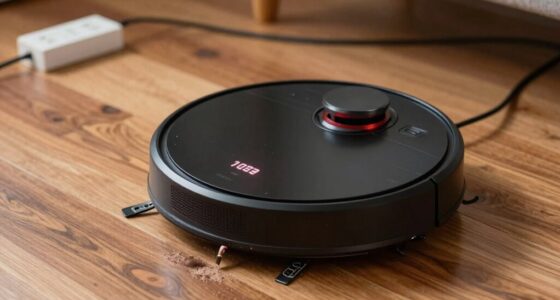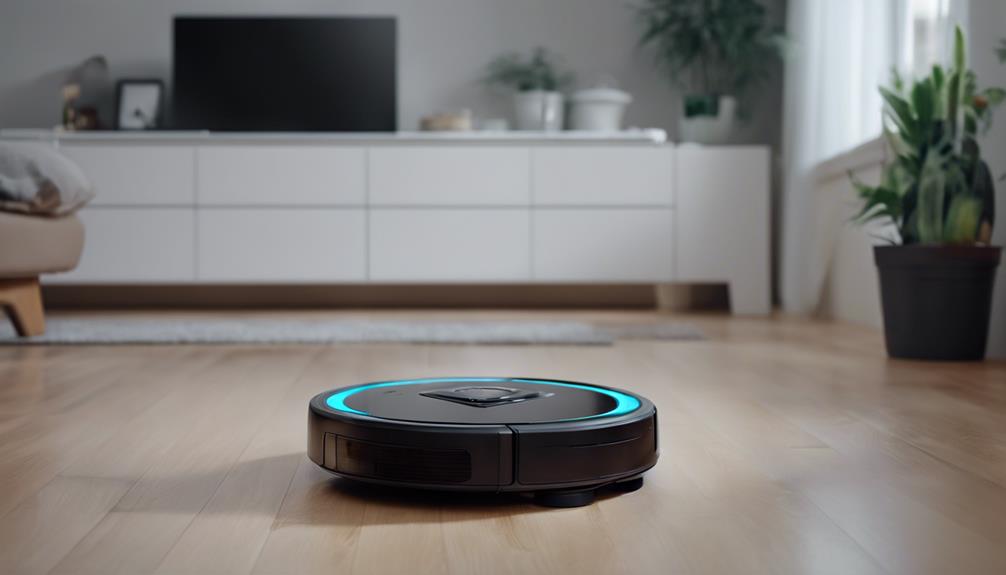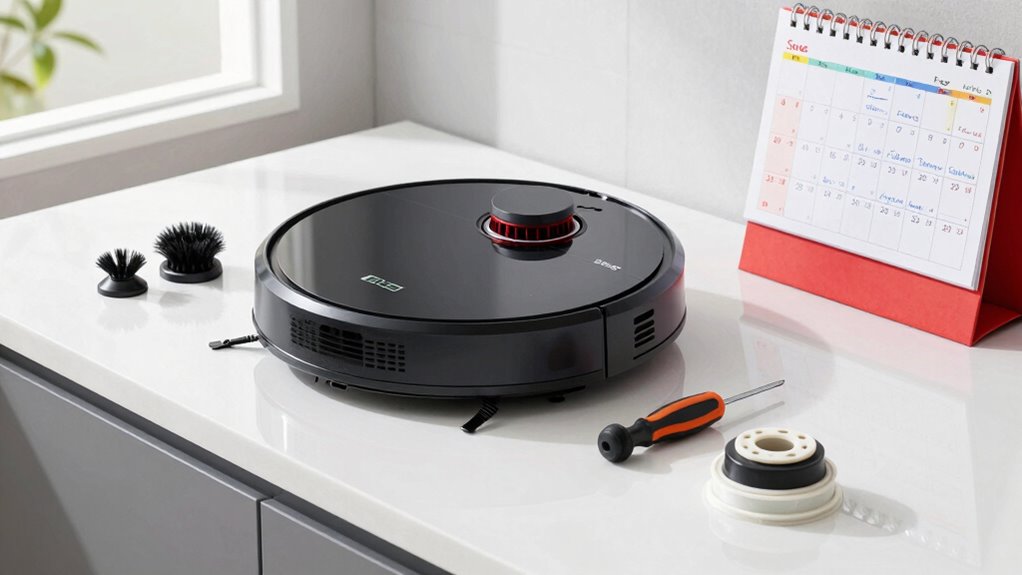
To keep your robot vacuum in top shape, clean the dustbin and filters after each use, check brushes weekly for tangled hair, and wipe sensors and charging contacts daily. Deep clean brushes, filters, and sensors monthly, and inspect the battery and wheels regularly. Schedule these tasks consistently, adjusting based on usage. If you follow this routine, your device will perform better longer; learn more to optimize your maintenance plan.
Key Takeaways
- Perform daily cleaning tasks like emptying the dustbin and wiping sensors for optimal navigation and suction.
- Clean brushes and filters weekly to prevent hair buildup and maintain device performance.
- Conduct monthly checks of charging contacts, sensors, and dustbin to prevent clogs and connection issues.
- Deep clean and recalibrate sensors, and inspect wheels and brush rolls monthly for thorough maintenance.
- Schedule routine tasks and updates using reminders to ensure consistent maintenance and device longevity.

Midukit Vacuum Attachments Accessories for Robot Vacuum Cleaner,Cleaning Brush roll Cleaning Tool Replacement Parts, Part kit Tool for Vacuums Cleaner Replacement Include Vacuum Cleaning Cloth
Midukit vacuum cleaning kit for robot, dyson. Vacuum cleaning tool includes Cleaning Brush, tweezers, screwdriver (Phillips, Slotted), double-end…
As an affiliate, we earn on qualifying purchases.
As an affiliate, we earn on qualifying purchases.
Why Regular Maintenance Is Key to Your Robot Vacuum’s Performance
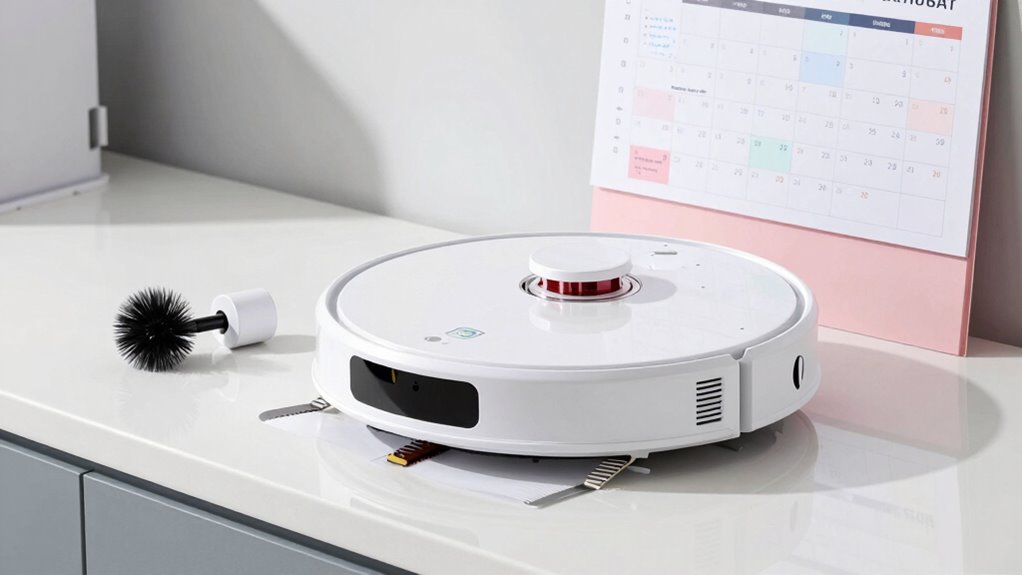
Regular maintenance is essential because it directly impacts your robot vacuum’s efficiency and lifespan. One key aspect is checking the charging stations regularly. If the charging contacts are dirty or obstructed, your vacuum may struggle to dock properly, reducing cleaning effectiveness. Dust accumulation on the charging stations can cause poor connections, leading to missed spots or battery issues. Additionally, frequent cleaning of the charging area ensures your robot can recharge quickly and reliably. Keeping the charging stations clean and free of dust prevents unnecessary wear on the device and maintains peak performance. Properly maintaining electrical contacts can prevent issues related to poor connections and ensure safe operation. Regularly inspecting and cleaning the charging station helps identify potential problems early, avoiding costly repairs. Using appropriate cleaning tools specifically designed for delicate contacts can further enhance maintenance. Incorporating preventative maintenance routines like this can extend your robot vacuum’s overall lifespan and maintain optimal performance. By staying on top of these maintenance tasks, you’ll extend your robot’s lifespan and ensure it always performs at its best, saving you time and frustration in the long run.

Tweruna 4 PCS Handheld Vacuum Cleaner Brush, Universal Dust Brush, 2 in 1 Vacuum Roller Cleaning Tool for Sweeping Robot
Package Includes: You will receive 4 pcs handheld vacuum cleaner brushes in 2 different styles, perfect for universal…
As an affiliate, we earn on qualifying purchases.
As an affiliate, we earn on qualifying purchases.
Daily Tasks to Keep Your Robot Vacuum Running Smoothly

To keep your robot vacuum operating smoothly, it’s important to perform simple daily tasks that prevent dust buildup and keep it working efficiently. Each day, check the brushes and filters for loose dust or debris, especially on carpet fibers that can trap dirt. Wipe the sensors and charging contacts to guarantee optimal navigation and docking. Empty the dustbin if it’s full to prevent clogging and maintain suction power. Pay close attention to areas with high traffic or pet hair, as these tend to cause dust buildup quickly. Removing debris daily helps prevent clogs and keeps your vacuum performing at its best. Regularly inspecting the free floating components can also help identify potential issues before they escalate, prolonging your device’s lifespan. Incorporating professional services for periodic maintenance can further enhance performance and longevity. Following a manufacturer’s maintenance schedule ensures all critical parts are checked and serviced regularly. Small daily maintenance tasks like these can extend your robot’s lifespan and ensure it continues to clean thoroughly every time. Additionally, being aware of filter replacement intervals can help you maintain optimal suction and air quality. Conducting routine brush inspections can help prevent wear and tear that might reduce cleaning efficiency.
AAWipes Sensor Cleaning Swabs for APS-C Sensors of DDR DSLR or SLR Camera (20 Pack of 16 mm Sensor Cleaning Swabs) (HCS-16)
SUPERFINE MICROFIBER: the microfiber swabs are prepared by laser-cut in Cleanroom 100 level workshop. It is super fine,…
As an affiliate, we earn on qualifying purchases.
As an affiliate, we earn on qualifying purchases.
How to Deep Clean Your Vacuum Weekly for Best Results
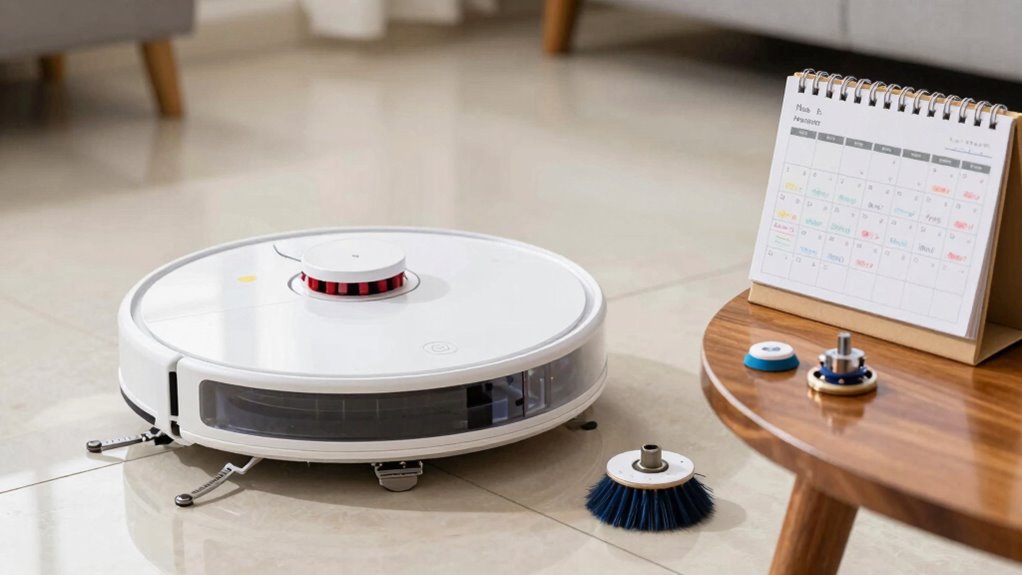
To keep your robot vacuum working its best, you need to perform a thorough deep clean each week. Make sure to clear the brush roll, empty the dustbin, and clean the sensors and filters. These simple steps will help maintain peak performance and extend your vacuum’s lifespan. Regularly inspecting essential oils for maintenance can also help prevent buildup of dust and debris in the vacuum components. Incorporating connected appliance maintenance routines into your schedule can further optimize its longevity and efficiency. Additionally, ensuring proper safe installation practices can help prevent issues and keep your vacuum functioning reliably over time. Performing these routine checks can also prevent potential device malfunctions and improve the overall safety of your cleaning system. Incorporating smart home integration can streamline your maintenance routine and enhance your vacuum’s performance.
Clear Brush Roll
Keeping your brush roll clear is essential for maintaining your robot vacuum’s cleaning performance. Regular debris removal ensures the brush roll spins freely, picking up dirt effectively. To clean it thoroughly, remove hair, threads, and dust buildup wrapped around the brush. Use a brush or scissors to cut away tangled debris carefully. Here’s a quick guide:
| Step | Action | Tips |
|---|---|---|
| 1 | Remove the brush roll | Consult your manual for easy access |
| 2 | Clear debris | Use scissors or tweezers for stubborn debris |
| 3 | Reinstall and test | Ensure it spins smoothly; regularly checking for clogged brush rolls helps prevent loss of suction. |
Routine maintenance like this contributes to energy-efficient operation and prolongs the lifespan of your vacuum. Regular upkeep also helps prevent clogged filters, maintaining optimal airflow and cleaning efficiency. Additionally, inspecting the brush roll for hair entanglement can improve overall performance and reduce the need for more extensive repairs.
Empty Dustbin Regularly
Regularly emptying the dustbin is crucial for maintaining your robot vacuum’s peak performance. If you neglect dustbin emptying, debris disposal becomes inefficient, leading to reduced suction and cleaning effectiveness. Make it a habit to check the dustbin after each cleaning session, especially if you vacuum frequently or on thick carpets. Remove the dustbin carefully, avoiding spills, and dispose of debris in an outdoor trash bin or designated waste container. Confirm the dustbin is completely empty before reinserting it into your vacuum. This simple step prevents clogs and maintains ideal airflow. Regular debris disposal also prolongs the life of your vacuum’s components. Additionally, understanding the importance of proper maintenance can help you keep your vacuum functioning optimally and extend its lifespan. Being aware of common repairs can prepare you for any unexpected issues that might arise. Proper cleaning of the filter is also essential to ensure maximum suction power and prevent dust buildup inside the vacuum. Incorporating routine inspections into your maintenance schedule can help you identify potential problems early. By keeping the dustbin clean and empty, you guarantee your robot vacuum works efficiently and delivers the best cleaning results every time.
Clean Sensors and Filters
Cleaning your robot vacuum’s sensors and filters weekly is essential for maintaining ideal performance. Dirty sensors can disrupt sensor calibration, causing missed spots or collisions. Regularly wipe sensors with a soft, damp cloth to keep them clear. Filters trap dust and debris, so replacing them ensures perfect airflow and suction. Consider checking your filter’s condition and replacing it if it looks clogged or worn. Maintaining sensor calibration and proper filter care will maximize your vacuum’s efficiency and longevity. Additionally, following manufacturer-specific deep cleaning techniques can help address unique model requirements and extend the lifespan of your device. Performing regular maintenance routines can also help prevent more serious issues and keep your vacuum operating at peak performance.

caSino187 Authentic Automatic Dirt Disposal Charging Contact for Roomba i1+ i3+ i4+ i5+ i7+ J5+ J6+ J7+ J8+ J9+
Authentic Roomba i1+ i3+ i4+ i5+ i6+ i7+ i8+ J5+ J6+ J7+ J8+ J9+ Automatic Dirt Disposal Charging…
As an affiliate, we earn on qualifying purchases.
As an affiliate, we earn on qualifying purchases.
Monthly Tips to Extend Your Robot Vacuum’s Lifespan

To guarantee your robot vacuum stays in top shape, dedicating a few minutes each month to maintenance can considerably extend its lifespan. Focus on key areas like battery longevity and dust accumulation to prevent performance issues. Regularly charge the battery fully and avoid letting it drain completely to preserve battery health. Check for dust buildup around wheels and sensors to prevent blockages that reduce efficiency. Empty the dustbin promptly and inspect for dust accumulation that can hinder suction power. Additionally, consulting your vacuum’s user manual can provide specific maintenance tips tailored to your model.
How to Clean and Replace Filters and Brushes Properly
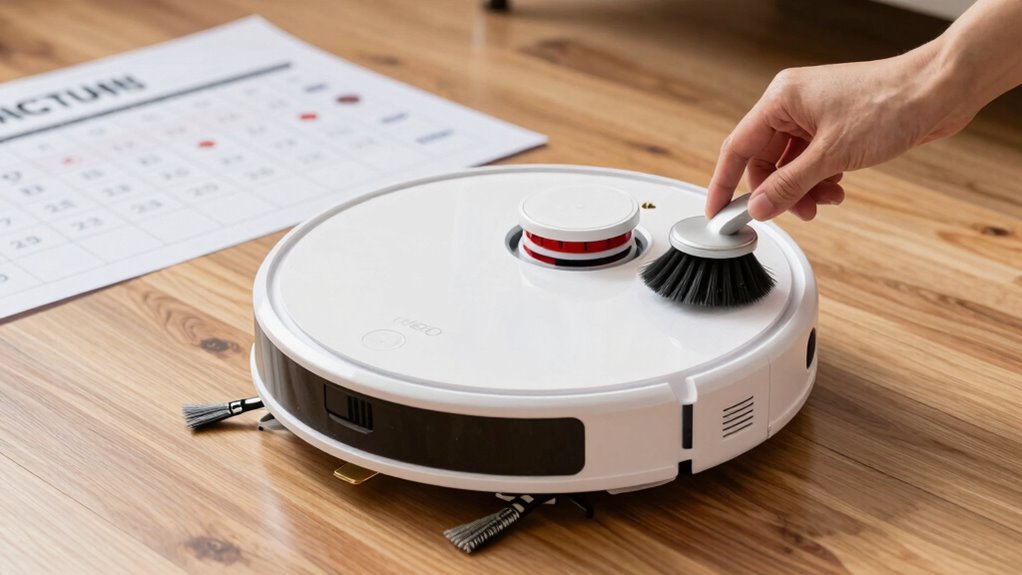
Keeping your robot vacuum functioning effectively requires proper care of its filters and brushes. Regular filter replacement ensures ideal airflow and suction power, preventing dirt buildup. Brush cleaning involves removing hair and debris wrapped around the bristles, which can hinder performance. To maintain efficiency, clean brushes weekly and replace filters every 1-3 months, depending on usage. Use a brush cleaning tool or a pair of scissors to gently remove tangled hair. When replacing filters, follow the manufacturer’s instructions for easy installation. Keep track of your maintenance schedule with this handy table:
| Task | Frequency | Tips |
|---|---|---|
| Filter replacement | Every 1-3 months | Use genuine filters |
| Brush cleaning | Weekly | Remove tangled hair |
| Check for damage | Monthly | Replace if worn or broken |
| Clean brush bearings | Monthly | Ensure smooth rotation |
| Inspect filter housing | Monthly | Clear dust and debris |
Common Sensor and Battery Problems: And How to Fix Them During Maintenance
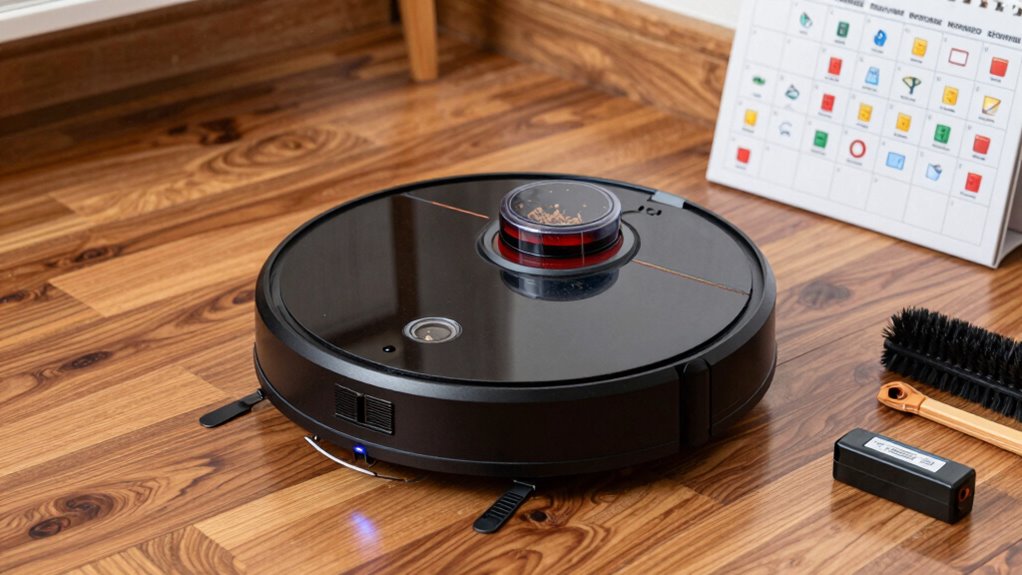
Regular maintenance of your robot vacuum isn’t just about filters and brushes; addressing sensor and battery issues also keeps it running smoothly. Common sensor problems include miscalibration, causing navigation errors. To fix this, perform sensor calibration by gently cleaning the sensors with a soft cloth and running calibration routines if available. Battery issues often involve diminished runtime or failure to hold a charge, requiring battery replacement. Here’s what to check during maintenance:
- Clean sensors to ensure proper navigation and avoid obstructions
- Recalibrate sensors if your vacuum struggles with mapping
- Replace the battery if it no longer retains power or charges slowly
Regularly inspecting and fixing these issues will extend your robot vacuum’s lifespan and maintain ideal performance.
Organize Your Robot Vacuum Maintenance Schedule With These Tips
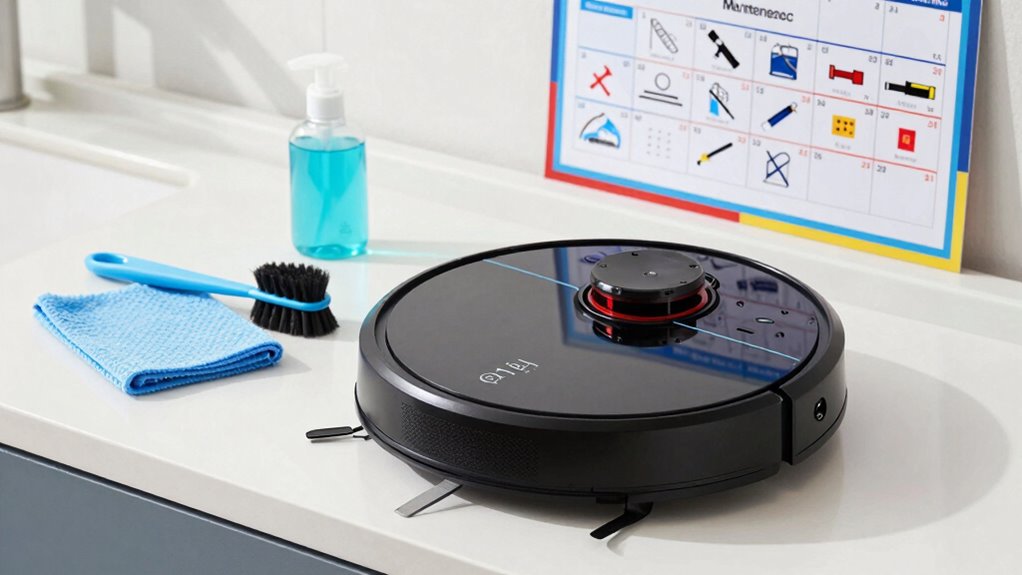
To keep your robot vacuum running smoothly, you should set regular cleaning dates and stick to them. Tracking maintenance tasks systematically helps you stay on top of filter changes and brush checks. Using reminders and alerts guarantees you won’t forget important upkeep steps, keeping your device in top shape.
Set Regular Cleaning Dates
Have you ever wondered how to guarantee your robot vacuum stays effective? Setting regular cleaning dates is key. By establishing a consistent schedule, you prevent excessive dust accumulation and minimize scheduling conflicts. To keep things smooth, consider these tips:
- Pick specific days and times for cleaning, making it part of your routine
- Adjust frequency based on foot traffic and household size
- Use reminders or calendar alerts to stay on top of maintenance
This approach ensures your vacuum works efficiently without interruption. Regularly scheduled cleanings help catch dust buildup early, prolonging your device’s lifespan. Plus, it reduces unexpected malfunctions caused by overlooked maintenance. Staying organized with set dates keeps your home cleaner and maintains ideal vacuum performance, all while avoiding last-minute scheduling conflicts.
Track Maintenance Tasks Systematically
Keeping track of your robot vacuum’s maintenance tasks is essential for consistent performance. Regularly monitoring tasks like cleaning brushes, emptying the bin, and checking for dust buildup prevents issues and guarantees efficiency. Use a system to mark completed tasks and schedule upcoming ones. This helps you stay on top of software updates, which can improve navigation and fix bugs. To organize effectively, create a maintenance log or chart like this:
| Task | Frequency | Last Completed |
|---|---|---|
| Clean brushes | Weekly | |
| Check for dust buildup | Bi-weekly | |
| Update software | Monthly |
This system keeps you accountable and ensures your vacuum always performs at its best.
Use Reminders and Alerts
Using reminders and alerts can considerably simplify maintaining your robot vacuum. They help you stay on top of your cleaning schedule and prevent dust buildup. By setting notifications, you won’t forget essential tasks like emptying the dustbin or cleaning filters. Alerts can also remind you when it’s time to check brushes or sensors, ensuring peak performance.
To make the most of these tools, consider:
- Scheduling weekly alerts for dust buildup checks
- Setting reminders to replace filters every few months
- Using app notifications to track maintenance tasks automatically
These tips keep your vacuum running smoothly and extend its lifespan. With reminders and alerts, you stay proactive in your cleaning routine, avoiding overlooked maintenance and ensuring your floors stay spotless.
What to Do When Your Robot Vacuum Isn’t Working After Cleaning
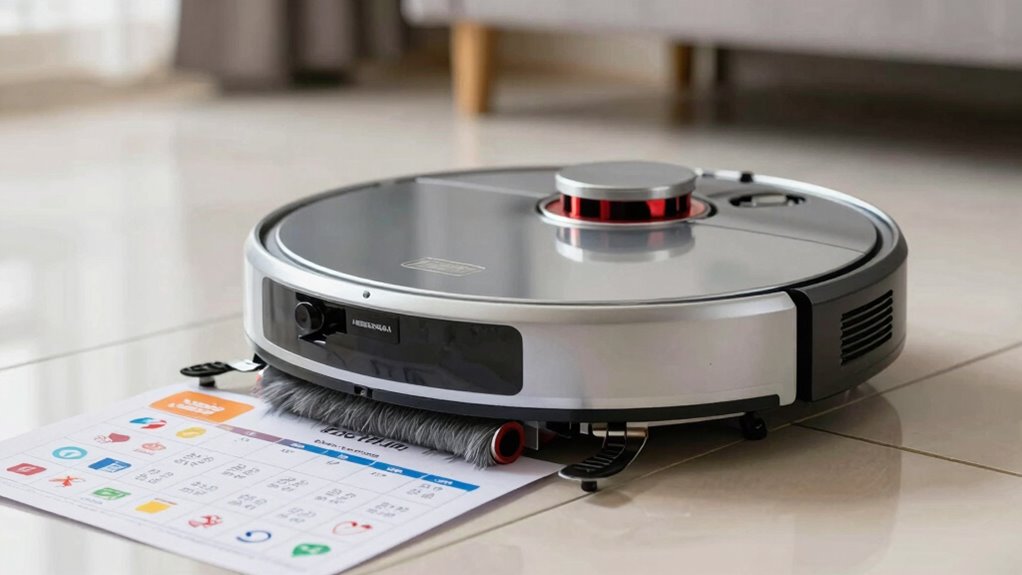
If your robot vacuum isn’t working after cleaning, the first step is to identify any obvious issues that could be causing the problem. Check if the software is up to date, as outdated software can lead to glitches or malfunctions. Updating the firmware can resolve bugs and improve performance. Next, look for navigation issues—clean any sensors or cameras that might be dirty, as debris can interfere with the vacuum’s ability to map and navigate your space. Ensure the wheels and brushes are free of hair or debris that could hinder movement. If problems persist, restart the device or reset it to factory settings. These steps often fix minor glitches and get your robot vacuum back to working order.
Tips to Maintain Your Vacuum’s Battery and Sensors for Long-Term Use
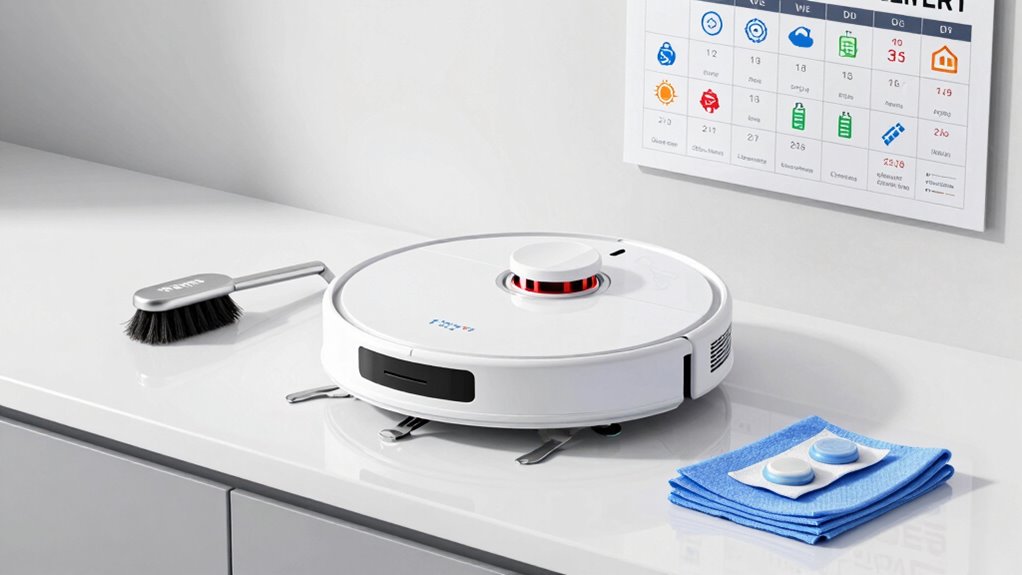
After troubleshooting and cleaning your robot vacuum, focusing on maintaining its battery and sensors will guarantee it stays in top shape over time. Regularly perform battery calibration by fully charging and discharging the battery to ensure ideal performance. Keep sensors aligned by gently cleaning them with a soft cloth to prevent navigation issues. To prolong your vacuum’s lifespan, consider these tips:
- Periodically recalibrate the battery to maintain accurate charge levels
- Clean sensors regularly to avoid dust buildup that hampers navigation
- Check sensor alignment and adjust if needed for precise mapping
Frequently Asked Questions
How Often Should I Replace My Robot Vacuum’s Batteries?
You should replace your robot vacuum’s batteries every 1 to 2 years, depending on usage and battery lifespan. Keep an eye on runtime; if it decreases markedly, it’s time for a new one. Follow charging tips like avoiding overcharging and using the original charger to extend battery life. Regularly clean the battery contacts and store your vacuum properly to maximize battery performance and prevent premature replacement.
What Indicators Suggest My Filters Need Replacing?
You’ll notice your filters need replacing when the indicator lights turn on or start flashing, signaling they’ve reached the end of their filter lifespan. Additionally, if you observe reduced suction power or increased dust buildup, it’s a clear sign to change the filters. Regularly checking these indicator lights and paying attention to performance issues helps guarantee your vacuum operates efficiently and maintains peak cleaning.
Can I Use Household Cleaning Products on My Vacuum?
You shouldn’t use household cleaning products on your robot vacuum. Harsh chemical cleaners and fabric softeners can damage sensitive parts and clog filters. Stick to manufacturer-recommended methods, like wiping exterior surfaces with a damp cloth and cleaning filters with water if allowed. Avoid chemicals that could harm the vacuum’s motors or sensors, ensuring your device stays in top shape and functions effectively.
How Do I Troubleshoot Connectivity Issues After Cleaning?
If your robot vacuum struggles with connectivity, start by doing a Wi-Fi reset on your device and router. Sometimes, a simple restart clears the issue. If that doesn’t work, try reinstalling the app to refresh the connection. These steps often fix problems quickly, ensuring your vacuum syncs smoothly again. Imagine your cleaning schedule back on track, hassle-free, with just a few simple troubleshooting steps.
Are There Specific Cleaning Schedules for Different Floor Types?
Yes, you should tailor your cleaning schedule based on your floor type. For hardwood or tile, clean more frequently to prevent dust buildup, while carpets may need less frequent but deeper cleaning. Adjust your robot vacuum‘s schedule accordingly—set it to run more often on high-traffic carpeted areas and less on delicate floors. This guarantees excellent cleaning and keeps each floor type well-maintained.
Conclusion
Remember, a stitch in time saves nine. Regularly maintaining your robot vacuum keeps it running smoothly and extends its lifespan. By sticking to a cleaning schedule and addressing issues promptly, you prevent costly repairs and guarantee your device performs at its best. Don’t wait until problems pile up—stay proactive. A little effort now pays off in cleaner floors and a longer-lasting vacuum, proving that consistent care truly makes a difference.