To use a robot vacuum effectively across multiple floors, program specific cleaning times for each level and keep the routines simple. Make sure docking stations are accessible and free of obstacles, and check battery levels before each session. Clear floors of debris and maintain your vacuum’s brushes regularly. By planning and optimizing routes, you’ll keep your home tidy with less effort. If you want to discover more tips, keep exploring how to make multi-floor cleaning seamless.
Key Takeaways
- Schedule separate cleaning routines for each floor to prevent overlap and ensure thorough coverage.
- Position docking stations in accessible, clutter-free areas on each floor for easy recharging and resuming.
- Clear floors of obstacles before cleaning to avoid jams and improve efficiency across multiple levels.
- Monitor battery levels and break tasks into sessions to prevent interruptions during cleaning cycles.
- Use home layout insights to optimize cleaning routes and reduce manual adjustments.
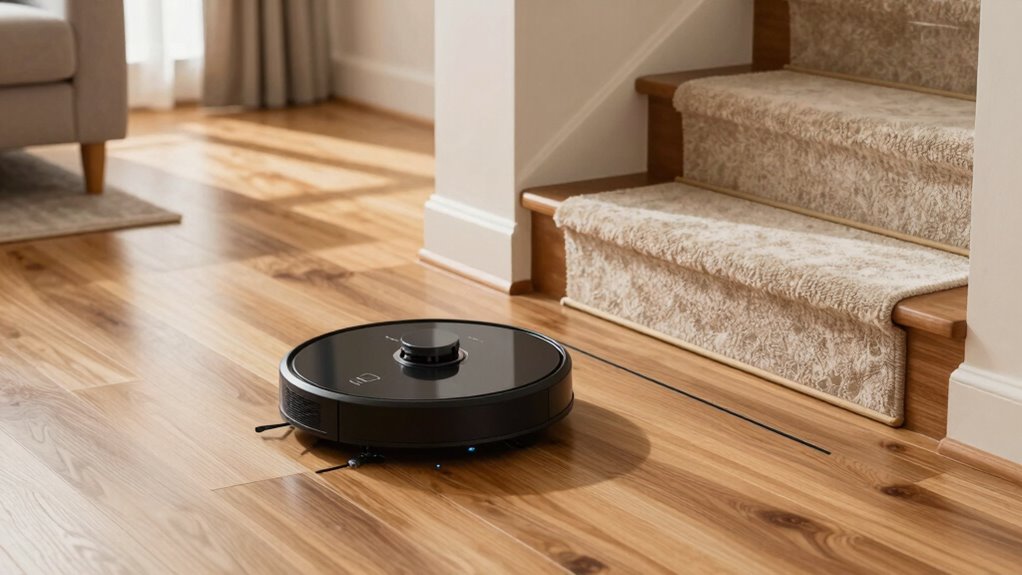
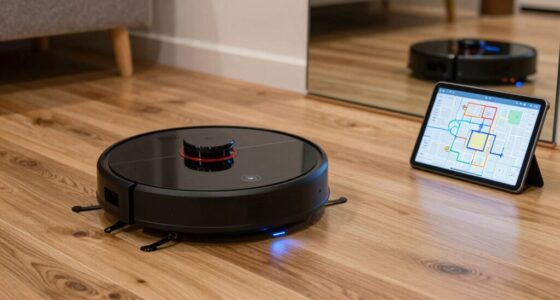
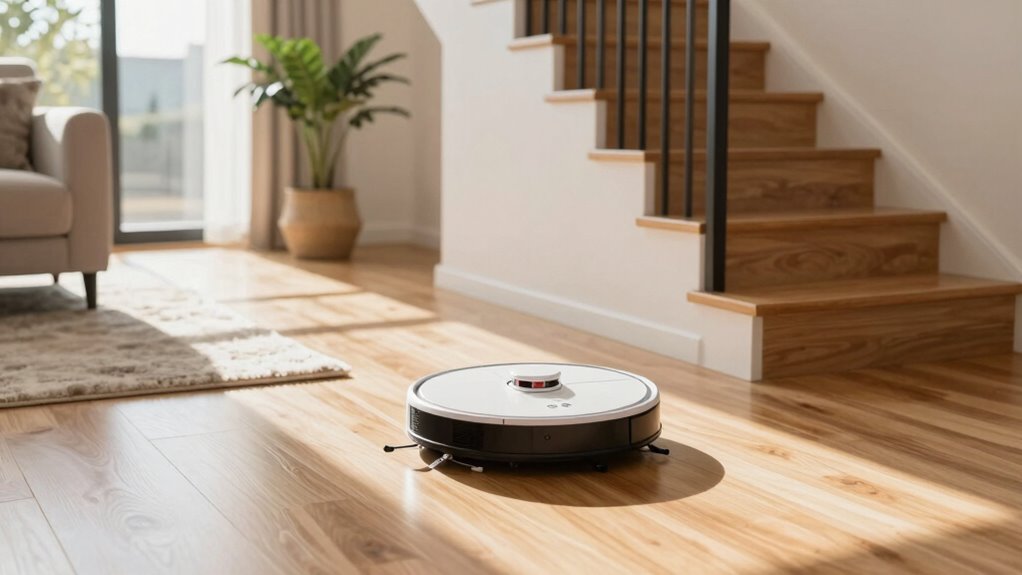
Using a robot vacuum across multiple floors can save you time and effort, but it requires some planning to guarantee efficient cleaning. One of the most effective ways to do this is by setting up clear scheduling routines. Most robot vacuums allow you to program specific cleaning times for each floor, so you don’t have to manually start the device every time. Take advantage of this feature by creating routines tailored to your household’s needs. For example, you might schedule the main living areas on the first floor to be cleaned daily in the morning, while bedrooms on the second floor get cleaned in the evening or every other day. Consistent scheduling ensures your floors stay tidy without you having to think about it, and it prevents the vacuum from running when it’s not needed, saving power and reducing wear and tear.
Battery management is another vital aspect. Since most robot vacuums have limited battery life—typically between 60 and 120 minutes—you need to plan your cleaning routes accordingly. When moving between floors, consider the battery’s capacity and the size of each space. For larger areas, you might need to break up the cleaning into multiple sessions, allowing the vacuum to recharge in between. Some models come with automatic docking stations that enable the robot to return and recharge when the battery runs low, then resume cleaning where it left off. This feature minimizes manual intervention and keeps the process seamless. Always check the vacuum’s battery level before initiating a cleaning session, especially if you’re scheduling routines, so you avoid interruptions halfway through a task. Additionally, understanding the battery capacity of your robot vacuum can help you better plan your cleaning schedule and routes. Using home layout insights can further optimize the vacuum’s efficiency across different floors. Regularly inspecting and maintaining the charging station ensures it remains accessible and functional on each level. Furthermore, ensuring the docking station is positioned in a clutter-free area can enhance the vacuum’s ability to dock and recharge efficiently.
To further enhance battery management, clear the floors of obstacles that could cause the vacuum to get stuck or take longer to clean. Regularly empty the dustbin and clean the brushes to maintain peak performance. When transferring the vacuum between floors, ensure that the docking station is easily accessible on each level to facilitate quick recharging and quick start-up.
In essence, combining well-planned scheduling routines with mindful battery management makes using a robot vacuum across multiple floors smoother and more efficient. Properly programmed routines mean less manual effort, while attentive battery care ensures the vacuum can handle your home’s size and layout without constant supervision. With these strategies, you’ll enjoy cleaner floors with minimal frustration and maximum convenience, making your smart cleaning device a true household helper.

Tikom Robot Vacuum and Mop, 6000Pa Robotic Vacuum Cleaner with Self-Emptying Base, 90 Days Capacity, LiDAR Navigation, Home Mapping, Ideal for Pet Hair, Hard Floors, Carpet (L8000 Plus)
90-Day Hands-Free Cleaning: The 3L self-emptying dustbag holds weeks of debris, eliminating the need for frequent emptying. Enjoy…
As an affiliate, we earn on qualifying purchases.
As an affiliate, we earn on qualifying purchases.
Frequently Asked Questions
Can Robot Vacuums Automatically Detect Different Floor Types?
Yes, many robot vacuums can automatically detect different floor types thanks to advanced sensor technology. These vacuums use floor detection sensors to identify surfaces like carpets or hardwood, adjusting cleaning modes accordingly. When you move between floors, the sensors help the vacuum adapt its cleaning pattern, making the process smoother and more efficient. Just guarantee your model has this feature, and it’ll handle different floors with minimal effort.
How Do I Prevent the Vacuum From Falling Down Stairs?
To prevent your robot vacuum from falling down stairs, make certain obstacle detection sensors are active and properly positioned. These sensors recognize edges and ledges, stopping the vacuum before it falls. Additionally, manage battery life wisely by scheduling cleanings when the battery’s full, so the vacuum doesn’t get stranded near stairs. Regularly clean sensors to keep obstacle detection sharp, giving you peace of mind during multi-floor cleaning sessions.
What’s the Best Way to Store Virtual Barriers?
Think of virtual barriers as loyal guardians protecting your home. To keep them effective, use simple storage solutions like zippered pouches or dedicated bins, ensuring they stay clean and undamaged. Store virtual barrier placement guides nearby for quick reference, so you know exactly where to set them on each floor. This way, your virtual guardians are always ready, and your robot vacuum navigates smoothly without confusion or frustration.
Do Robot Vacuums Need Reprogramming for Each Floor?
No, robot vacuums don’t need reprogramming for each floor. Instead, you can set up your vacuum to recognize different areas using virtual boundaries or mapping features. Keep in mind that battery life and charging stations are essential—ensure your vacuum can reach charging stations easily on each floor. Regularly updating your vacuum’s mapping data helps it adapt to new layouts without reprogramming, making multi-floor cleaning smooth.
Can a Robot Vacuum Handle Multiple Carpet and Hard Floor Transitions?
Think of your robot vacuum as a skilled traveler switching between terrains. It can handle shifts between carpets and hard floors, but watch out for battery life and noise levels. Large carpeted areas drain the battery faster, and noisy shifts might disturb your peace. A good model adapts smoothly, ensuring cleaning continues seamlessly without frustration. Keep an eye on these factors, and your vacuum will conquer diverse surfaces effortlessly.

Compatible Charging Base Dock Station Replacement For MAMNV For GTTVO For ONSON BR150 BR151 Robot Vacuum Cleaner Automatic Charging Docking Station,For Quick Safe Charging
[SPECIFICALLY DESIGNED FOR BR150/BR151] This charger base is made exclusively for BR150 and BR151 models, providing a precise…
As an affiliate, we earn on qualifying purchases.
As an affiliate, we earn on qualifying purchases.
Conclusion
Now, with these tips in hand, you’re well on your way to turning your home into a seamlessly clean sanctuary. A little planning and patience can transform what once felt like a challenging task into a harmonious routine. Remember, even the most intricate dance benefits from a gentle touch and a steady rhythm. So, embrace the journey—your floors will thank you, and your peace of mind will blossom with every successful sweep.

14.4v Vacuum Robot Battery Replacement: for Eufy Robovac 11S 11 30C 30 25C 15C 15T G30 G20 – 3200mAh Vacuum Batteries for Ecovacs Deebot N79 N79w N79w DN622, Shark Ion Rv750, Goovi, Amarey, Coredy Etc
Wide Compatibility – This vacuum battery replacement is compatible with Eufy RoboVac models 11, 11S, 11S MAX, 11S…
As an affiliate, we earn on qualifying purchases.
As an affiliate, we earn on qualifying purchases.
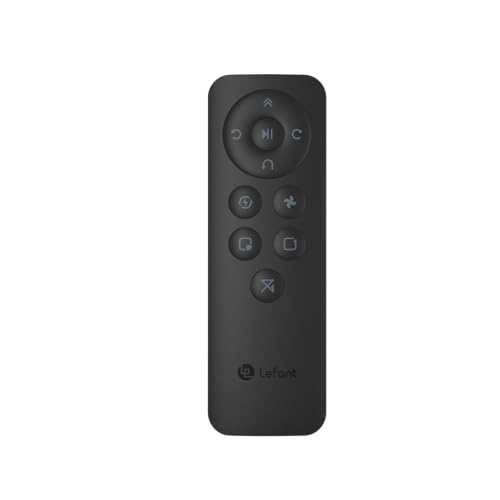
Lefant Remote Control, Schedule Time, Control Cleaning Modes, Adjust Suction, Compatible with Lefant M210/M210B/M210P/M310/M320 Robot Vacuums Robotic Vacuum Cleaner
【Applicable models】:Lefant Remote Control fits for Lefant robot vacuum cleaner including M210, M210B, M210P, M213, M213S, N1K, P1,…
As an affiliate, we earn on qualifying purchases.
As an affiliate, we earn on qualifying purchases.