To achieve thorough cleaning, combine manual cleaning with your robot vacuum. Start by pre-cleaning high-traffic or hard-to-reach areas, removing dust and debris manually. This reduces the load on the robot’s dustbin and boosts its efficiency. Regularly maintain your vacuum’s filters and batteries for peak performance. When you blend both methods, your floors stay cleaner longer and gaps are effectively filled. Keep exploring for tips on making this routine even more effective.
Key Takeaways
- Manual cleaning preps surfaces by removing large debris and dust, enhancing robot vacuum efficiency.
- Regularly emptying the dustbin prevents suction loss and maintains optimal robot performance.
- Scheduling short, frequent cleaning sessions compensates for limited battery life and ensures thorough coverage.
- Maintaining filters and cleaning the dustbin extend the robot’s operational capacity and effectiveness.
- Combining manual and robot cleaning addresses each method’s limitations for comprehensive floor maintenance.
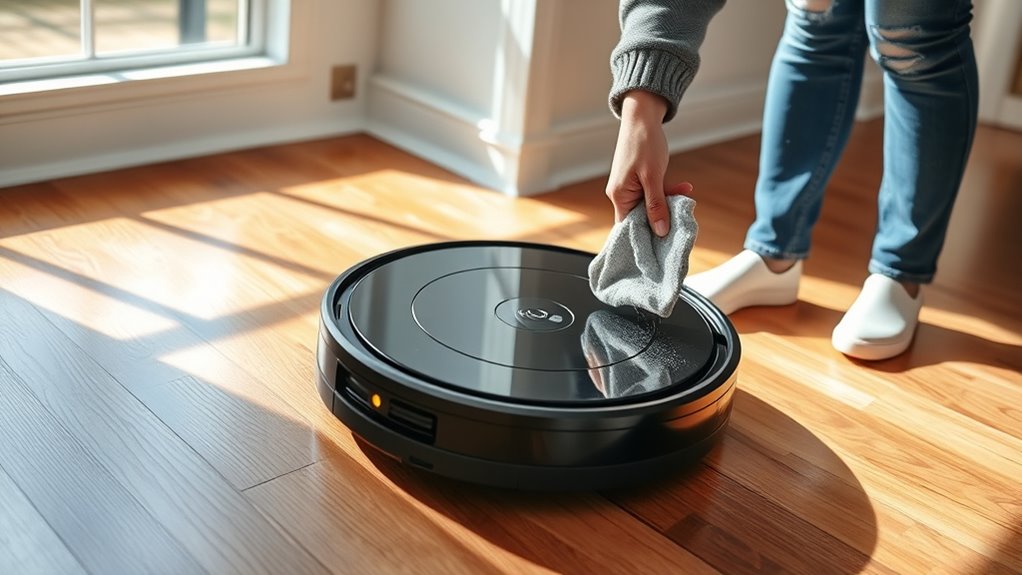
Robot vacuums have become a popular choice for maintaining clean floors, but they don’t always replace manual cleaning entirely. While they’re convenient and can handle daily dirt and debris, their effectiveness depends on several factors, including battery life and dustbin capacity. You might notice that after a few cleaning cycles, the robot’s battery life diminishes, limiting how long it can operate before needing a recharge. This can be frustrating if your space is large or heavily soiled. Similarly, dustbin capacity plays a vital role; if the bin fills up quickly, the vacuum has to stop frequently to empty, which interrupts the cleaning process. These limitations highlight that robot vacuums are excellent for maintenance but might not be sufficient for a deep clean on their own.
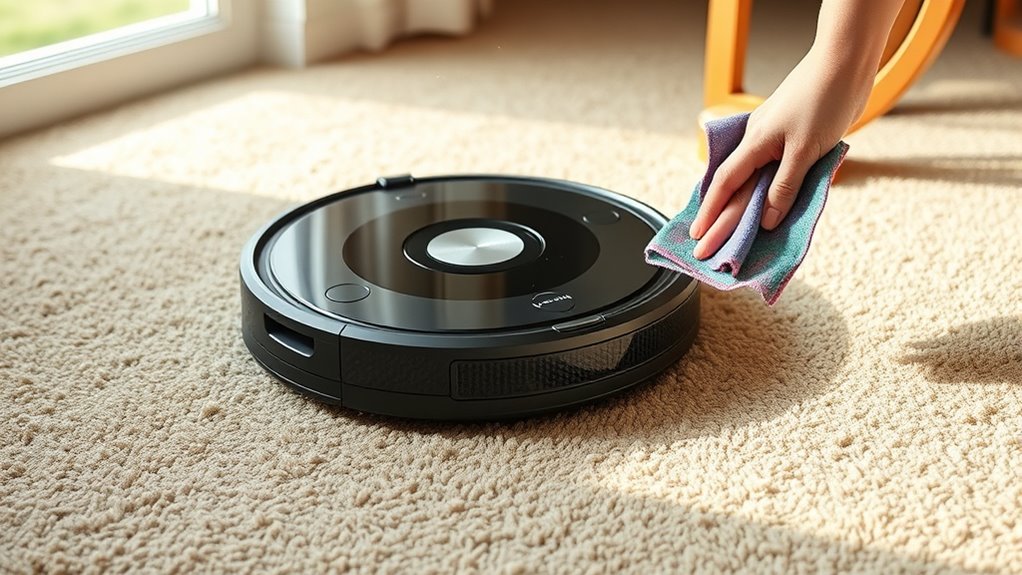
To achieve the best results, combining manual cleaning with robot vacuum use makes sense. Start by manually cleaning areas where the robot struggles—corners, along baseboards, or under furniture—especially if your robot’s dustbin capacity is small. This pre-cleaning ensures the robot can focus on picking up residual dust and hair without getting overwhelmed by larger debris. When it comes to battery life, scheduling your robot for shorter, frequent runs can prevent most of the issues caused by limited power. Charging the vacuum fully between sessions ensures it can cover more ground without mid-clean recharges, leading to more thorough coverage.
Manual cleaning also compensates for the limited dustbin capacity of most robot vacuums. Regularly emptying the dustbin after each run ensures the robot can operate at peak efficiency without losing suction or getting bogged down. It’s best to keep the dustbin clean and check the filters often, especially if you have pets or a high-traffic home. This way, your robot vacuum works at its best, reducing the need for frequent manual interventions during its scheduled runs. Additionally, understanding the vibrational energy of your environment can help optimize your cleaning routine for better results.
Top picks for "combin robot vacuum"
Open Amazon search results for this keyword.
As an affiliate, we earn on qualifying purchases.
Frequently Asked Questions
How Often Should I Manually Clean My Robot Vacuum?
You should manually clean your robot vacuum weekly to prevent dust accumulation and keep it running efficiently. Regularly check and maintain the brushes, removing hair and debris that can hinder performance. If you have pets or a lot of dust, consider cleaning it more often. This routine helps guarantee your vacuum continues to clean thoroughly, extends its lifespan, and maintains ideal suction power.
Can Manual Cleaning Damage My Robot Vacuum?
Manual cleaning, if done carefully, won’t damage your robot vacuum. Proper vacuum maintenance involves gentle brushing and clearing debris from sensors and brushes, which actually helps prevent damage. Be gentle when removing hair or dirt, avoid harsh tools, and follow the manufacturer’s instructions. Regular manual cleaning improves your vacuum’s performance and longevity, ensuring it operates smoothly without risking harm to delicate parts.
What Are the Best Manual Tools to Use With Robot Vacuums?
Think of manual tools as your robot vacuum’s trusted sidekicks. Use brush attachments to loosen stubborn dirt in tight spots, and microfiber cloths to dust delicate surfaces gently. These tools complement your robot’s cleaning power, ensuring no speck of dust is left behind. Keep your robot in top shape by pairing it with these versatile manual tools, turning cleaning into a seamless duet rather than a chore.
How Do I Prevent Manual Cleaning From Interfering With Robot Operation?
To prevent manual cleaning from interfering with your robot vacuum operation, schedule manual cleaning during times when the robot isn’t running. Perform routine robot vacuum maintenance by emptying the bin and checking brushes beforehand. Use manual cleaning techniques that avoid disrupting the robot’s sensors or pathways. Keep the area clear of obstacles, and ensure the robot’s sensors stay clean, so both cleaning methods work harmoniously and efficiently.
Is There a Recommended Cleaning Schedule for Combined Cleaning Methods?
A stitch in time saves nine, so establishing a cleaning schedule helps. For combined cleaning, you should aim for a weekly robot vacuum run to handle daily dirt and dust, with manual cleaning sessions once every two weeks for deeper grime. Maintain your devices regularly by checking filters and brushes. Consistent cleaning frequency and maintenance routines guarantee your system functions smoothly, keeping your space spotless without interference.
Conclusion
By combining robot vacuums with manual cleaning, you guarantee a cleaner, healthier home. You save time, you achieve thoroughness, and you enjoy peace of mind. You let technology handle the routine, and you take control of the detail work. You create a cleaning routine that’s efficient, effective, and tailored to your needs. You embrace the best of both worlds, transforming chores into a simple, satisfying part of your day.