

To know if your dust bin really needs emptying, look for obvious signs like visible dust buildup or decreased suction performance. Check the indicator lights and listen for unusual noises. Sometimes, sensors malfunction or airflow issues cause false alerts, so manually open and inspect the bin. If the warning persists despite an empty bin, troubleshooting tips in the guide can help you determine the real situation without guessing.
Key Takeaways
- Check for visible dust accumulation and listen for unusual noises indicating the bin is full.
- Inspect indicator lights and sensor alerts, but verify with a manual visual check if uncertain.
- Monitor airflow and suction; reduced performance often signals a full or clogged bin.
- Clean sensors and filters regularly to prevent false full bin alerts caused by dust or debris.
- Perform manual inspection of the dust bin to confirm actual fullness before emptying.

Bekamee Vacuum Dust Display Light, Automatic Start-Stop, Suitable for Dyson & All Vacuum Cleaners, Center-Mounted Installation, Ultra-Wide Angle to Reveal Hidden Dust & Pet Hair (USB-C Rechargeable)
[Notes Before Use] – 1.The auto on/off function is triggered by vibration. Please keep the vacuum moving or…
As an affiliate, we earn on qualifying purchases.
As an affiliate, we earn on qualifying purchases.
Is Your Dust Bin Really Full? How to Know for Sure
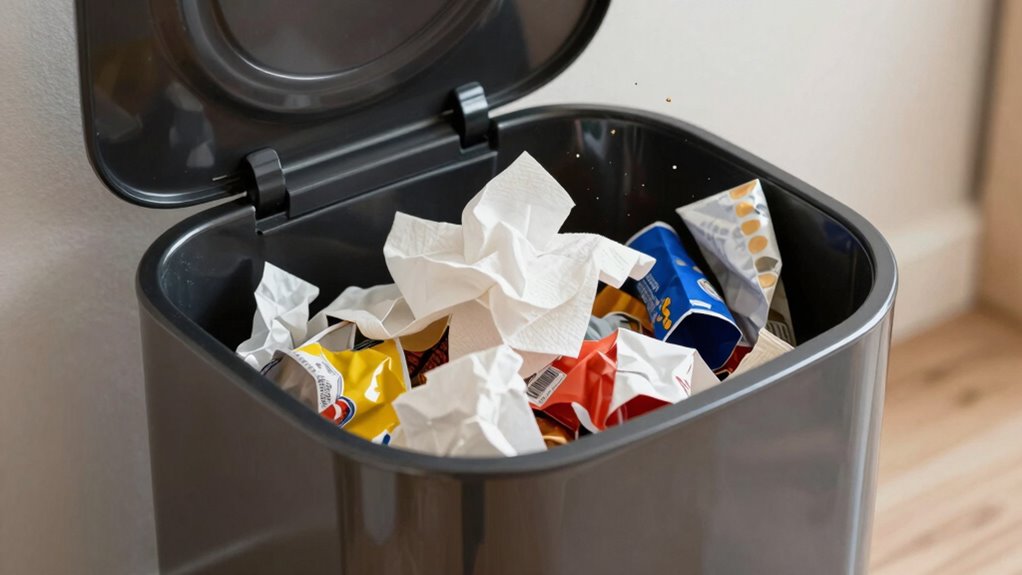
Ever wondered if your dust bin is truly full or just appears that way? Sometimes, dust accumulation might seem like a full bin, but it’s really just a sign of filter clogging elsewhere in your vacuum or appliance. When filters are clogged, airflow slows down, causing dust to settle and give the illusion of a full bin. A proper airflow is crucial for efficient vacuum operation, and reduced airflow can be mistaken for a full dust bin. Instead of rushing to empty it, check the filter for dirt buildup or blockage. If the filter is dirty, cleaning or replacing it can improve airflow and clarify whether the dust bin actually needs emptying. Keep in mind that a clogged filter can mimic the signs of a full bin, so addressing filter clogging first helps you avoid unnecessary emptying and ensures your device functions efficiently. Recognizing the signs of filter clogging can help you troubleshoot more effectively before deciding to empty the bin. Additionally, understanding the impact of airflow on vacuum performance can guide you in maintaining optimal functionality. Regular maintenance, including filter inspection, can extend the lifespan of your vacuum and improve its overall performance. Moreover, paying attention to airflow restrictions can prevent potential damage to your appliance and ensure consistent cleaning results.

Tweruna 4 PCS Handheld Vacuum Cleaner Brush, Universal Dust Brush, 2 in 1 Vacuum Roller Cleaning Tool for Sweeping Robot
Package Includes: You will receive 4 pcs handheld vacuum cleaner brushes in 2 different styles, perfect for universal…
As an affiliate, we earn on qualifying purchases.
As an affiliate, we earn on qualifying purchases.
Key Signs That Your Dust Bin Needs Emptying

When your vacuum or appliance starts to lose suction or struggles to pick up debris, it’s a clear sign that your dust bin might be full. Excess dust accumulation can hinder performance and cause sensor malfunctions, leading to false alerts. To identify if your bin truly needs emptying, look for these signs:
| Sign | Explanation |
|---|---|
| Reduced suction | Dust buildup blocks airflow, weakening suction. |
| Visible dust in the bin | Indicates it’s time to empty it. |
| Sensor alerts despite cleaning | Malfunctions may cause false full signals. |
| Difficulty maneuvering | Excess dust makes the appliance heavier. |
| Unusual appliance behavior | Sensor errors or dust accumulation interfere. |
If you notice these signs, empty your dust bin promptly to restore ideal performance and avoid sensor malfunctions. Recognizing proper maintenance routines can help prevent these issues from recurring. Regularly checking and clearing dust buildup can also prolong the lifespan of your appliance and ensure optimal operation. Being aware of sensor malfunctions can help you troubleshoot sensor errors more effectively. Additionally, understanding dust bin capacity can assist in preventing overflows before they occur. Staying informed about technological integration features might help in diagnosing or preventing some of these issues more efficiently.
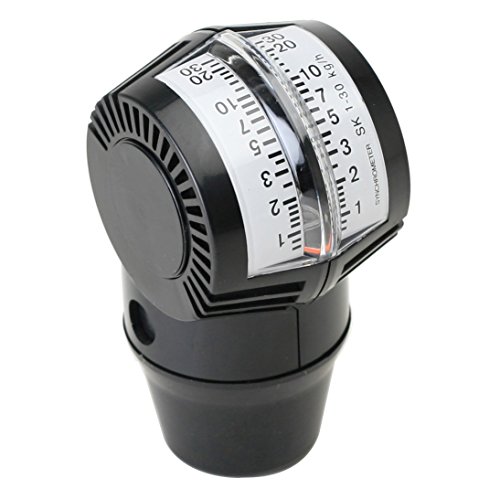
Deluxe Carburetor Airflow Meter by Latest Rage
Proper Synchronization For Peak Performance
As an affiliate, we earn on qualifying purchases.
As an affiliate, we earn on qualifying purchases.
Common Causes of False Dust Bin Full Alerts
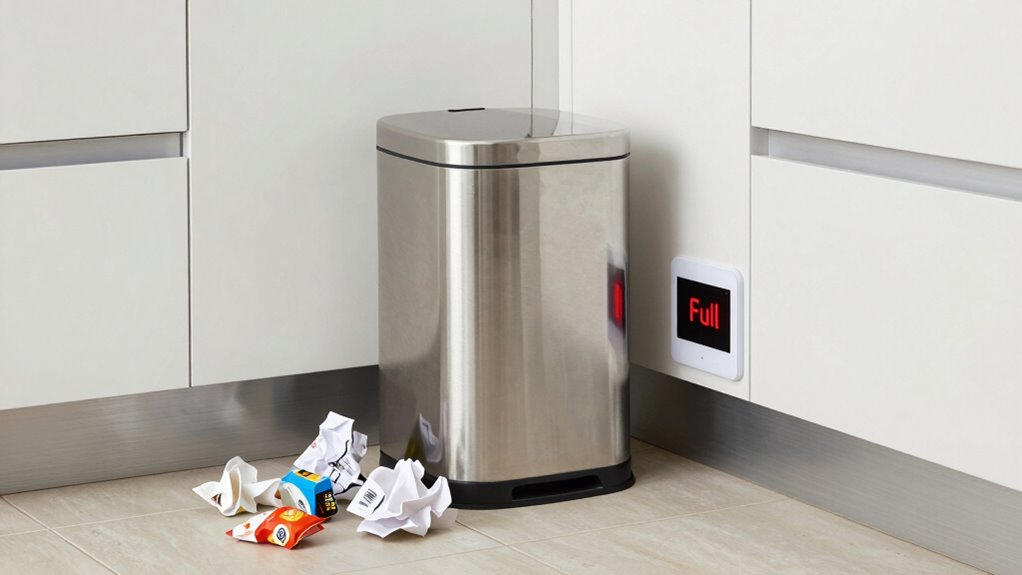
A dust bin that falsely signals it’s full can be frustrating and disrupt your cleaning routine. Dust bin sensors, which detect when the bin reaches capacity, can sometimes malfunction or get dirty, leading to false alerts. Over time, dust, debris, or even moisture can interfere with sensor accuracy, causing them to think the bin is full when it isn’t. Additionally, sensors that are poorly calibrated or damaged may trigger false alerts. Sometimes, blockages in the sensor’s path or electrical issues can also cause incorrect signals. Understanding sensor calibration and how to maintain it can help prevent these issues. Proper sensor maintenance, including regular cleaning and calibration checks, is essential for accurate detection. Being aware of industry trends and technological updates can also assist in troubleshooting and improving sensor performance. Recognizing the importance of advanced sensor technology can lead to more reliable detection and fewer false alarms, ultimately saving time and effort. Incorporating diagnostic tools can further aid in identifying malfunctions early and ensuring optimal sensor operation. Identifying these causes helps prevent unnecessary stops and guarantees your vacuum or cleaning device operates smoothly without false full notifications.

Yellow Jacket 69030 Vacuum Sensor Cleaning Kit
As an affiliate, we earn on qualifying purchases.
As an affiliate, we earn on qualifying purchases.
How Can I Manually Check If My Dust Bin Is Full?
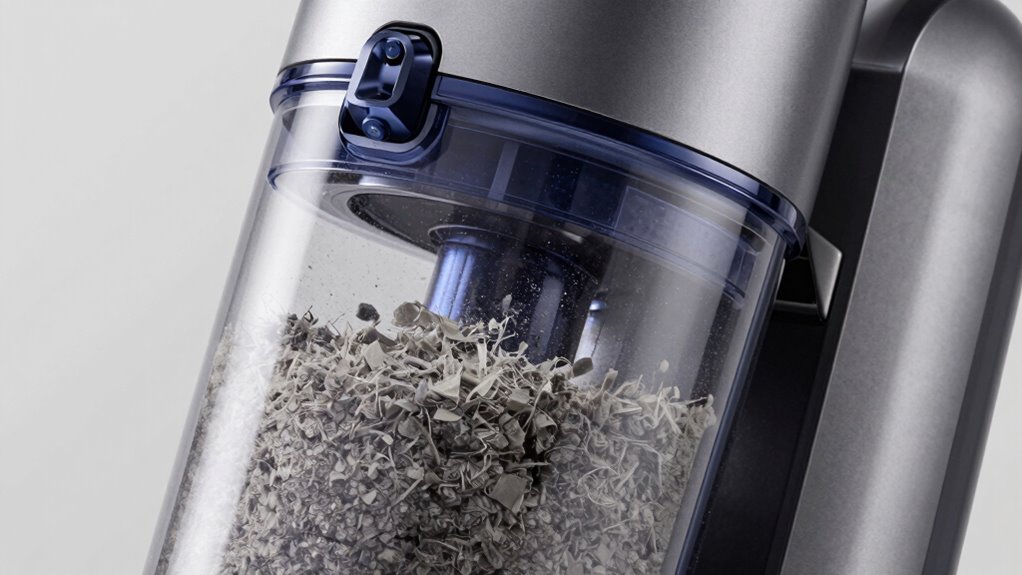
To see if your dust bin is full, start with a visual inspection—open the compartment and look for accumulated debris. You can also listen for sounds that indicate it’s full, like a motor struggling or a sudden change in noise. Don’t forget to check the indicator lights on your device, as they often signal when the dust bin needs emptying. Additionally, some models feature status indicators that provide real-time updates on the bin’s capacity. In electric bikes, power output can sometimes be affected if components become obstructed or overloaded, so ensuring your dust bin (or equivalent component) is clear can help maintain optimal performance. Regularly inspecting and performing maintenance on your device ensures it continues to operate efficiently. Being aware of device performance signs can also help you catch issues early before they become more serious.
Visual Inspection Method
You can easily check if your dust bin is full by performing a quick visual inspection. Look inside to see if dust and debris have accumulated near the opening or on the sides. A full bin often appears visibly filled, making it harder for the vacuum to maintain proper air flow. Poor air quality can result if the dust particle size becomes too concentrated, affecting the vacuum’s efficiency and your indoor air quality. When inspecting, focus on areas where dust tends to settle or cling. If you notice a thick layer of dust or debris, it’s time to empty the bin. Regular visual checks help prevent overfilling, ensuring your vacuum continues to operate effectively without compromising air quality or increasing dust particle size in your environment. Additionally, understanding layer concepts in filtration and system design can help optimize your vacuum’s performance and longevity. Proper maintenance also involves checking the dust capacity, which is crucial for avoiding blockages and maintaining suction power over time. Being aware of system scalability allows you to upgrade or expand your cleaning setup as needed, further enhancing efficiency. Monitoring the dust bin regularly is especially important if you notice a decline in suction power or airflow, as these are indicators of overfull bins. Regular cleaning and awareness of your vacuum’s dust collection system can significantly extend its lifespan and effectiveness.
Listen for Sounds
Ever wondered if your dust bin is full without opening it? One simple way is to listen for sounds. When the bin starts to fill, you might notice a change in the noise during operation—like a louder hum or a faint rattling. Dust bunnies collecting inside can cause airflow restrictions, making your vacuum work harder and creating unusual sounds. These noises are clues that the dust bin is nearing capacity. Ignoring these signals can lead to poor air quality, as dust and debris stay trapped inside longer than they should. By paying attention to these sounds, you can catch the need to empty the bin early, helping maintain ideal vacuum performance and ensuring cleaner air in your home. Additionally, understanding how airflow and vacuum efficiency are affected by dust buildup can help you better recognize when it’s time for a change. Regularly checking for dust accumulation can prevent clogs and improve overall cleaning effectiveness.
Check Indicator Lights
Checking the indicator lights on your vacuum is a quick and reliable way to determine if your dust bin is full. Most modern vacuums have a dust sensor that triggers a warning light when the bin reaches capacity. To manually check, look for the indicator light or display panel; if it’s illuminated or flashing, your bin might be full. Sometimes, the sensor needs calibration to function correctly. You can do this by emptying the dust bin, turning off the vacuum, and resetting the indicator according to your device’s instructions. Proper indicator calibration guarantees accurate readings. If the light remains on after emptying, inspect the sensor for dust buildup or damage. Regularly checking these lights helps prevent blockages and keeps your vacuum working efficiently.
When Should I Trust the Device’s Indicator or Double-Check?
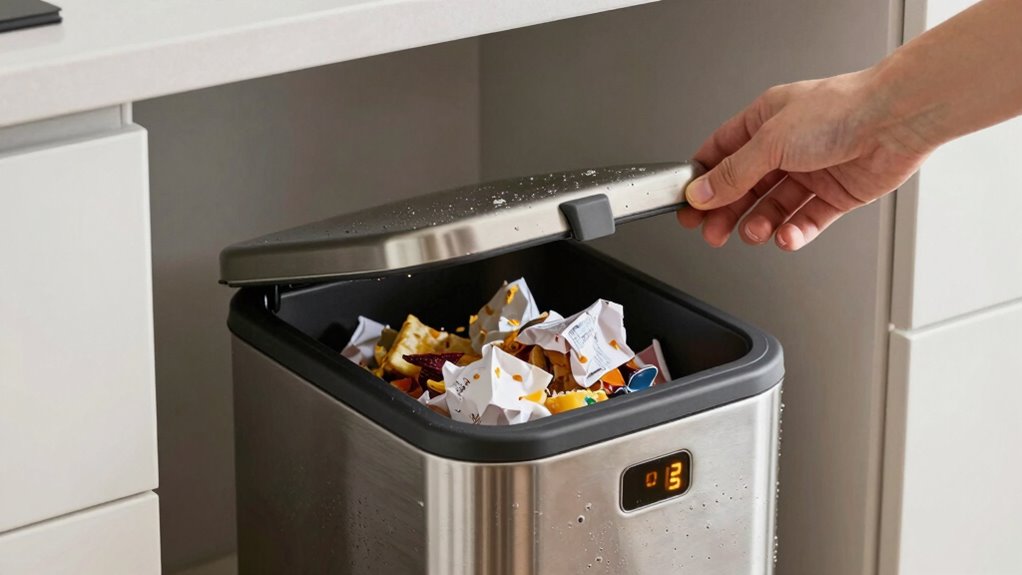
You should trust the indicator light when it’s recent and clear, but don’t rely on it alone if your vacuum’s performance seems off. Manual checks are still essential, especially in environments with lots of dust or obstacles that can confuse sensors. Keep in mind that environmental factors like humidity or debris can impact the indicator’s accuracy, so double-check when in doubt.
Indicator Light Accuracy
While indicator lights are designed to provide quick and convenient updates about your dust bin’s status, they aren’t always perfectly reliable. Over time, sensor calibration can drift, causing false readings. Firmware updates often fix bugs that improve indicator accuracy, so keeping your device updated is essential. If your indicator light signals that the bin is full but you’re unsure, it’s wise to double-check by manually inspecting the bin. Relying solely on the light can lead to missed clogs or unnecessary stops. Regularly calibrate your sensors if possible, and stay current with firmware updates from the manufacturer. This proactive approach helps ensure the indicator provides trustworthy information, reducing the chances of either over- or under-emptying your dust bin.
Manual Inspection Needed
Even though indicator lights are helpful, there are situations when you should double-check your dust bin manually. Sensor malfunctions or debris buildup can cause false readings, so don’t rely solely on the indicator. Regular maintenance tips include cleaning sensors and inspecting the bin for clogs. When in doubt, open the bin and check if it’s truly full. If the indicator suggests emptying but the bin looks empty, trust your inspection. Conversely, if the bin is full but the light isn’t on, manually empty it anyway. Here’s a quick reference:
| Situation | Action | Reason |
|---|---|---|
| Indicator shows full, bin is empty | Double-check manually | Sensor malfunction |
| Indicator shows empty, bin full | Inspect physically | Sensor malfunction |
| Sensor debris or dust buildup | Clean sensors | Ensures accurate readings |
| After maintenance, check sensor | Confirm proper function | Prevent false alerts |
| Regularly inspect bin | Prevent malfunctions | Maintain performance |
Environmental Factors Impact
Environmental factors such as temperature, humidity, and dust levels can considerably affect the accuracy of your dust bin indicator. When dust accumulation is high, it may cause airflow disruption inside the sensor, leading to false readings. For instance, excessive humidity can cause dust to clump together, blocking airflow and triggering the indicator prematurely. Similarly, temperature fluctuations can impact sensor sensitivity, making it unreliable. If you notice inconsistent alerts, double-check the dust bin manually. Relying solely on the indicator in these conditions might mislead you into thinking the bin is full or empty. To guarantee accuracy, consider environmental conditions and periodically inspect the dust collection area, especially during extreme weather or dusty environments. This helps prevent false alarms and maintains optimal device performance.
What Should I Do If the Full Alert Keeps Showing Up?
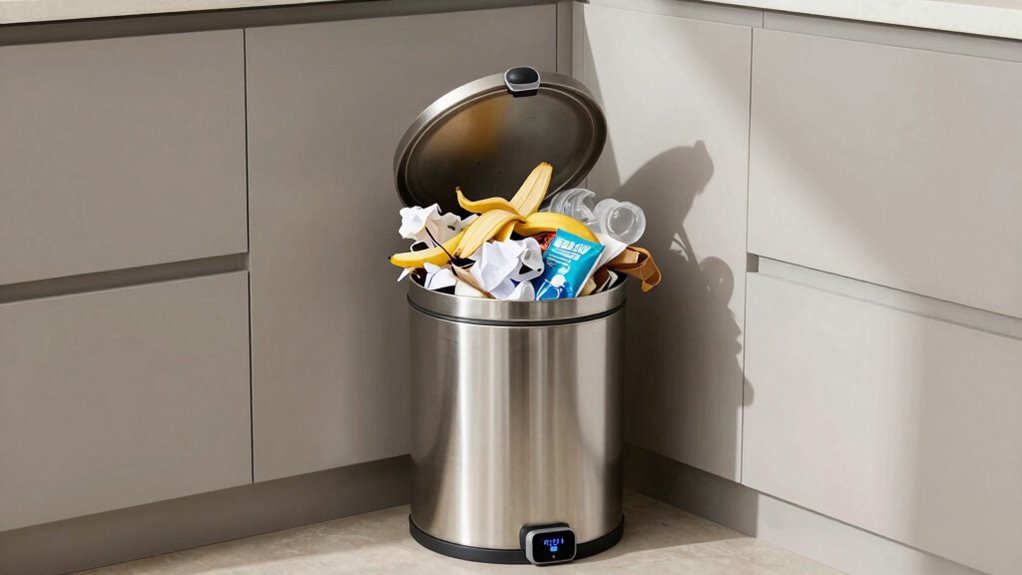
If the full alert keeps popping up on your dust bin, start by checking if the dust sensor is dirty or obstructed. Dust buildup can fool the sensor into thinking it’s full, so clean it gently with a soft cloth. If cleaning doesn’t help, consider updating the software. Sometimes, a software update fixes bugs or misreads sensors, preventing false alerts. Check the manufacturer’s website or app for the latest firmware. If the alert persists after cleaning and updating, reset the dust bin system or contact support. Persistent false alerts might indicate a faulty sensor that needs repairing or replacing. Regular maintenance and keeping your device’s software current ensure accurate readings and prevent unnecessary emptying.
Frequently Asked Questions
Can Air Humidity Affect Dust Bin Fullness Indicators?
Yes, air humidity can affect dust bin fullness indicators. Humidity interference may cause sensors to misread, making them think the bin is full when it isn’t, or vice versa. High humidity levels can dull sensor sensitivity, leading to inaccurate alerts. To prevent this, keep sensors clean and ensure proper calibration. Monitoring humidity and maintaining the sensor’s condition helps ensure accurate fullness detection, preventing unnecessary emptying or missed alerts.
Do Different Vacuum Models Interpret Fullness Signals Differently?
Yes, different vacuum models interpret fullness signals differently because of variations in vacuum sensor design and indicator calibration. Some vacuums rely on optical sensors, while others use mechanical or electronic ones, causing discrepancies in how fullness is detected. You should check your vacuum’s user manual for calibration instructions and make sure the sensor is clean and properly calibrated, so the indicator accurately reflects the dust bin’s fill level.
How Often Should I Empty My Dust Bin for Optimal Performance?
You should empty your dust bin after every few uses, especially if it’s full or the vacuum’s suction weakens. Regular dust bin maintenance prevents clogging and maintains peak performance. Don’t wait for a full indicator—trust your senses. An ideal emptying schedule keeps your vacuum effective and prolongs its lifespan. By staying proactive, you ensure thorough cleaning and avoid costly repairs down the line.
Are There Specific Cleaning Techniques to Prevent False Alerts?
To prevent false alerts, you should regularly perform filter maintenance and sensor calibration. Clean the sensors gently with a soft cloth to guarantee they detect dust properly. Also, check and replace filters as needed to avoid obstructions. Properly calibrating the sensors helps them distinguish between a full dust bin and other issues. Consistent maintenance keeps your device functioning accurately and prevents unnecessary alerts, saving you time and frustration.
Is It Safe to Ignore a Dust Bin Full Warning?
Ignoring a dust bin full warning isn’t safe, even if your dust sensor seems unreliable. That warning aims to maintain your device’s warning accuracy and prevent clogs. Think of it like ignoring a fire alarm in a castle—you’re risking damage or failure. Always empty the dust bin promptly; otherwise, dust buildup can impair performance and damage your vacuum. Don’t delay—your device and home deserve your attention.
Conclusion
So, next time your vacuum yells “dust bin full,” remember it might just be crying wolf. Don’t rely solely on the indicator—trust your instincts and give it a quick check. After all, it’s ironic how a tiny sensor can cause a big fuss, making you wonder if your bin’s really full or just playing tricks. Stay vigilant, and don’t let a false alert turn your cleaning routine into a wild goose chase!