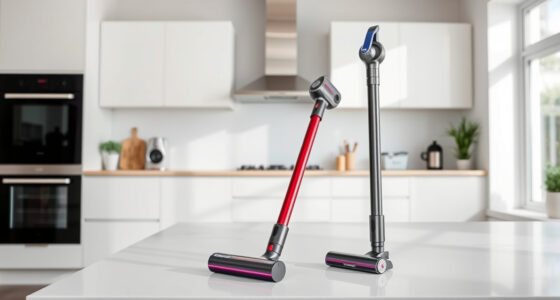

If your Dyson V15 Detect™ Origin cordless vacuum is pulsing on and off during use, it can be frustrating and may hinder your cleaning. This issue often relates to blockages, filter problems, or battery concerns. Fortunately, most causes are fixable with simple, safe steps.

Get cleaning gear delivered free — and shop member deals
- Fast, free delivery on millions of items
- Access to Prime Big Deal Days deals on October 6–7
- Prime Video, Amazon Music and more included
In this guide, you’ll find practical troubleshooting steps to resolve pulsing, ensuring your Dyson operates smoothly and efficiently.
Key Takeaways
| Common Causes | Blockages, dirty filters, or battery issues can cause pulsing. |
| Routine Maintenance | Regular filter cleaning and checks prevent pulsing. |
| Step-by-Step Fixes | Follow clear steps to identify and fix the problem. |
| Safety First | Always unplug or turn off your vacuum before maintenance. |
Check for Blockages and Clogs
- Ensure the vacuum is turned off and unplugged for safety.
- Inspect the cleaner head, wand, and hose for obstructions or debris.
- Remove any visible blockages, especially around the brush bar and nozzle.
- Clear out dust or hair tangled in the cleaner heads or filters.
Clean or Replace the Filters
- Remove the pre-filter and V10 filters from the vacuum as instructed in the user manual.
- Rinse the filters thoroughly under cold water. Do not use detergents.
- Allow filters to air dry completely for at least 24 hours before reinstalling.
- If filters are damaged or excessively dirty, consider replacing them with compatible filters, such as the 3Pack Pre Filters Replacement.
Inspect the Battery and Power Settings
Ensure the battery is fully charged. A low or faulty battery can cause pulsing or inconsistent power.
Check that the power trigger is pressed firmly and that the vacuum is in the correct power mode. Switch modes and test again.
Reset and Test the Vacuum
- Turn off the vacuum and remove the battery if possible.
- Wait for 30 seconds to reset the system.
- Reinstall the battery and turn on the vacuum.
- Test the vacuum on different surfaces to see if pulsing persists.
Additional Tips and Warnings
- Regularly check and clean filters to prevent overheating and pulsing.
- Avoid using your vacuum in excessively dusty or debris-heavy environments without proper maintenance.
- Always follow safety instructions when handling electrical components.
- If the problem persists after troubleshooting, contact Dyson customer support for professional assistance.
The Products in This Guide

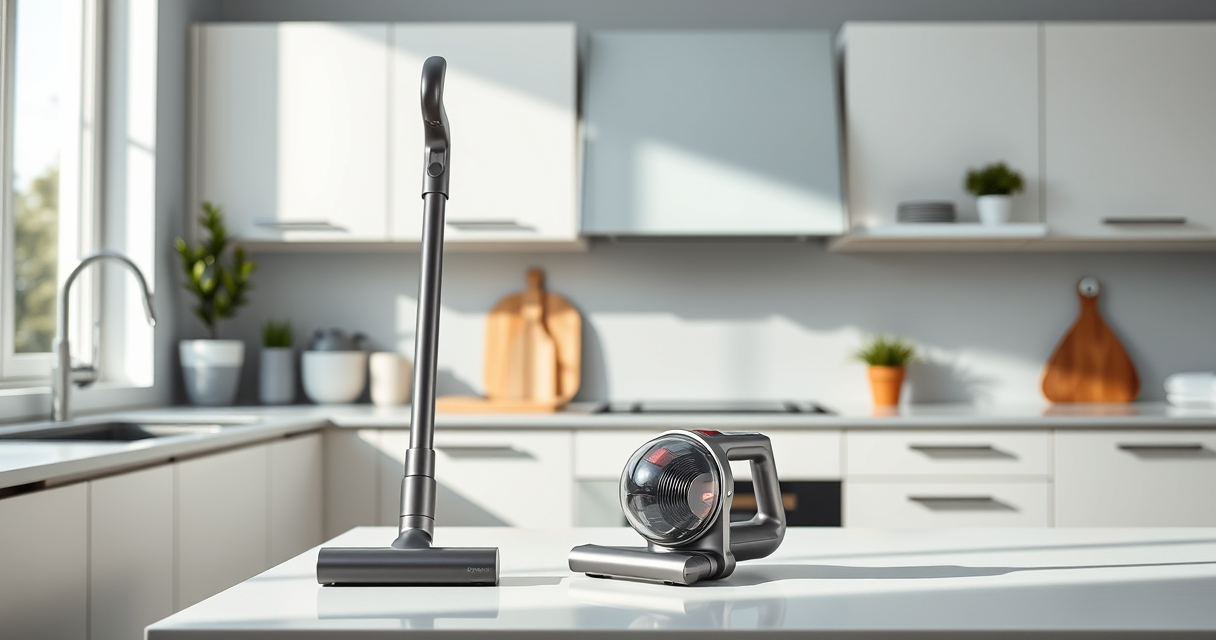
Dyson V15 Detect™ Origin Cordless Vacuum
- ✔ Battery Life: Up to 60 min
- ✔ Filtration: HEPA and sealed
- ✔ Weight: 6.8 lbs

LANMU Crevice Tool Vacuum Attachments Compatible
- ✔ Compatibility: Multiple Dyson models
- ✔ Material: Plastic
- ✔ Use Cases: Edges, corners, upholstery
Dyson V15 Detect™ Origin Cordless Vacuum
The Dyson V15 Detect™ Origin offers powerful, intelligent cleaning with features like laser dust detection and an LCD screen to monitor performance. Its design helps reveal invisible dust and adapt power to different surfaces, making it an ideal choice for comprehensive home cleaning.
Pros:
- Powerful suction with 100% more power
- Intelligent debris detection
- Long 60-minute run time
- Includes advanced cleaner heads
Cons:
- Higher price point
- Requires regular filter maintenance
- Battery can wear over time
Best for: Whole-home deep cleaning, pet hair removal, hard-to-reach areas
Not ideal for: Heavy use in dusty environments without regular filter cleaning
Bottom line: A top-tier cordless vacuum combining power, intelligence, and versatility.
LANMU Crevice Tool Vacuum Attachments Compatible
The LANMU Crevice Tool Vacuum Attachments are compatible with Dyson V15 models and help you reach into tight corners and tricky spots. Its narrow design makes cleaning around edges, baseboards, and car interiors easier and more thorough.
Pros:
- Narrow, flexible design
- Compatible with many Dyson models
- Great for detailed cleaning
- Easy to attach and use
Cons:
- May be too slim for larger debris
- Needs careful handling in tight spaces
- Additional purchase required
Best for: Hard-to-reach corners, vehicle interiors, detailed upholstery cleaning
Not ideal for: Heavy debris removal or large-area cleaning
Bottom line: A versatile tool for detailed and hard-to-reach cleaning tasks.
Frequently Asked Questions
Why does my Dyson pulsing on and off occur only when cleaning hard floors?
This can happen if the vacuum detects low resistance or debris buildup in the cleaner head, causing it to automatically adjust power and pulse to prevent overheating.
Can filter cleaning fix the pulsing issue?
Yes, dirty filters can cause airflow restrictions, leading to pulsing. Cleaning or replacing filters can restore proper airflow and resolve the issue.
Is it safe to rinse the filters myself?
Absolutely. Rinse filters with cold water, ensure they are fully dry before reinstalling, and avoid using detergents to prevent damage.
When should I replace the filters?
Replace filters every 2-3 months or when they show signs of damage or excessive dirt that cannot be cleaned effectively.
Keep Your Dyson V15 Detect™ Running Smoothly
Regular maintenance, timely filter cleaning, and checking for blockages can prevent pulsing issues and extend your vacuum’s lifespan. If troubleshooting steps do not resolve the pulsing, contact Dyson support for professional help. Proper care ensures your vacuum maintains its powerful, intelligent performance for years to come.
Affiliate disclosure: As an Amazon Associate we earn from qualifying purchases. Prices and availability are accurate as of the time of publishing.
Halloween Picks
halloween
As an affiliate, we earn on qualifying purchases.