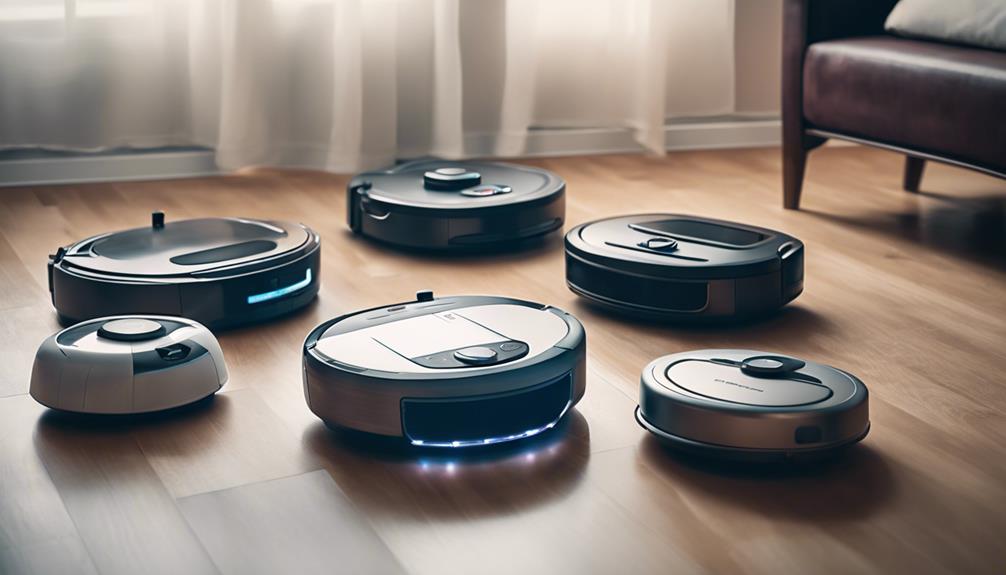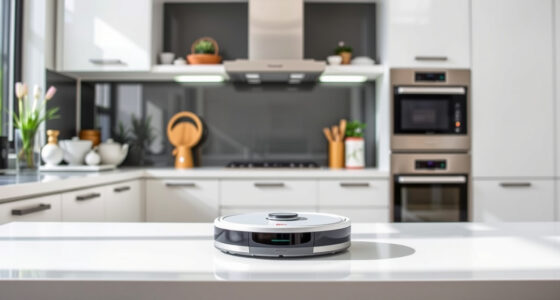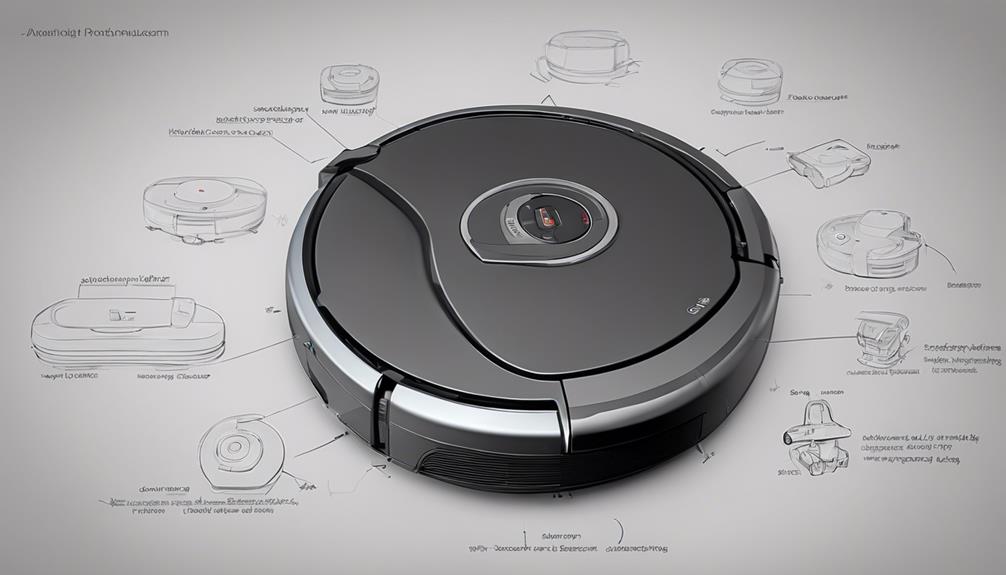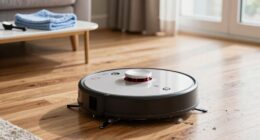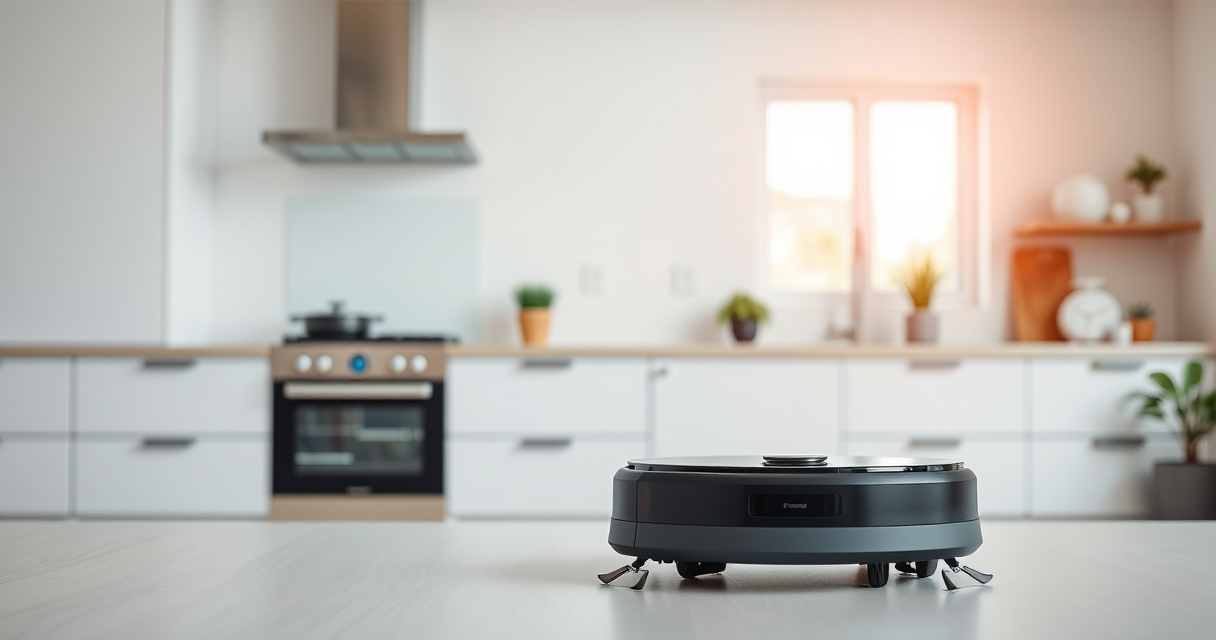
Setting up your new Roborock Q7 M5+ is straightforward, but ensuring proper initial setup guarantees efficient cleaning and longevity of the device. This guide walks you through the essential steps for a safe, effective setup process.

Get cleaning gear delivered free with Prime
- Fast, free delivery on millions of items
- Prime Video, Amazon Music and more included
- Member-only deals all year
From unboxing to connecting the app, follow these clear instructions to get your robot vacuum ready to tackle pet hair, dirt, and debris around your home with minimal fuss.
Key Takeaways
| Ease of Setup | Simple step-by-step instructions for initial setup |
| App Control | Connects easily via app for customization and control |
| Maintenance Tips | Keep filters and mop pads clean for best results |
| Safety Warnings | Follow safety tips to avoid damage during setup |
Unbox and Inspect Your Roborock Q7 M5+
- Carefully remove the robot vacuum, charging dock, and accessories from the packaging.
- Check all components against the included parts list to ensure nothing is missing.
- Inspect for any visible damage that might have occurred during shipping.
Charge the Robot Fully
Place the robot on its charging dock, ensuring the contacts are aligned properly. Charge until the indicator light confirms a full charge, usually about 3-4 hours, to ensure maximum battery life for initial cleaning.
Download and Set Up the App
- Download the Roborock app from your device’s app store.
- Create an account or log in.
- Follow the in-app prompts to connect the robot to your Wi-Fi network, ensuring your network is 2.4GHz for compatibility.
Configure Basic Settings
Within the app, customize your cleaning preferences, set no-go zones, and choose cleaning modes. Register your device and update firmware if prompted for optimal performance.
Prepare Your Home Environment
- Clear small objects, cables, and loose rugs from the floor.
- Ensure the dust bag in the self-empty dock is correctly installed and empty if necessary.
- Attach mop pads if mopping is desired, ensuring they are securely fitted.
The Products in This Guide

roborock Q7 M5+ Robot Vacuum and Mop
- ✔ Model: Q7 M5+
- ✔ Cleaning Cycles: Up to 7-9 weeks
- ✔ Control: App-enabled

4 Pack Washable Filter
- ✔ Pack: 4 filters
- ✔ Compatibility: Multiple Roborock models
- ✔ Washable: Yes
roborock Q7 M5+ Robot Vacuum and Mop
The Roborock Q7 M5+ offers powerful suction up to 10000Pa, sophisticated PreciSense LiDAR navigation, and a 2.7L self-empty dock, making it a top choice for thorough, hassle-free cleaning.
Pros:
- Powerful 10000Pa suction
- Long-lasting self-emptying dock
- Effective pet hair handling
- App control for customization
Cons:
- Relatively larger size may require space
- Initial setup can be complex for new users
- Mopping feature requires mop pad attachment
Best for: Homes with pets and high-traffic areas needing frequent cleaning
Not ideal for: Small apartments with limited space or minimal debris
Bottom line: A powerful, high-capacity robot vacuum ideal for large homes with pets.
4 Pack Washable Filter
These washable HEPA filters are compatible with the Roborock Q7 and other models, helping maintain optimal air quality and suction performance.
Pros:
- Reusable and washable
- Easy to install
- Effective filtration
- Cost-effective in long run
Cons:
- Requires periodic washing
- Not OEM but highly compatible
- Potential decrease in filtration if not maintained
Best for: Maintaining filtration and air quality
Not ideal for: For users seeking disposable filters only
Bottom line: A reliable, washable filter to extend your vacuum’s performance.
Frequently Asked Questions
How do I connect the Roborock Q7 M5+ to Wi-Fi?
Download the Roborock app, create an account, then follow the app’s prompts to connect your robot to your 2.4GHz Wi-Fi network. Ensure your phone is near the robot during setup.
Can I use the robot without the app?
Yes, the robot can operate in manual mode with physical buttons, but the app provides enhanced control, scheduling, and customization options.
How often should I clean or replace the filters?
Wash the washable filters every 1-3 months depending on usage. Replace the disposable filters if you notice reduced suction or increased debris in the dust bag.
Is it safe to leave the robot vacuum unattended?
Yes, the Roborock Q7 M5+ is designed for safe operation, but always clear the floor of small objects and avoid obstructing the sensors to prevent accidents.
Getting Your Roborock Q7 M5+ Ready for Action
By following these setup steps, you’ll ensure your Roborock Q7 M5+ is properly configured for powerful, efficient cleaning. Regular maintenance, such as cleaning filters and mop pads, will keep your device performing at its best. With app control and advanced navigation, your home will stay cleaner with minimal effort.
Affiliate disclosure: As an Amazon Associate we earn from qualifying purchases. Prices and availability are accurate as of the time of publishing.
Halloween Picks
halloween
As an affiliate, we earn on qualifying purchases.