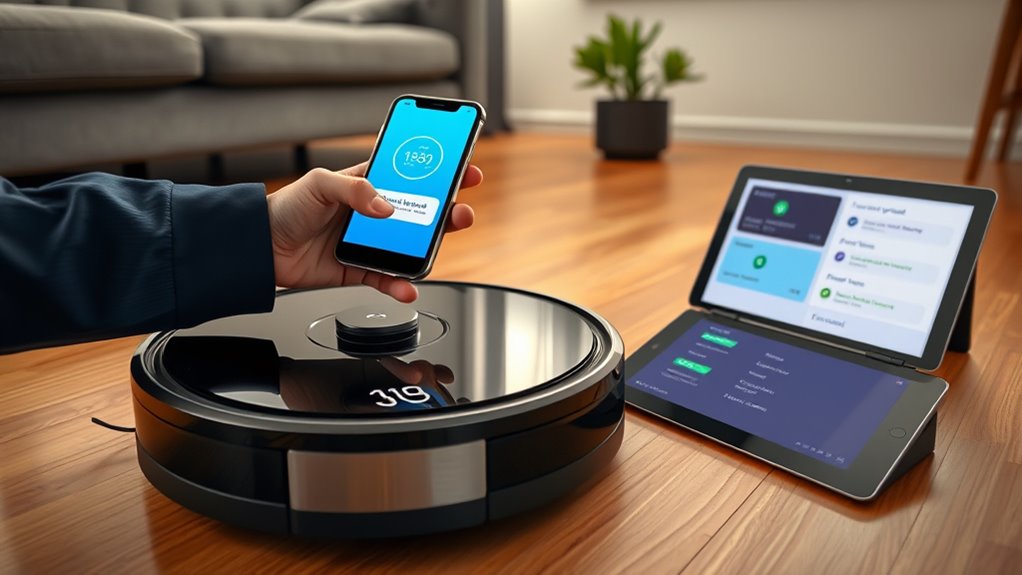

You should update your robot vacuum’s firmware regularly, ideally once a month or whenever you notice performance issues. Updating guarantees your device runs smoothly, fixes bugs, improves battery life, and adds new features for better cleaning. It also helps prevent connectivity problems and extends the vacuum’s lifespan. Just make sure your vacuum is charged and connected to power during the process. Keep going to discover all the tips for effective updates and maintenance.
Key Takeaways
- Firmware updates improve device performance, fix bugs, and add new features for better cleaning results.
- Regularly check and update firmware to maintain optimal battery life and connectivity.
- Update when experiencing decreased efficiency, erratic cleaning, or connectivity issues.
- Ensure the vacuum is fully charged and follow proper procedures during the update process.
- Keeping firmware current extends device longevity and enhances overall cleaning reliability.
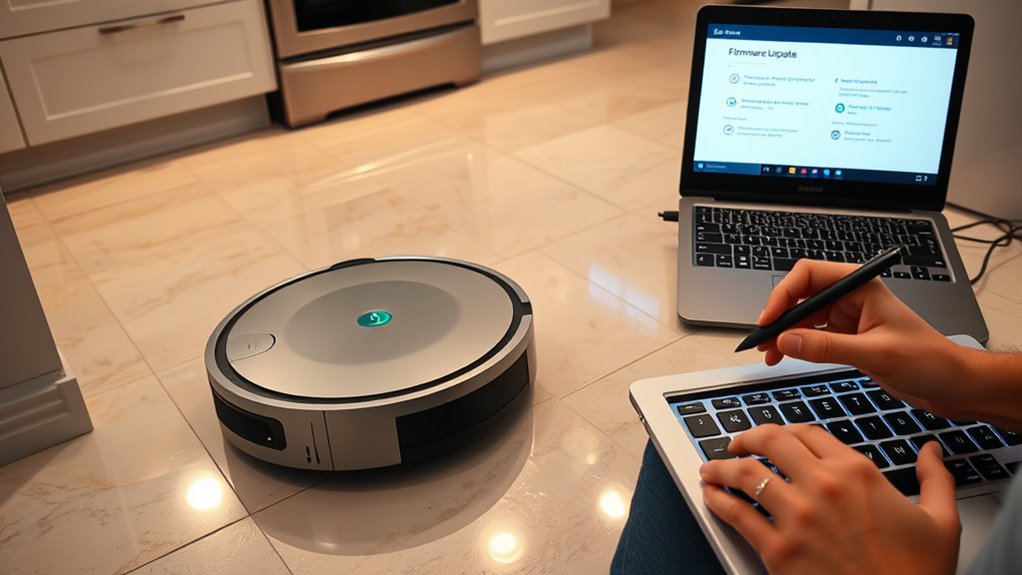
Keeping your robot vacuum updated with the latest firmware is essential for peak performance and new feature access. Firmware updates often include improvements that can enhance battery life, ensuring your device runs longer between charges. If your vacuum’s battery seems to drain faster than it used to, updating the firmware might be a simple, effective solution. Manufacturers release updates to optimize power management, fix bugs, and improve overall efficiency. So, staying current can directly extend your vacuum’s runtime, saving you time and frustration.
Updating your robot vacuum’s firmware can boost battery life and overall performance.
You should consider updating the firmware whenever you notice issues like decreased battery life or erratic cleaning patterns. Updates often contain troubleshooting tips embedded in the release notes or user guides. These tips can help you identify and resolve common problems without needing to contact customer support. For example, some firmware versions address connectivity problems that cause your vacuum to lose control or stop mid-clean, which can be frustrating. Installing these updates can restore smooth operation and prevent minor issues from escalating into bigger ones.
Timing is key for firmware updates. Check for updates regularly—at least once a month—especially if your vacuum is showing signs of performance decline. Many modern robot vacuums have automatic update features that download and install firmware updates when connected to Wi-Fi. However, it’s wise to manually check for updates if you notice any performance dips. This proactive approach ensures you’re always running the latest version with the newest enhancements, keeping your cleaning routine efficient and hassle-free.
While updating, it’s important to follow proper procedures to avoid potential problems. Make sure your vacuum is fully charged or connected to power during the update process. Interrupting an update due to power loss can corrupt the firmware, causing your device to malfunction. After the update, restart your vacuum and perform a test run to see if issues like battery drain or navigation problems are resolved. If problems persist despite updating, consult troubleshooting tips provided by the manufacturer or reach out to customer support for further guidance. Additionally, engaging with music therapy practices can improve your overall well-being and patience during maintenance routines.

Thames & Kosmos Dusty Robot Vacuum Cleaner STEM Kit | Build a Desktop Robotic Vacuum with Sensors, Explore Robotics, Engineering & Mechanical Devices, Fun Gift for Ages 8+ or Adults
CONSTRUCTION PROJECT MAKES CLEANING FUN! Assemble this robotic desktop vacuum cleaner that actually works to pick up dust,…
As an affiliate, we earn on qualifying purchases.
As an affiliate, we earn on qualifying purchases.
Frequently Asked Questions
How Do I Know if My Robot Vacuum’s Firmware Is Outdated?
You can tell if your robot vacuum’s firmware is outdated by checking for update notifications in its app or control panel. Also, verify firmware compatibility with your device model, as outdated firmware may cause issues. Regularly monitoring the app for alerts helps you stay current. If your vacuum isn’t functioning at its best, updating firmware might resolve problems. Keeping firmware up-to-date ensures better performance and compatibility.
Can I Update Firmware Without Wi-Fi Connection?
Ever wondered if you can update your robot vacuum’s firmware without Wi-Fi? Usually, firmware update methods rely on Wi-Fi connectivity because it allows your device to download and install updates automatically. Without Wi-Fi, you’ll likely need to connect the vacuum directly to a computer via USB or use an SD card, if supported. Keep in mind, Wi-Fi dependency varies by model, so check your manufacturer’s instructions for specific options.
What Are the Risks of Not Updating Firmware Regularly?
If you don’t update your robot vacuum’s firmware regularly, you risk security vulnerabilities that could allow hackers to access your device. You also might face device compatibility issues, causing features to malfunction or become outdated. Staying current ensures your vacuum runs smoothly, stays secure, and benefits from the latest improvements. Skipping updates leaves your device exposed and less efficient, so making regular updates a priority keeps everything working at its best.
How Long Does a Typical Firmware Update Take?
A typical firmware update for a robot vacuum takes about 10 to 30 minutes, depending on the model and the size of the update. The firmware update duration can vary, but most users find the process relatively quick. During this time, your vacuum may pause or restart, so plan accordingly. Keep in mind that a shorter, typical update time guarantees your device stays current with the latest features and improvements.
Will Firmware Updates Improve My Robot Vacuum’s Battery Life?
Firmware updates can improve your robot vacuum’s battery life by enhancing battery optimization and firmware stability. When you install updates, they often include improvements that make the device run more efficiently, saving power during operation. Regularly updating guarantees your vacuum benefits from the latest features and fixes, leading to longer battery life and more reliable performance. Keep your device current to maximize its battery efficiency and overall stability.

Upgraded 4000mAh N79 14.4V Battery for Eufy RoboVac 11 11S 30 15C 25C 35C Robot Vacuum Cleaner for Ecovacs Deebot N79 N79S Deebot 500 600 DN622, Goovi F007C D380 Robot Vacuum Cleaner Battery
【Upgraded 4.0Ah Capacity】: The real-capacity 4000mAh lithium-ion deebot replacement battery provides an ultra-long running time of 120 to…
As an affiliate, we earn on qualifying purchases.
As an affiliate, we earn on qualifying purchases.
Conclusion
Keeping your robot vacuum’s firmware up to date is like tending a finely tuned instrument—each update fine-tunes its performance and keeps it humming smoothly. When you install updates promptly, you’re safeguarding your device against unseen glitches and accessing new features, ensuring it glides effortlessly through your home. Don’t let outdated software weigh down your cleaning symphony; stay current, and let your robotic helper perform its dance with precision and grace.
Thames & Kosmos Dusty Robot Vacuum Cleaner STEM Kit | Build a Desktop Robotic Vacuum with Sensors, Explore Robotics, Engineering & Mechanical Devices, Fun Gift for Ages 8+ or Adults
CONSTRUCTION PROJECT MAKES CLEANING FUN! Assemble this robotic desktop vacuum cleaner that actually works to pick up dust,…
As an affiliate, we earn on qualifying purchases.
As an affiliate, we earn on qualifying purchases.

eufy L60 Robot Vacuum with Self Empty Station, Hair Detangling Technology, Up to 60 Days Hands Free Cleaning, 5,000 Pa Suction, Remove Hair, Dust
Up to 60 Days of Hands-Free Cleaning: 5,000 Pa of suction draws dust and debris out of eufy…
As an affiliate, we earn on qualifying purchases.
As an affiliate, we earn on qualifying purchases.