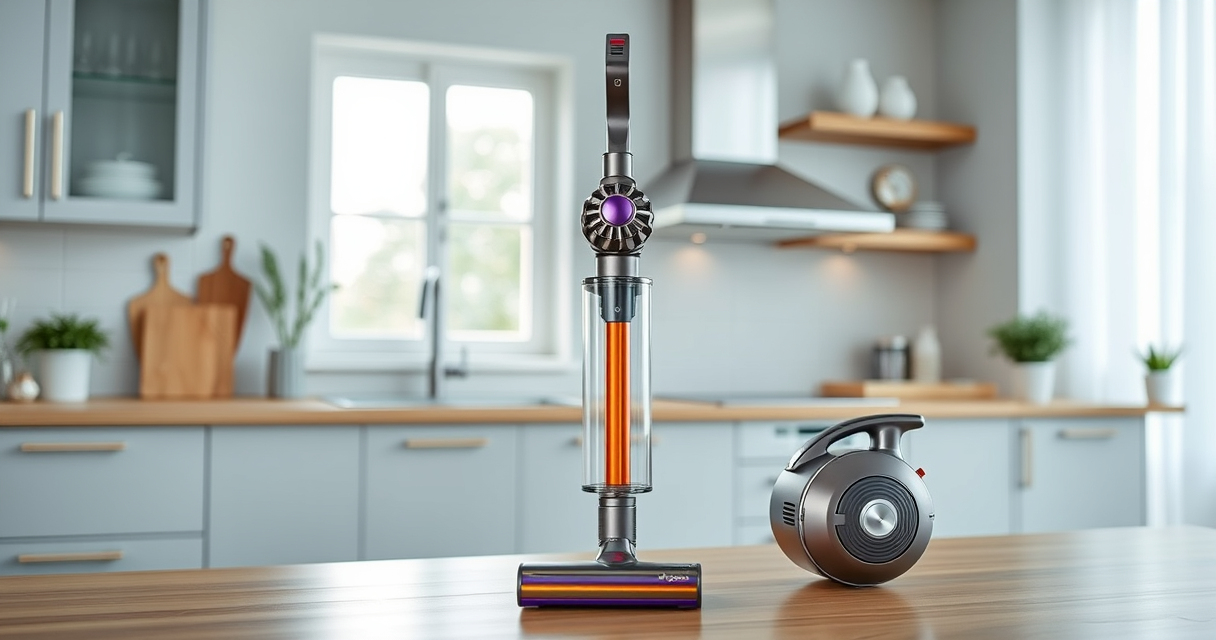

If your Dyson V15 Detect™ Origin Cordless Vacuum isn’t holding a charge like it used to, it can be frustrating. Battery issues are common in cordless vacuums, but many problems are fixable with simple troubleshooting and maintenance steps. This guide walks you through why your Dyson battery might be dying quickly and provides safe, effective solutions to extend its lifespan.

Get cleaning gear delivered free — and shop member deals
- Fast, free delivery on millions of items
- Access to Prime Big Deal Days deals on October 6–7
- Prime Video, Amazon Music and more included
Follow these steps carefully to identify the cause and restore your vacuum’s optimal performance.
Key Takeaways
| Battery age and usage | Old or heavily used batteries tend to lose capacity. |
| Filters and airflow | Clogged filters reduce efficiency and may impact battery life. |
| Charging habits | Incorrect charging can degrade battery health over time. |
| Cleaning and maintenance | Regular maintenance prevents performance issues. |
| Replacement options | New batteries or filters can restore power and run time. |
Identify the Cause of Battery Deterioration
- Check the age of your battery. Batteries typically last 1-2 years with regular use.
- Ensure you’re fully charging the vacuum after each use, avoiding partial charges.
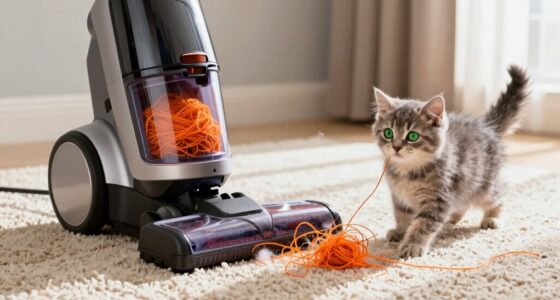
- Inspect filters and cleaner heads for blockages or dirt buildup that may cause the vacuum to work harder and drain the battery faster.
Optimize Charging Practices
- Always use the original charger supplied with your Dyson V15 Detect™ Origin.
- Charge the vacuum in a cool, dry place and avoid leaving it on charge for extended periods once fully charged.
- Allow the battery to cool down if it feels warm during charging to prevent overheating.
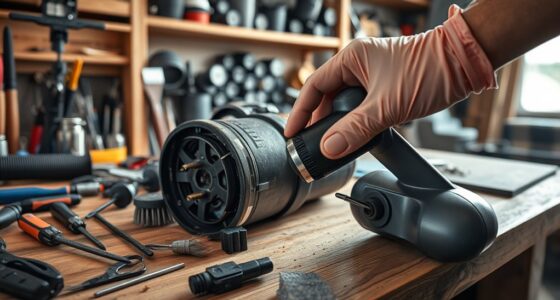
Perform Regular Maintenance
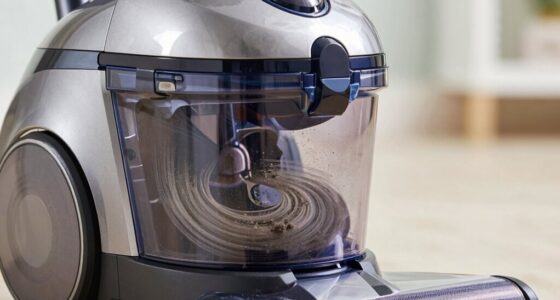
- Clean or replace filters regularly to maintain optimal airflow. Use the 3Pack Pre Filters Replacement or V10 Filters as suitable for your model.
- Clear debris from cleaner heads and attachments to prevent strain on the motor and battery.
- Check for blockages in the wand or hose and remove obstructions promptly.
Replace the Battery or Filters if Needed
If your battery’s capacity has significantly decreased despite proper maintenance, consider replacing it with a compatible replacement. Similarly, changing filters can restore suction and reduce strain on your vacuum’s motor and battery.
Tips and Warnings
- Never expose the battery to extreme heat or moisture, as this can cause damage or safety hazards.
- Use only compatible replacement parts designed for your Dyson model to ensure safety and performance.
- Consult the user manual or a professional if you’re unsure about replacing the battery yourself.
The Products in This Guide

Dyson V15 Detect™ Origin Cordless Vacuum
- ✔ Battery Life: Up to 60 minutes
- ✔ Weight: 6.8 lbs
- ✔ Filtration: Advanced filtration system

LANMU Crevice Tool Vacuum Attachments Compatible
- ✔ Compatibility: Many Dyson models
- ✔ Design: Slim, flexible
- ✔ Use case: Corners, car seats, baseboards
Dyson V15 Detect™ Origin Cordless Vacuum
The Dyson V15 Detect™ Origin offers high performance with intelligent features like particle detection and adjustable power modes. Its battery provides up to 60 minutes of runtime, but like all batteries, it can degrade over time. Regular maintenance and proper charging habits can extend its lifespan.
Pros:
- Powerful suction
- Smart LCD display
- Multiple cleaning heads
- Long battery life
Cons:
- Battery can degrade over time
- Price of replacements
- Heavier than some models
Best for: Deep cleaning homes with pets and hard floors
Not ideal for: For users looking for a lightweight, ultra-long-lasting battery vacuum
Bottom line: The Dyson V15 Detect™ Origin combines power, intelligence, and versatility, but maintaining the battery’s health is key to ongoing performance.
LANMU Crevice Tool Vacuum Attachments Compatible
The LANMU Crevice Tool Vacuum Attachments fits Dyson models and helps reach tight corners and small spaces, making cleaning more efficient. It’s especially helpful for detailed cleaning in cars and along edges.
Pros:
- Narrow, flexible nozzle
- Easy to attach
- Compatible with many Dyson models
- Ideal for corners and crevices
Cons:
- Not compatible with V6 or canister models
- Slightly narrow for larger debris
- Plastic construction may feel fragile
Best for: Cleaning small, hard-to-reach areas
Not ideal for: For large debris or broad surfaces
Bottom line: A versatile attachment that makes cleaning tight spaces easier and more thorough.
Frequently Asked Questions
How do I know if my Dyson battery needs replacing?
If your vacuum’s run time has significantly decreased despite proper maintenance, or it no longer holds a charge, it may be time to replace the battery.
Can I replace the battery myself?
Yes, if you are comfortable with basic tools and follow the manufacturer’s instructions. Always use compatible replacements to ensure safety and performance.
How often should I clean or replace filters?
It’s recommended to wash filters every 2-3 months. Replace them if they show signs of damage or if performance drops despite cleaning.
What should I avoid to prolong my Dyson battery’s life?
Avoid exposing the battery to extreme heat, moisture, or leaving it on charge for extended periods once fully charged.
Keep Your Dyson Powerhouse Running Strong
Maintaining your Dyson V15 Detect™ Origin’s battery and filters is key to ensuring long-lasting performance. Regularly check and replace parts as needed, follow proper charging habits, and keep the vacuum clean. With a little care, your Dyson can continue delivering powerful cleaning for years to come.
Affiliate disclosure: As an Amazon Associate we earn from qualifying purchases. Prices and availability are accurate as of the time of publishing.
Halloween Picks
halloween
As an affiliate, we earn on qualifying purchases.