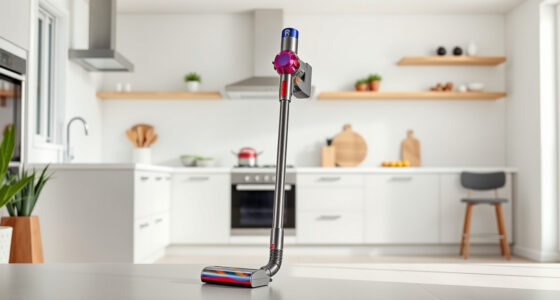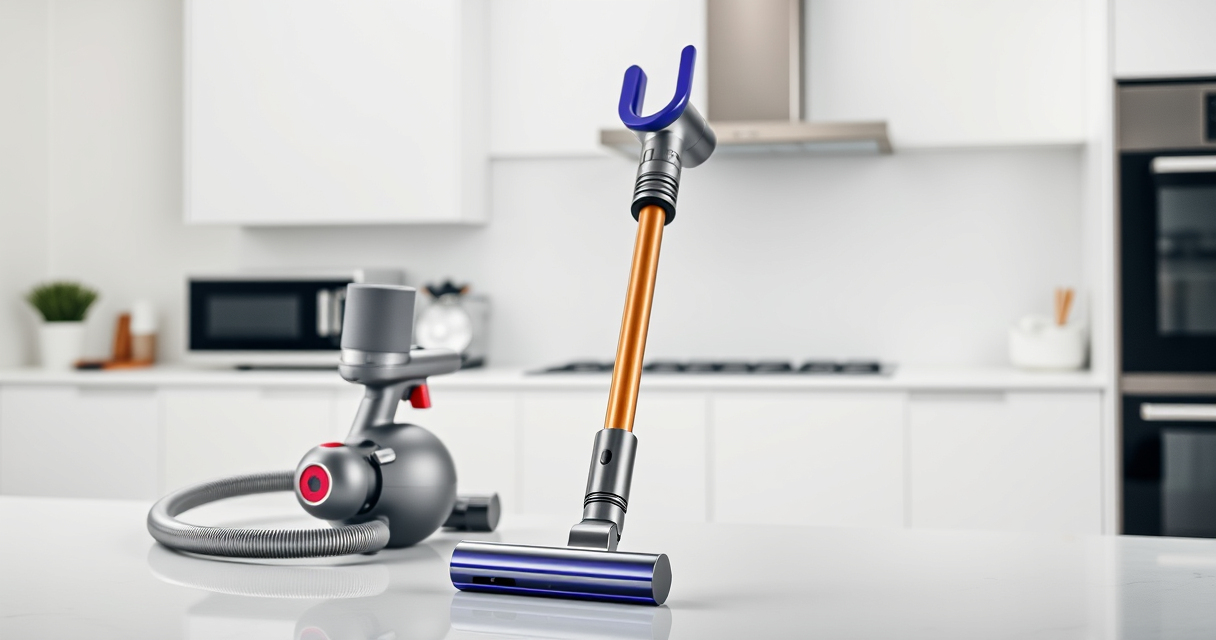

If your Dyson V15 Detect™ Origin Cordless Vacuum is losing battery life quickly, it can be frustrating and hinder your cleaning routine. Often, this issue stems from clogged filters, worn-out batteries, or other maintenance problems. This guide provides practical, safe steps to diagnose and fix common causes of rapid battery drain, ensuring your vacuum runs efficiently again.

Get cleaning gear delivered free — and shop member deals
- Fast, free delivery on millions of items
- Access to Prime Big Deal Days deals on October 6–7
- Prime Video, Amazon Music and more included
Before starting, make sure you have some basic tools like a soft cloth, water for cleaning filters, and possibly replacement filters or batteries if needed.
Key Takeaways
| Regular filter maintenance | Clean or replace filters to improve battery efficiency. |
| Check for blockages | Clear dust and debris from the vacuum’s intake and filters. |
| Replace worn-out filters or batteries | Ensure filters and batteries are in good condition. |
| Optimize usage modes | Use appropriate power modes to conserve battery. |
| Perform routine maintenance | Keep the vacuum clean for maximum performance. |
Step 1: Clean or Replace Filters
- Remove the pre-filters from your Dyson vacuum according to the user manual.
- Rinse the filters thoroughly with water, ensuring all dirt is washed away.
- Allow the filters to air dry completely for at least 24 hours before reinstalling.
- If filters are worn out or damaged, replace them with new ones (see the recommended filters below).
Step 2: Check for Blockages
- Inspect the vacuum’s wand, brush heads, and intake ports for obstructions.
- Remove any debris, hair, or dust that may be clogging airflow.
- Use a crevice tool to reach tight spots and clear hard-to-access areas.
Step 3: Assess and Replace the Battery
If your vacuum’s run time remains short despite cleaning filters and removing blockages, the battery may be worn out. Consider replacing the battery if it’s no longer holding charge effectively.
Note: Battery replacements should be performed by a qualified technician or authorized service center to ensure safety and compatibility.
Step 4: Reset and Test Your Vacuum
After cleaning filters and checking for blockages, fully charge your vacuum. Turn it on and observe if the battery lasts longer during use. Use the LCD screen to monitor remaining run time and performance alerts.
Additional Tips & Warnings
- Always use genuine replacement filters and batteries to avoid damage.
- Do not immerse electrical components in water or cleaning solutions.
- Perform regular maintenance every 1-3 months for optimal performance.
The Products in This Guide

Dyson V15 Detect™ Origin Cordless Vacuum
- ✔ Color: Origin White
- ✔ Charge Time: 3.5 hours
- ✔ Warranty: 2 years

LANMU Crevice Tool Vacuum Attachments Compatible
- ✔ Size: 10 inches
- ✔ Material: Plastic
- ✔ Warranty: N/A
Dyson V15 Detect™ Origin Cordless Vacuum
The Dyson V15 Detect™ Origin Cordless Vacuum offers excellent cleaning with its powerful suction, intelligent features, and long-lasting battery. Proper maintenance is key to keeping it performing at its best.
Pros:
- Powerful suction with 100% more power
- Intelligent debris detection
- Up to 60 minutes run time
- LCD screen for real-time updates
Cons:
- Battery replacement can be costly
- Filters require regular cleaning
- Heavy for some users
Best for: Deep cleaning households with pets and hard floors
Not ideal for: Best not for users seeking ultra-lightweight models
Bottom line: A high-performance vacuum that combines power and intelligence, with proper maintenance extending battery life.
LANMU Crevice Tool Vacuum Attachments Compatible
The LANMU Crevice Tool Vacuum Attachments compatible with Dyson models makes cleaning tight corners and small spaces much easier. It’s a versatile addition that enhances your vacuum’s reach.
Pros:
- Narrow nozzle for tight spots
- Compatible with multiple Dyson models
- Flexible and easy to maneuver
- Effective for cars and furniture
Cons:
- May require extra storage space
- Not suitable for very large debris
- Attachment might be fragile if mishandled
Best for: Cleaning corners, edges, and small crevices
Not ideal for: Not suited for large debris or heavy-duty cleaning
Bottom line: A practical tool to enhance your Dyson’s cleaning efficiency in tight spots.
Frequently Asked Questions
How often should I clean the filters on my Dyson V15?
It’s recommended to rinse the filters every 1-3 months, depending on usage, to maintain optimal suction and battery life.
Can a worn-out battery cause rapid battery drain?
Yes, an aging or damaged battery can reduce run time significantly. Replacing the battery can restore normal performance.
What should I do if my vacuum still loses power after cleaning filters?
Check for blockages, ensure filters are dry and properly installed, and consider replacing the battery if it no longer holds charge well.
Is it safe to replace the filters myself?
Yes, replacing filters is straightforward and safe if you follow the manufacturer’s instructions. Always use genuine parts.
Keep Your Dyson V15 Detect Running Like New
Regular maintenance, including cleaning filters, checking for blockages, and replacing worn parts, can significantly extend your vacuum’s battery life and overall performance. By following these steps, you’ll ensure your Dyson remains a powerful and reliable cleaning tool for years to come.
Affiliate disclosure: As an Amazon Associate we earn from qualifying purchases. Prices and availability are accurate as of the time of publishing.
Halloween Picks
halloween
As an affiliate, we earn on qualifying purchases.