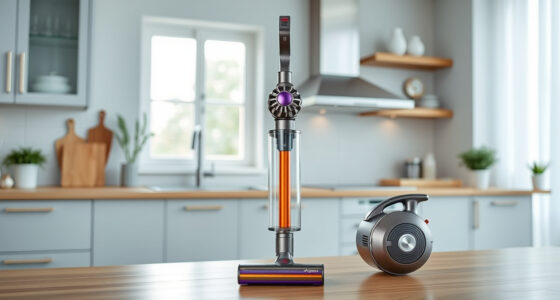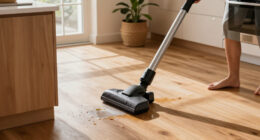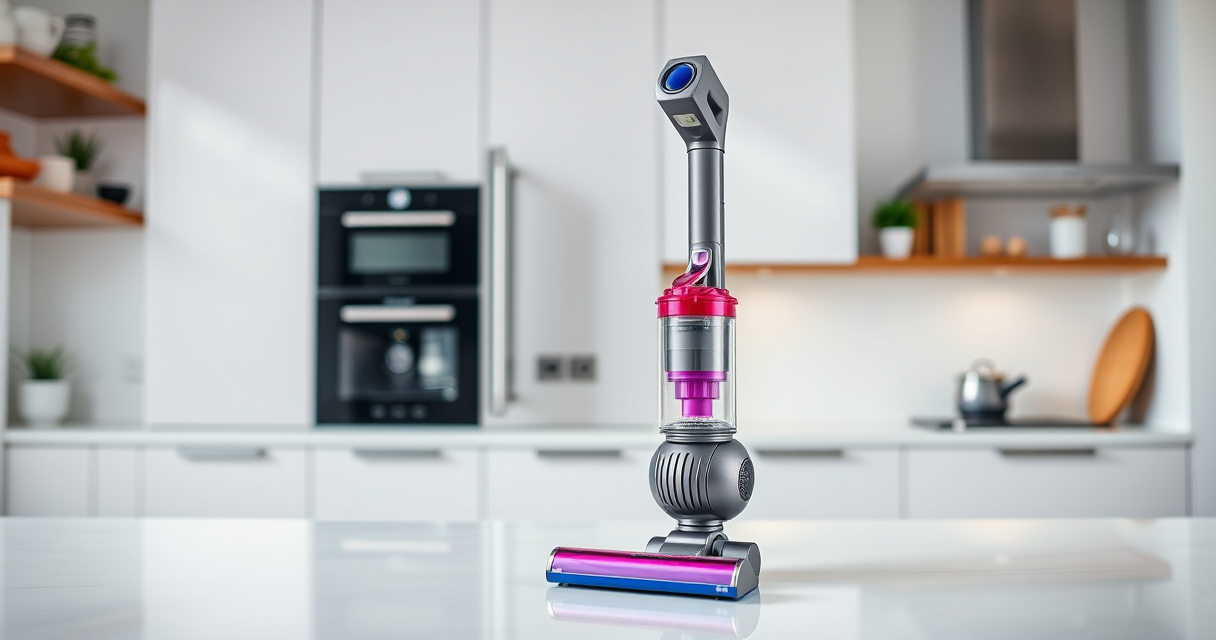
Maintaining your Dyson V15 Detect™ Origin cordless vacuum ensures optimal performance and longevity. Regular upkeep prevents common issues and keeps your home cleaning efficient and hassle-free.

Get cleaning gear delivered free — and shop member deals
- Fast, free delivery on millions of items
- Access to Prime Big Deal Days deals on October 6–7
- Prime Video, Amazon Music and more included
In this guide, you’ll find practical, step-by-step instructions on cleaning filters, brushes, batteries, and more, along with troubleshooting tips to resolve common problems safely and effectively.
Key Takeaways
| Regular Filter Cleaning | Clean filters every 2-3 months to maintain suction and airflow. |
| Brush Maintenance | Remove hair and debris from brushes weekly to prevent tangling. |
| Battery Care | Avoid complete discharges and store in a cool, dry place. |
| Filter Replacement | Replace filters as recommended to ensure high filtration efficiency. |
| Troubleshooting Common Issues | Identify and fix power, suction, or error alerts promptly. |
Cleaning and Replacing Filters
- Remove the vacuum from the wall mount or detachable unit.
- Locate the pre-filter and main filter (usually at the cyclone and motor areas).
- Wash filters with cold water without using detergents. Rinse thoroughly.
- Allow filters to air dry completely for at least 24 hours before reinstalling.
- Reinstall filters securely into the vacuum.
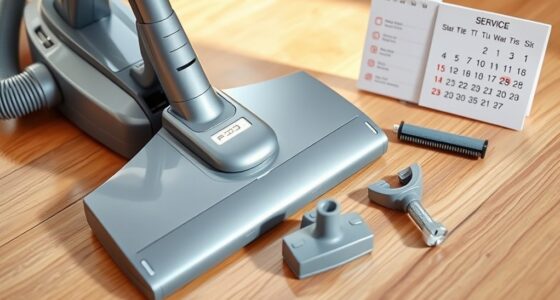
Maintaining the Brush Bar
- Turn off and unplug the vacuum before cleaning.
- Remove the brush head from the wand or cleaner head.
- Use scissors or a seam ripper to cut away tangled hair or fibers.
- Wipe the brush with a damp cloth if needed, then dry thoroughly before reattaching.
Inspecting and Replacing the Battery
Check for signs of reduced run time or overheating. If necessary, replace the battery following Dyson’s recommended procedures or consult professional service. Do not disassemble the battery pack yourself to avoid voiding the warranty or safety risks.
Troubleshooting Common Problems
- Loss of suction: Clean filters and check for blockages in the wand or cleaner head.
- Vacuum not turning on: Ensure the battery is charged and properly connected.
- Error messages on LCD: Refer to the user manual to interpret signals and reset the system.
Safe Maintenance Tips
- Always unplug the vacuum before cleaning or replacing parts.
- Use only recommended filters and attachments to avoid damage.
- Allow filters and parts to dry completely before reassembly.
- Handle filters gently to prevent tearing or damage.
The Products in This Guide

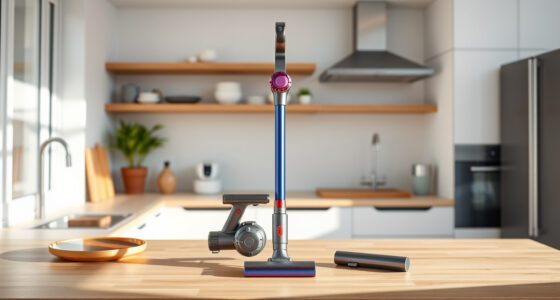
Dyson V15 Detect™ Origin Cordless Vacuum
- ✔ Color: Nickel/Blue
- ✔ Battery Type: Lithium-ion
- ✔ Warranty: 2 years

LANMU Crevice Tool Vacuum Attachments Compatible
- ✔ Color: Black/Yellow
- ✔ Weight: 0.3 lbs
- ✔ Package Includes: Nozzle and extension
Dyson V15 Detect™ Origin Cordless Vacuum
The Dyson V15 Detect™ Origin offers powerful cleaning with intelligent features like debris detection and a digital LCD, making maintenance straightforward and effective. Regular upkeep ensures you maximize its lifespan and performance.
Pros:
- Powerful suction with 100% more power
- Smart LCD screen provides maintenance alerts
- Long-lasting battery with 60-minute runtime
- Versatile with multiple cleaner heads
Cons:
- Filters require regular cleaning or replacement
- Can be heavy for prolonged use
- Price point may be high for some users
Best for: Whole-home deep cleaning, pet hair removal, hard floors, and carpets
Not ideal for: Users looking for lightweight, ultra-portable models or budget options
Bottom line: The Dyson V15 Detect™ Origin is a powerful, smart vacuum ideal for comprehensive home cleaning with proper maintenance.
LANMU Crevice Tool Vacuum Attachments Compatible
The LANMU Crevice Tool Vacuum Attachments are a versatile addition to your Dyson, allowing you to access tight spots and corners easily, making cleaning more thorough and less time-consuming.
Pros:
- Narrow nozzle for hard-to-reach areas
- Compatible with multiple Dyson models
- Flexible and slim design
- Effective for car interiors and furniture
Cons:
- Attachment may require careful handling
- Additional storage needed for accessories
- Limited to crevice-type cleaning
Best for: Cleaning corners, edges, car interiors, and tight spaces
Not ideal for: For general surface cleaning or large debris
Bottom line: A practical accessory that boosts your Dyson’s reach and cleaning precision.
Frequently Asked Questions
How often should I clean or replace the filters?
It’s recommended to wash filters every 2-3 months and replace them every 6-12 months depending on usage to maintain optimal performance.
Can I use any cleaning solution on the filters?
No, only rinse filters with cold water. Avoid using detergents or hot water, as this can damage the filters.
What should I do if my vacuum loses suction?
Check and clean the filters, clear any blockages in the wand or cleaner head, and ensure the dustbin is empty. Regular maintenance helps prevent this issue.
Is it safe to disassemble the battery for replacement?
No, disassembling the battery can be dangerous and may void your warranty. Use authorized services or follow Dyson’s instructions for battery replacement.
Keep Your Dyson V15 Detect™ Origin in Peak Condition
Regular maintenance is key to ensuring your Dyson cordless vacuum delivers powerful, efficient cleaning every time. Follow the steps outlined in this guide to keep filters, brushes, and other components in top shape, and troubleshoot common issues safely and effectively. Proper care extends your vacuum’s lifespan and maintains its smart features for a cleaner, healthier home.
Affiliate disclosure: As an Amazon Associate we earn from qualifying purchases. Prices and availability are accurate as of the time of publishing.
Halloween Picks
halloween
As an affiliate, we earn on qualifying purchases.