
Using the wrong floor setting on your vacuum reduces its suction power and cleaning effectiveness. It causes dirt and debris to scatter instead of being trapped, and prevents brushes from engaging properly. Over time, mismatched settings lead to faster wear on parts like brushes and filters, increasing repair costs. If you keep the correct setting, your vacuum will perform better and last longer. Stick around to discover how proper adjustments can save you time and money.

Get cleaning gear delivered free with Prime
- Fast, free delivery on millions of items
- Prime Video, Amazon Music and more included
- Member-only deals all year
Key Takeaways
- Incorrect settings reduce suction power, preventing effective dirt and debris removal.
- Using incompatible settings causes dirt to scatter, decreasing cleaning efficiency.
- Mismatched settings accelerate wear on brushes, belts, and filters.
- Poorly adjusted floors hinder brush engagement, especially on carpets and hard floors.
- Neglecting proper settings leads to performance decline and increased repair costs over time.
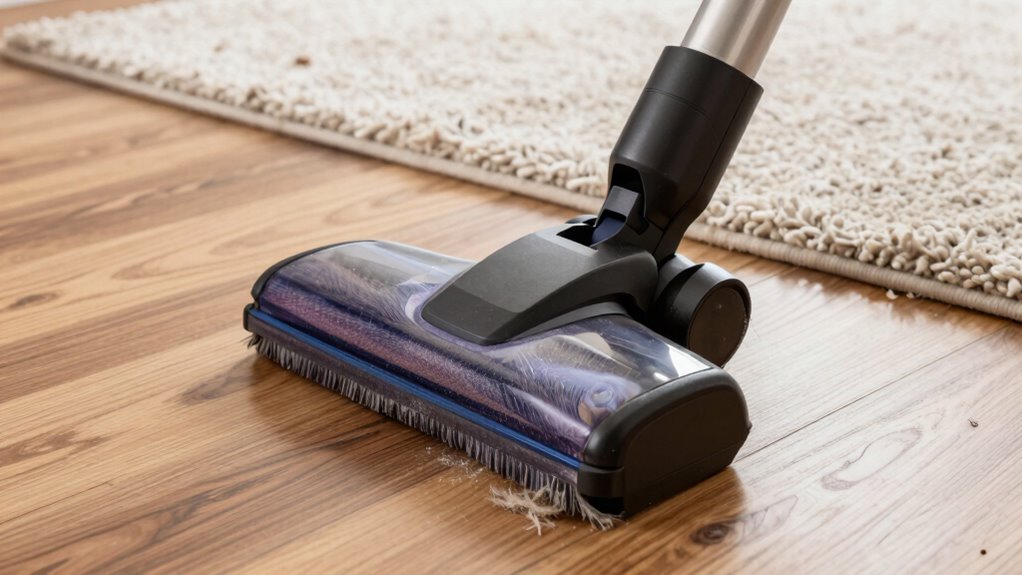
If you leave your vacuum on the wrong floor setting, you might not realize how much it’s hurting its performance until you notice it’s not cleaning effectively. The floor setting directly influences how well your vacuum picks up dirt, debris, and pet hair. When you ignore proper vacuum maintenance and fail to adjust the setting based on the floor type, your machine struggles to perform at its best. Each floor type has unique requirements, and using an incompatible setting can reduce suction power, make your vacuum work harder, and even cause unnecessary wear on its components.
Using the wrong floor setting harms vacuum performance and accelerates wear on its parts.
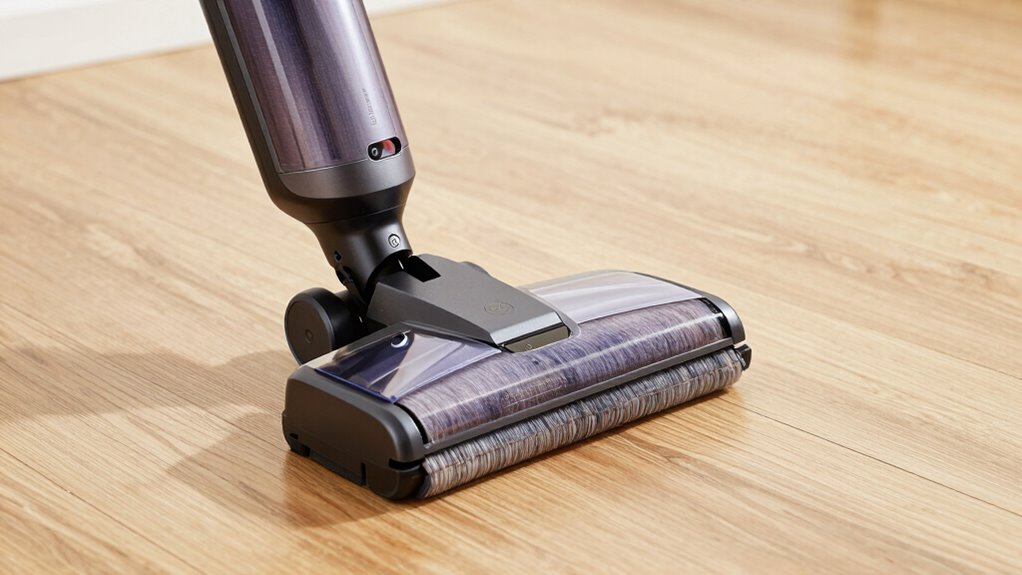
For example, if you’re cleaning a hard floor like tile or hardwood, using a setting designed for thick carpets can be problematic. A high pile setting might push too much air through the vacuum, scattering dust rather than trapping it. Conversely, if you set your vacuum too low or for a hard floor when you’re cleaning a plush carpet, the brush roll might not engage properly, and dirt can stay embedded deep in the fibers. This mismatch hampers vacuum maintenance because it accelerates wear on brushes, belts, and filters. Regularly checking and adjusting your vacuum’s floor compatibility ensures optimal performance and prolongs its lifespan. Additionally, understanding the design of your vacuum helps you make more informed decisions about which settings to use for different surfaces.
Over time, these issues can lead to decreased suction, reduced lifespan, and higher repair costs. Getting familiar with your vacuum’s floor type compatibility is key to maintaining peak performance. Most modern vacuums come with adjustable height settings or different brush modes that you can switch depending on the surface. It’s also beneficial to consult your vacuum’s manual or manufacturer’s guidance to understand the best practices for different floor types. When you switch to the correct setting, your vacuum can better adapt its suction and agitation to tackle different surfaces. This not only improves cleaning results but also preserves your vacuum’s longevity, saving you money and effort in the long run.
Neglecting to change the floor setting or ignoring the importance of compatible vacuum maintenance routines can cause your machine to work harder than necessary. When it works harder, components wear out faster, and you might find yourself cleaning more often or replacing parts sooner than expected. Properly adjusting the setting for each floor type ensures your vacuum operates efficiently, reducing strain on its motor and brushes. It’s a simple step that makes a substantial difference, helping you maintain a clean home without sacrificing your vacuum’s health or performance.
In the end, understanding your vacuum’s floor type compatibility and regularly maintaining it by adjusting settings appropriately extends its lifespan and keeps it functioning at its best. Don’t overlook this small but critical detail—your vacuum’s performance depends on it.
vacuum cleaner floor setting adjustment
As an affiliate, we earn on qualifying purchases.
As an affiliate, we earn on qualifying purchases.
Frequently Asked Questions
How Often Should I Change My Vacuum’s Brush Height?
You should change your vacuum’s brush height during regular vacuum maintenance, ideally every few months or when you notice a drop in cleaning performance. Adjust the brush height based on the floor type—lower for carpets, higher for hardwood or tile. Proper brush adjustment guarantees maximum contact with surfaces, preventing damage and improving suction. Check your vacuum’s manual for specific guidance, and make adjustments as needed to keep it running efficiently.
Can Floor Type Affect Vacuum Filter Efficiency?
Think of your vacuum like a ship steering through different waters—floor type impacts its journey. Floor compatibility affects how efficiently your vacuum filters dust and debris. If you ignore this, your filter maintenance becomes a struggle, trapping less and clogging faster. Choosing the right setting for your floors guarantees ideal filter performance, keeps your vacuum running smoothly, and extends its life. Always match your vacuum’s settings to your floor type for best results.
Do Vacuum Settings Impact Battery Life?
Yes, vacuum settings impact battery life because they influence power management and battery enhancement. When you use higher suction levels, the vacuum draws more power, reducing runtime. Conversely, lower settings conserve energy, extending battery life. Adjusting the right setting for your floor type helps balance cleaning efficiency and battery performance, so you can clean longer without recharging frequently. Properly managing these settings ensures ideal power use and prolongs your vacuum’s overall battery life.
Is There a Universal Setting for All Carpet Depths?
There isn’t a universal setting for all carpet depths because carpet compatibility varies. You should adjust the suction based on your carpet type to guarantee ideal cleaning. For deep carpets, increase the suction, while lower settings work better for delicate or low-pile carpets. Using adjustable suction allows you to customize your vacuum’s performance, preventing damage and ensuring thorough cleaning without wasting battery life.
How Do I Tell if My Vacuum Is Overheating?
Think of your vacuum motor like a car engine; if it gets too hot, it’ll overheat. You can tell if your vacuum is overheating when the motor sounds unusually loud or if it suddenly stops working. Many vacuums have overheating sensors that shut down the motor to prevent damage. If this happens, turn off the vacuum, let it cool down, and check for clogged filters or blocked vents.
Conclusion
So, next time you notice your vacuum isn’t performing well, ask yourself: have you checked the floor setting? Using the wrong one can seriously reduce its efficiency and even cause damage. Don’t overlook this simple step—your vacuum’s performance depends on it. Isn’t it worth taking a moment to verify you’re on the right setting? After all, a quick adjustment could save you time, effort, and money in the long run.
Halloween Picks
halloween
As an affiliate, we earn on qualifying purchases.