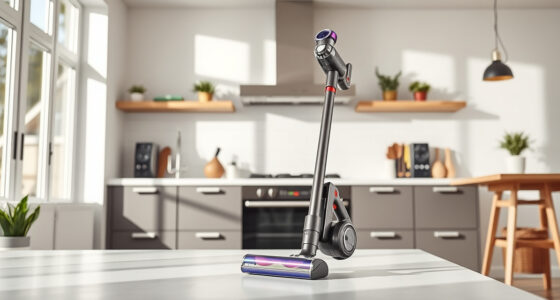
If your Dyson V15 Detect™ Origin Cordless Vacuum is pulsing on and off during use, it can be frustrating and affect cleaning efficiency. This guide provides clear, safe troubleshooting steps to identify and fix the issue, ensuring your vacuum performs at its best.

Get cleaning gear delivered free — and shop member deals
- Fast, free delivery on millions of items
- Access to Prime Big Deal Days deals on October 6–7
- Prime Video, Amazon Music and more included
Understanding common causes like clogged filters, blockages, or sensor errors will help you quickly resolve the problem and maintain your vacuum’s power and longevity.
Key Takeaways
| Filter Clogging | Dirty filters can cause pulsing; cleaning or replacing them often helps. |
| Blockages | Obstructions in the wand or brush bar disrupt airflow and trigger pulsing. |
| Sensor Issues | Dirt sensors may misdetect debris, causing the vacuum to pulse. |
| Battery or Motor Problems | Faulty batteries or motors can lead to inconsistent power. |
Check and Clean the Filters
- Remove the pre-filters and main filters from the vacuum according to the user manual.
- Wash the filters thoroughly with water, ensuring all dirt and debris are removed.
- Let the filters air dry completely, preferably for 24 hours, before reinstalling.
- Replace filters if they are damaged or excessively worn.
Inspect for Blockages
- Examine the wand, hose, and cleaner head for any debris or clogs.
- Remove obstructions carefully, ensuring airflow paths are clear.
- Check the brush bar for tangled hair or debris and clean as needed.
Reset and Check Sensor Function
Ensure the vacuum is on a flat surface. Turn it off, then turn it back on to reset.
If the LCD shows debris detection errors, clean the optical sensors located on the main unit, wiping gently with a soft, dry cloth.
Examine Battery and Motor
If pulsing persists, consider the battery health—ensure it’s sufficiently charged and seated properly.
Contact Dyson support if you suspect motor issues or abnormal noise, as these may require professional repair.
Additional Tips and Safety Warnings
- Always unplug or turn off the vacuum before cleaning filters or clearing blockages.
- Use only recommended filters and attachments to avoid damage.
- Do not immerse electronic parts in water or use harsh chemicals.
- If unsure about the cause, consult Dyson customer support for assistance.
The Products in This Guide

Dyson V15 Detect™ Origin Cordless Vacuum
- ✔ Battery Life: Up to 60 minutes
- ✔ Filtration: Advanced filters included
- ✔ Cleaning Heads: 2 versatile heads

LANMU Crevice Tool Vacuum Attachments Compatible
- ✔ Compatibility: Multiple Dyson models
- ✔ Design: Slim and flexible
- ✔ Application: Corners, car seats, furniture
Dyson V15 Detect™ Origin Cordless Vacuum
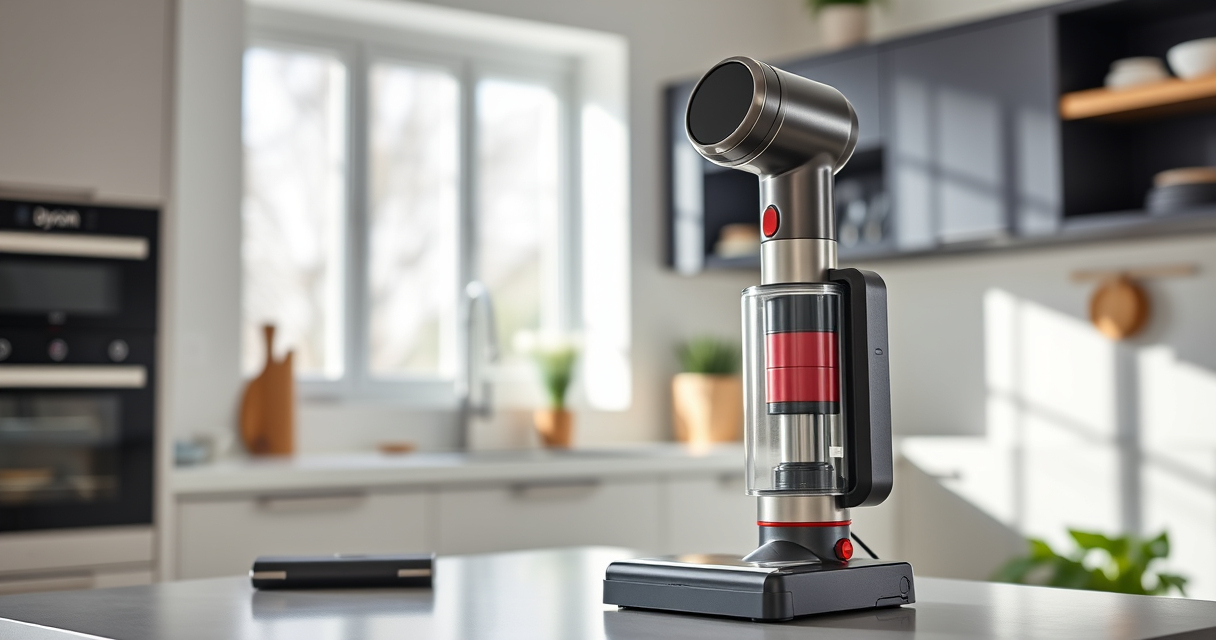
The Dyson V15 Detect™ Origin offers powerful suction, intelligent debris detection, and advanced filtration. Its pulsing issue can often be resolved with simple maintenance steps, making it a reliable cleaning partner.
Pros:
- Powerful suction and intelligent debris detection
- Long battery life of 60 minutes
- Easy filter cleaning and replacement
- Versatile with multiple cleaning heads
Cons:
- Filter maintenance required periodically
- Complexity for first-time users
- Potential sensor sensitivity issues
Best for: Homeowners seeking deep, efficient cleaning with minimal hassle
Not ideal for: Users uncomfortable with regular filter and sensor maintenance
Bottom line: Regular maintenance ensures your Dyson V15 Detect™ performs optimally without pulsing issues.
LANMU Crevice Tool Vacuum Attachments Compatible
The LANMU Crevice Tool vacuum attachments help reach tight corners and tricky spaces, complementing your Dyson V15 for comprehensive cleaning.
Pros:
- Narrow nozzle for tight spaces
- Compatible with multiple Dyson models
- Flexible and easy to maneuver
- Great for car and home cleaning
Cons:
- Attachment may be less sturdy with frequent use
- Requires proper storage to avoid damage
Best for: Cleaning edges, corners, and confined areas
Not ideal for: Heavy-duty cleaning or large debris removal
Bottom line: An essential tool to maximize your Dyson’s cleaning potential in hard-to-reach areas.
Frequently Asked Questions
Why does my Dyson pulsing on and off?
Pulsing typically indicates airflow issues caused by filters, blockages, sensor errors, or motor problems. Following troubleshooting steps can usually resolve it.
How often should I clean or replace filters?
Filters should be washed every 1-3 months and replaced if damaged. Reusable filters can be air-dried and reused for several months.
Can I fix pulsing myself or do I need support?
Many issues like filter cleaning or clearing blockages are DIY fixes. However, if problems persist, professional repair or contacting Dyson support is recommended.
Is it safe to wash the filters?
Yes, most Dyson filters are washable. Ensure they are fully dry before reinstalling to prevent damage or mold growth.
Keep Your Dyson V15 Detect Pulsing-Free
Regular maintenance, including cleaning filters and inspecting for blockages, is key to preventing pulsing issues. With proper care and troubleshooting, your Dyson cordless vacuum will deliver optimal performance for deep, hassle-free cleaning. If problems persist, don’t hesitate to reach out to Dyson support for professional assistance.
Affiliate disclosure: As an Amazon Associate we earn from qualifying purchases. Prices and availability are accurate as of the time of publishing.
Fall Picks
fall essentials
As an affiliate, we earn on qualifying purchases.