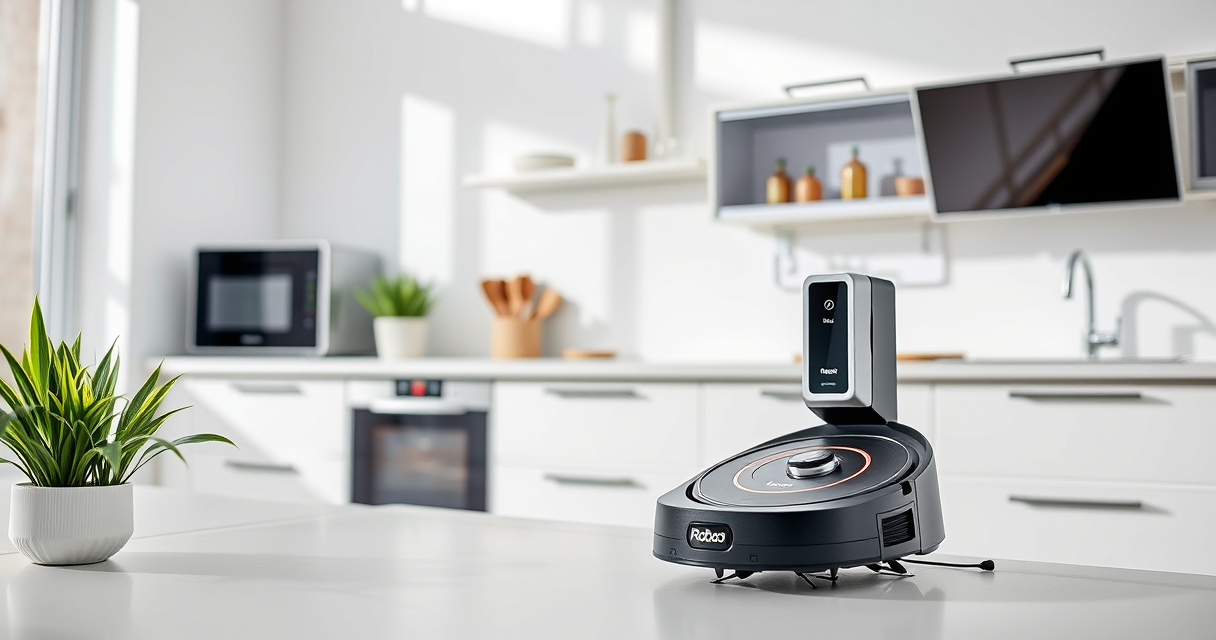
Roborock robotic vacuums, like the Q7 M5+ model, are powerful tools for maintaining a clean home. However, like all technology, they may encounter issues over time. This comprehensive guide offers step-by-step troubleshooting and maintenance tips to ensure your Roborock continues to operate at peak performance. From basic cleaning routines to fixing common problems, you’ll learn how to care for your device safely and effectively.

Get cleaning gear delivered free — and shop member deals
- Fast, free delivery on millions of items
- Access to Prime Big Deal Days deals on October 6–7
- Prime Video, Amazon Music and more included
Whether you’re dealing with connectivity issues, reduced suction, or cleaning inefficiencies, this guide provides practical solutions grounded in the product’s features and specifications. Regular maintenance not only prolongs the lifespan of your vacuum but also guarantees thorough cleaning for your home.
Key Takeaways
| Self-Emptying Convenience | The 2.7L sealed dust bag allows up to 7-9 weeks of maintenance-free cleaning. |
| Powerful Suction | Up to 10,000Pa suction strength ensures pet hair and debris are thoroughly removed. |
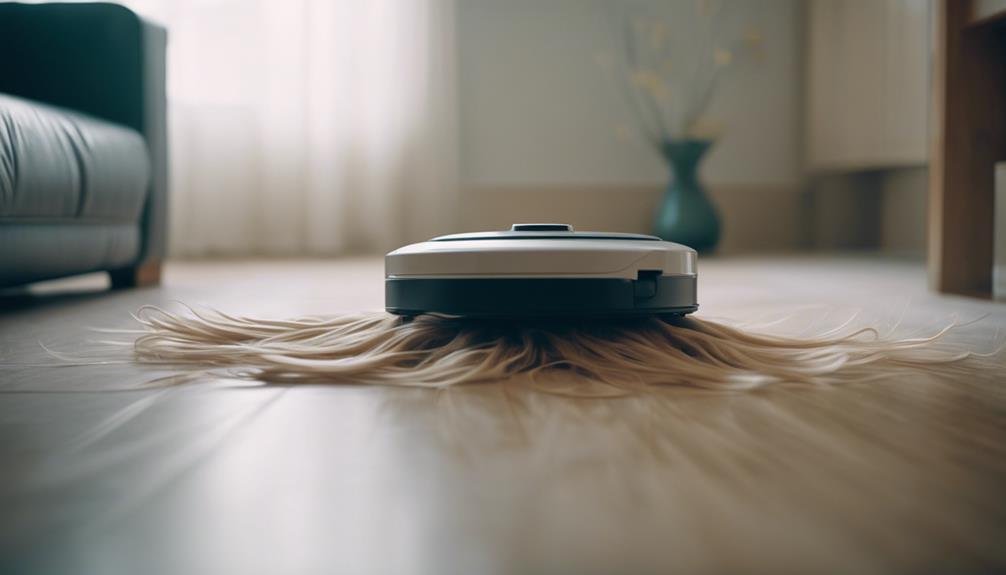
| Anti-Tangle System | Dual anti-tangle design reduces hair jams, saving time and frustration. |
| Navigation & Control | PreciSense LiDAR navigation and app control simplify operation and troubleshooting. |
Preparing Your Roborock for Troubleshooting
- Ensure your device is powered on and connected to Wi-Fi via the app. Check for updates to the firmware, as outdated software can cause operational glitches.
- Inspect the dust bag and filters. A full dust bag or clogged filters can reduce suction power. Replace or clean filters as needed.
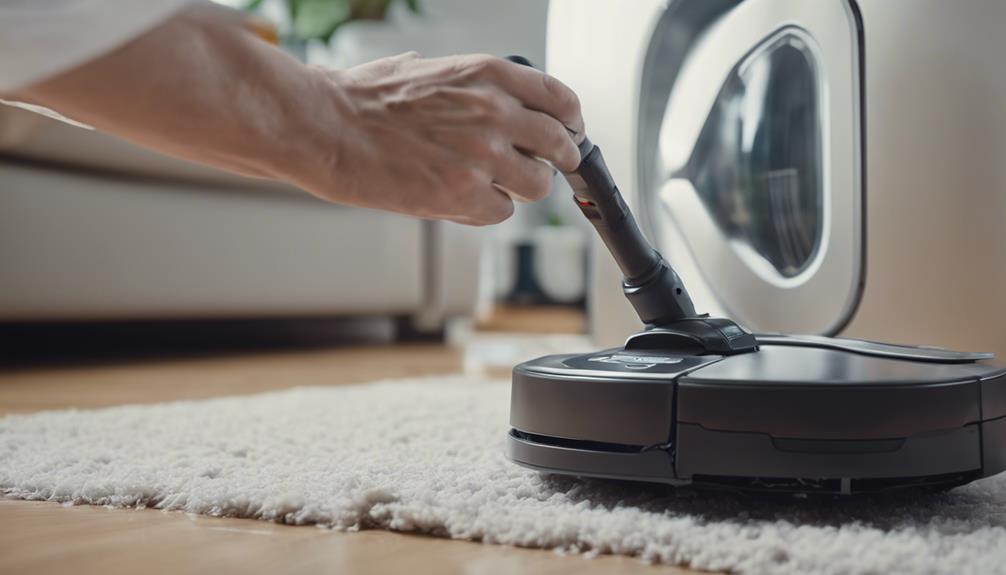
- Examine the brushes and anti-tangle system. Remove any hair or debris wrapped around the main brush and sidings.
- Verify the robot’s sensors and navigation system are unobstructed. Clean the LiDAR sensor and bumpers gently with a soft cloth.
Basic Troubleshooting Steps
- Robot Won’t Turn On: Press and hold the power button for 3 seconds. Check the charging dock and ensure the device is properly docked and charging.
- Device Not Connecting to Wi-Fi: Restart your router and the robot. Reconnect via the app, ensuring your Wi-Fi network is stable and 2.4GHz compatible.
- Poor Cleaning Performance: Clean the main brush, side brushes, and filters. Replace worn brushes and filters if necessary.
- Navigation Errors or Obstructions: Clear the robot’s path of obstacles and reset its mapping via the app.
Maintaining Your Roborock for Optimal Performance
- Regularly empty the dust bag, which can hold up to 2.7L of debris, lasting up to 9 weeks in typical use.
- Wash washable filters weekly to maintain strong suction and air quality. Replace filters every 1-3 months for best results.
- Deep clean or replace mop pads and brushes quarterly, especially if cleaning performance drops or if you notice stubborn dirt.
- Update firmware periodically through the app to access the latest features and bug fixes.
Handling Common Problems
If your Roborock Q7 M5+ experiences persistent issues such as frequent errors, low suction, or connectivity problems, follow these tailored solutions:
- Low Suction: Check for blockages in the main brush or filter. Replace filters with a washable 4-pack filter for sustained efficiency.
- Navigation Failures: Reset the map via the app and ensure sensors are clean and unobstructed.
- Self-Emptying Malfunctions: Confirm the dust bag is properly installed and not full. The RockDock Plus allows for 7-9 weeks of operation before needing attention.
Additional Tips and Warnings
Always power off your Roborock before cleaning internal parts or performing maintenance to avoid electrical hazards. Use soft, damp cloths for cleaning sensors and exterior parts—avoid harsh chemicals.
Be cautious when removing brushes or filters; some components may have small parts that can be lost if handled carelessly. Regularly check for firmware updates through the app to benefit from improved stability and features.
The Products in This Guide

roborock Q7 M5+ Robot Vacuum and Mop
- ✔ Weight: Approx 4 kg
- ✔ Charging Time: 3-4 hours
- ✔ Max Run Time: Up to 180 minutes

4 Pack Washable Filter
- ✔ Filter Type: HEPA
- ✔ Washable: Yes
- ✔ Replacements: Every 1-3 months
roborock Q7 M5+ Robot Vacuum and Mop
The Roborock Q7 M5+ Robot Vacuum and Mop combines powerful suction, advanced navigation, and a self-emptying system to deliver hassle-free home cleaning. Its 2.7L dust bag and 10,000Pa suction ensure deep cleaning with minimal maintenance. Regular care and troubleshooting help maximize its lifespan and performance.
Pros:
- Up to 9 weeks of maintenance-free cleaning
- Powerful 10,000Pa suction
- Advanced LiDAR navigation
- Dual anti-tangle system
Cons:
- Can be pricey to replace filters
- Requires regular filter cleaning
- Slightly larger footprint
Best for: Pet owners and busy households seeking low-maintenance cleaning
Not ideal for: Users looking for a budget-friendly option or minimal app control
Bottom line: Roborock Q7 M5+ offers impressive power and convenience with minimal maintenance required.
4 Pack Washable Filter
This 4-pack washable HEPA filters is a practical upgrade for your Roborock Q7 M5+, ensuring consistent suction and air quality. Easy to install and clean, they extend the lifespan of your device while reducing replacement costs.
Pros:
- Reusable and washable
- Compatible with multiple models
- Maintains strong suction
- Cost-effective over time
Cons:
- Requires regular washing
- Not OEM, but identical performance
- Limited to specific models
Best for: Owners prioritizing long-term filter maintenance
Not ideal for: Users seeking OEM parts or non-washable filters
Bottom line: A cost-effective, eco-friendly filter upgrade that keeps your Roborock performing at its best.
Frequently Asked Questions
How often should I replace the filters on my Roborock Q7 M5+?
It is recommended to wash the filters weekly and replace them every 1 to 3 months for optimal performance.
What should I do if my Roborock is not charging properly?
Ensure the charging dock is connected and unobstructed. Clean the charging contacts on both the dock and robot. Try resetting the robot and updating firmware if needed.
My vacuum is not suctioning well. What can I check?
Inspect the main brush and filters for blockages or hair tangles. Clean or replace filters and brushes as necessary. Confirm no obstructions in the suction pathway.
How do I reset my Roborock’s map or navigation system?
Use the app to delete and reinitialize the map. Ensure sensors are clean and the robot is operating in a well-lit, unobstructed environment.
Can I use my Roborock without the app?
Basic functions like starting cleaning or returning to dock are available without the app, but app control enhances troubleshooting and customization.
Keep Your Roborock Running Like New
Regular maintenance and troubleshooting are key to ensuring your Roborock Q7 M5+ continues to deliver powerful cleaning performance. By following this guide, you’ll be able to address common issues, perform routine care, and extend the lifespan of your device. A little proactive effort goes a long way in maintaining a spotless home with minimal hassle.
Affiliate disclosure: As an Amazon Associate we earn from qualifying purchases. Prices and availability are accurate as of the time of publishing.
Fall Picks
fall essentials
As an affiliate, we earn on qualifying purchases.