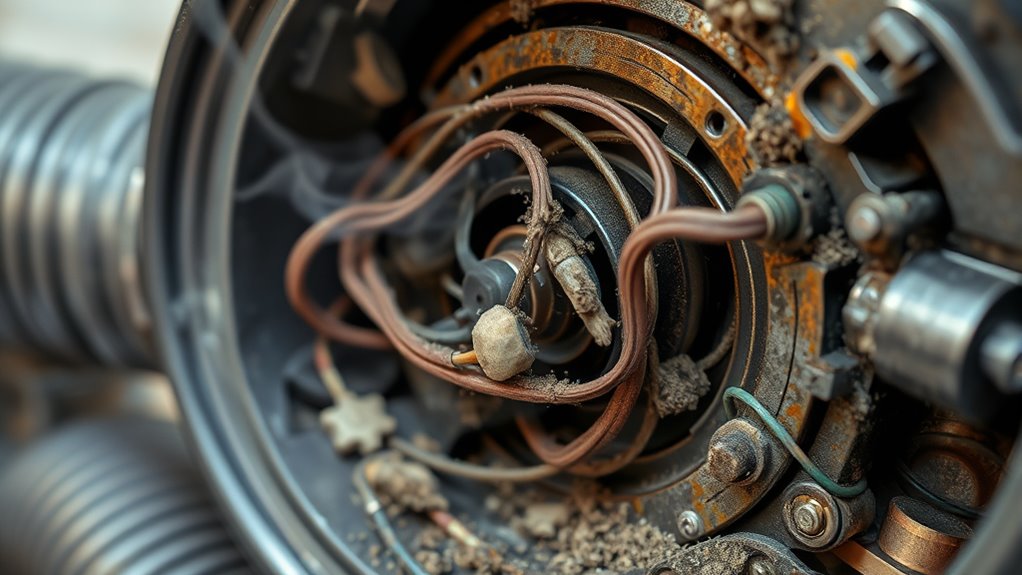

If your vacuum loses suction, makes loud noises, or emits burning smells, start by unplugging it and checking for clogs or debris blocking airflow. Inspect the hose for tears or loose connections, clean or replace filters, and clear any obstructions in the wand or brush roll. Worn belts or motor issues can also cause noise and smells. Addressing these issues promptly can restore performance, and further tips can help you troubleshoot more effectively.
Key Takeaways
- Check and clean filters, hoses, and internal pathways to restore suction and eliminate blockages.
- Inspect and replace worn belts or motor bearings to address noise issues.
- Remove hair, threads, and debris from the brush roll to prevent strain and noise.
- Turn off the vacuum and replace dirty filters to prevent motor overheating and burning smells.
- Regular maintenance and secure hose connections help prevent loss of suction, noise, and burning odors.

Vacuum problems can disrupt your cleaning routine and leave your floors less than spotless. One common issue that many people face is a loss of suction, which can happen for several reasons. When your vacuum isn’t pulling up dirt and debris effectively, it’s tempting to assume the problem is with the motor, but often, it’s something simpler. Check for filter clogs first; over time, filters trap dust and dirt, and if they become blocked, airflow decreases considerably. Regularly cleaning or replacing filters can restore power and improve suction. Another common culprit is hose leaks. If the hose has small tears or loose connections, air escapes, reducing suction strength. Inspect the entire length of the hose carefully, looking for cracks or holes, and replace or seal leaks as needed. Securing the hose connections tightly can also make a big difference.
Check for filter clogs and hose leaks to restore your vacuum’s suction power effectively.
Besides filter clogs and hose leaks, blockages in the wand or brush roll can cause similar issues. Debris can build up inside these parts, impeding airflow. Remove and clear any obstructions to keep the vacuum functioning properly. Sometimes, the issue isn’t just with the cleaning head but with the internal pathways. Use a long, flexible brush or stick to gently dislodge any buildup in the intake or hose. Keeping these pathways clear ensures maximum suction. Regular maintenance is essential, as neglecting it can lead to decreased efficiency and potential damage.
On the other hand, if your vacuum is making unusual noises, it could be due to a different set of problems. Loud or grinding sounds often indicate that something is jammed or that parts are worn out. Check the brush roll; hair, threads, and debris can wrap around it, causing strain on the motor and noise. Remove any tangled material and ensure the brush rotates freely. If the noise persists, it could be a sign of a worn belt or motor bearing issues, which might require replacing parts.
Burning smells are a clear sign that something’s wrong internally. They usually point to motor overheating or electrical issues. If you notice a burning odor, turn off the vacuum immediately to prevent further damage. Check for obstructions or debris that might be causing the motor to strain. Also, inspect the filter and replace it if it’s excessively dirty, as a clogged filter can cause the motor to overheat. If the smell continues after cleaning and replacing filters, there may be a more serious electrical fault, and it’s best to have a professional take a look. Regular maintenance and prompt troubleshooting can extend your vacuum’s lifespan and keep your home clean and safe. Additionally, being aware of the resources and tools available can help you better diagnose and fix common vacuum issues.
Top picks for "troubleshoot loss suction"
Open Amazon search results for this keyword.
As an affiliate, we earn on qualifying purchases.
Frequently Asked Questions
Can a Clogged Filter Cause Burning Smells in the Vacuum?
Yes, a clogged filter can cause a burning smell in your vacuum. When the filter is blocked, the motor has to work harder, generating excess heat. This increased heat can produce a burning odor. To fix this, you should check and replace or clean the filter regularly. Ensuring your filter is clear helps prevent overheating and keeps your vacuum running smoothly without that unpleasant burning smell.
How Often Should I Replace Vacuum Belts to Prevent Suction Loss?
You should replace your vacuum belt every 6 to 12 months to maintain peak suction. Regular vacuum belt replacement ensures proper suction maintenance and prevents loss of power during cleaning. Check your belt periodically for signs of wear, cracks, or fraying, and replace it promptly if you notice any issues. Staying on top of vacuum belt replacement keeps your vacuum functioning smoothly and extends its lifespan.
Is It Safe to Use a Vacuum With a Burning Smell?
It’s not safe to use a vacuum with a burning smell because it indicates overheating or electrical issues. Ignoring the smell can cause damage or even a fire hazard. For vacuum safety, turn off the device immediately and unplug it. Check for any visible signs of damage or burning components. If you’re unsure, it’s best to have a professional inspect and repair the vacuum before using it again to prevent accidents.
What Are the Signs of a Failing Motor Causing Noise?
You’ll notice signs of a failing motor through increased motor vibrations and abnormal noises, such as grinding, squealing, or rattling sounds. These noises often indicate worn-out bearings or internal components. If your vacuum suddenly starts making unusual sounds or vibrates excessively, it’s a clear sign the motor might be deteriorating. Address these issues promptly to prevent further damage and ensure your vacuum continues to function effectively.
Can Improper Bag Placement Lead to Suction Issues?
Improper bag placement can definitely cause suction issues. When you don’t position the bag correctly or use improper compression, it creates a leak or reduces vacuum pressure. This prevents the system from maintaining proper suction, leading to performance problems. You should make certain the bag is properly aligned and securely compressed. Double-checking these factors often solves suction problems caused by improper bag placement and compression.
Conclusion
If you follow these troubleshooting tips, you’ll keep your vacuum running smoother than a racecar on a track. Don’t let a loss of suction, strange noises, or burning smells turn your cleaning into a nightmare. Regular maintenance can save you from the chaos of a broken machine. Remember, catching issues early is like wielding a superhero’s power—saving you time, money, and frustration. Keep your vacuum in top shape, and it’ll serve you faithfully for years to come!